
How to Check If Nothing Phone 3 Is Original: Authenticity Guide
Check a Nothing Phone 3’s authenticity by matching the IMEI across the dialer, Settings, and box; testing the Glyph Matrix hardware; and comparing its specs to the official configuration. Nothing publishes no public IMEI-verification portal, so genuine verification means combining several independent checks — no single test proves the physical phone in your hands is original.
On this page
Check a Nothing Phone 3’s authenticity by matching the IMEI across the dialer, Settings, and box; testing the Glyph Matrix hardware; and comparing its specs to the official configuration.
Who this guide helps
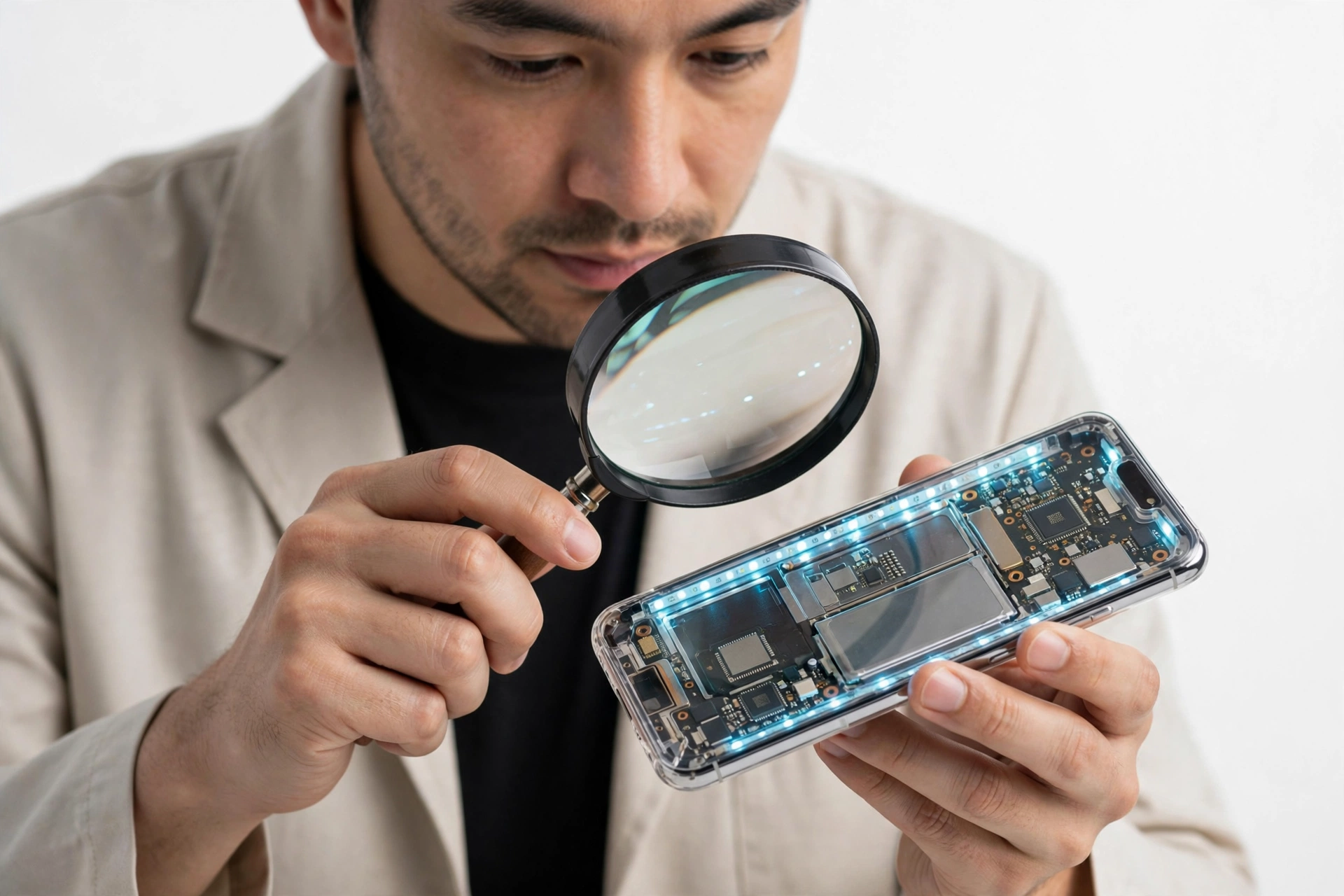
This guide is for anyone considering a Nothing Phone 3 — new, used, or discounted — who wants to confirm the device is a genuine Nothing product before paying for it or trusting it with personal accounts. It also helps owners who bought a Phone 3 and want to double-check after noticing something odd: sluggish performance, missing features, or software that does not behave like Nothing OS. (Source: en.wikipedia.org)
The Phone 3 is Nothing’s first true flagship, launched in July 2025 at a flagship price ($799 for the 12GB/256GB model, $899 for the 16GB/512GB model, per launch reporting). That premium positioning, combined with Nothing’s distinctive transparent design and its status as the fastest-growing smartphone brand of 2025 (per IDC reporting cited in Indian press), makes it exactly the kind of phone counterfeiters target: desirable, visually distinctive, and sold through many third-party marketplaces. Nothing itself has publicly acknowledged the counterfeit problem — its executives have discussed finding more than a thousand fake Nothing products, and the company has run joint operations with police in India to seize counterfeit accessories.
Scope note: This guide is specifically about the Nothing Phone 3 (announced July 1, 2025). The Phone 3 is a different device from the Nothing Phone 2a and Phone 3a — different chip, different camera system, different back design. If you are checking a 2a, see our dedicated guide at How to Check If Nothing Phone 2a Is Original. For the broader Nothing lineup, see How to Check If a Nothing Phone Is Original.
1. Start with the official specification snapshot
Before running any check, know exactly what a genuine Phone 3 is. Counterfeit phones are usually caught fastest at this stage: the seller’s listing describes a configuration Nothing never made. The specifications below are drawn from launch reporting in July 2025 and Nothing’s official materials. Memorize the disqualifiers — they end most fake hunts in under a minute.
| Specification | Official detail | What a fake often gets wrong |
|---|---|---|
| Announced | July 1, 2025 (London launch event) | Claiming an earlier or different launch year |
| Chipset | Qualcomm Snapdragon 8s Gen 4 (4nm) | MediaTek, Snapdragon 6/7-series, or vague “octa-core” claims |
| RAM / storage | 12GB + 256GB or 16GB + 512GB, UFS 4.0 (no 128GB option exists) | “8GB + 128GB” or “128GB” Phone 3 — a configuration Nothing never sold |
| Display | 6.67-inch 1.5K AMOLED (2800 × 1260), 120Hz, HDR10+, up to 4,500 nits peak, Gorilla Glass 7i | Wrong size, 60Hz-only, no HDR, generic “HD screen” |
| Rear cameras | Triple 50MP: main (1/1.3-inch, OIS) + ultra-wide (114°) + 3x periscope telephoto (OIS, macro) | Dual cameras, fake “108MP” claims, no working periscope zoom |
| Front camera | 50MP | Low-resolution selfie camera (16MP/32MP) |
| Back design | Transparent three-column back with Glyph Matrix (489-micro-LED disc), Glyph Button | LED light strips like the 2a, non-functional dot display, painted-on “components” |
| Battery | 5,150–5,500mAh silicon-carbon (varies by region reporting), 65W wired, 15W wireless | Wrong capacity, no wireless charging, slow-only charging |
| Build | Aluminum frame, Gorilla Glass Victus back, IP68, 218g, 8.99mm | Plastic frame, no IP rating, noticeably wrong weight |
| Side buttons | Essential Key (dedicated AI button) in addition to volume and power | Missing Essential Key |
| Software | Nothing OS 3.5 based on Android 15; 5 years of OS updates, 7 years of security patches | Skinned Android with bloatware, no Nothing OS features |
| Colors | Black and White | Colors Nothing never offered |
| Connectivity | 5G (SA/NSA), Dual SIM with eSIM, Wi-Fi 7, NFC, optical in-display fingerprint | Missing 5G bands, no eSIM, side-mounted fingerprint |
| US launch price | $799 (12/256) / $899 (16/512) | A “new” Phone 3 at a fraction of this price is a red flag (see the price section below) |
The single most useful line in that table is the storage row: Nothing sells the Phone 3 only in 12GB/256GB and 16GB/512GB configurations. A listing for a “Nothing Phone 3, 8GB + 128GB” describes a phone that does not exist. That alone settles the question.
2. Check 1: IMEI and serial number cross-match
The IMEI (International Mobile Equipment Identity) is the standard first check for any phone. Dial *#06# on the phone — the standard method documented for Nothing phones — and the IMEI and serial number appear in a pop-up. You can also find them in Settings → About phone. Now cross-match three sources:
- The dialer result (*#06# on the physical phone)
- Settings → About phone (the software-reported IMEI and serial)
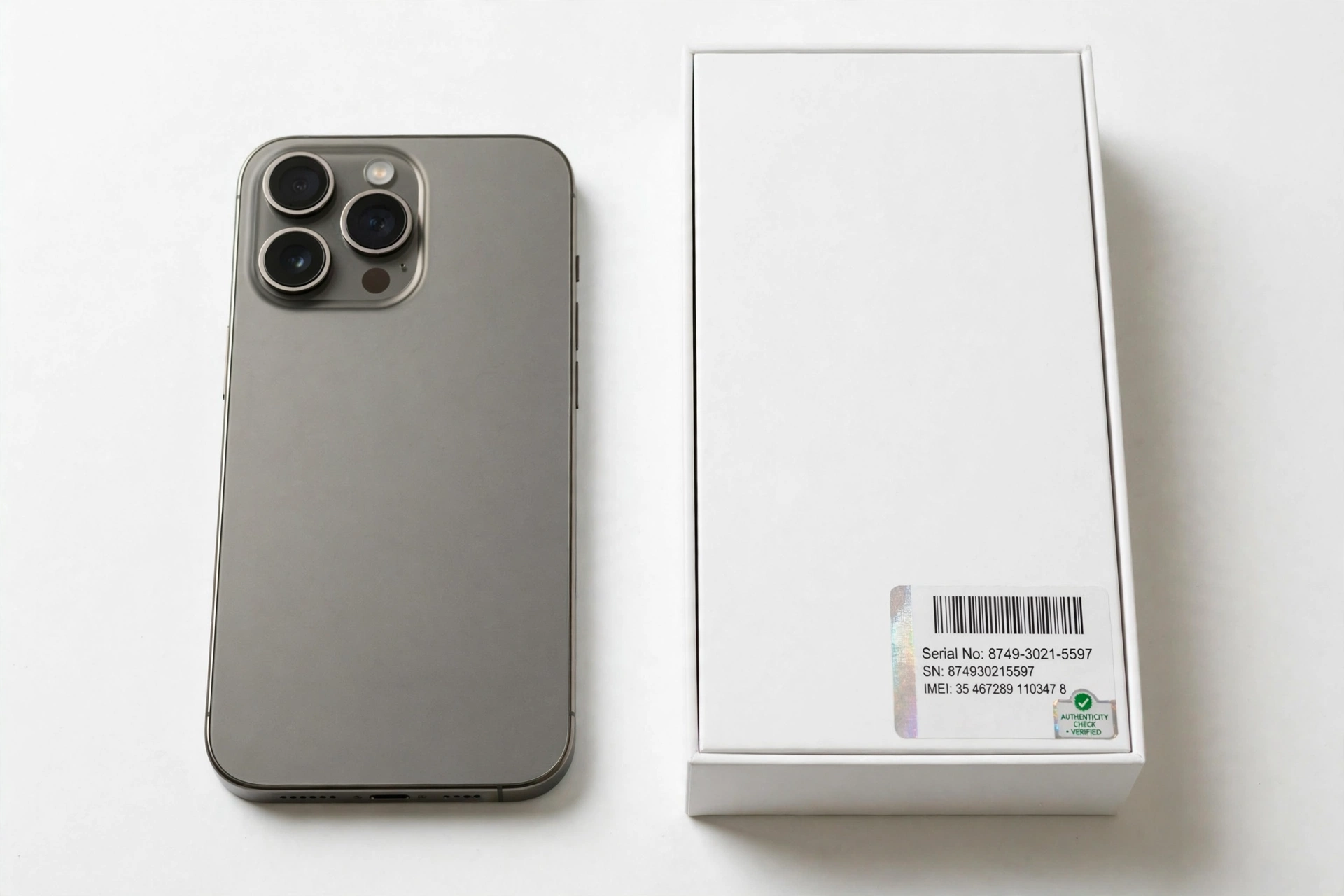
- The retail box label (the sticker on the original packaging)
On a genuine phone, all three agree. A mismatch between the dialer’s IMEI and the box label is a strong sign something is wrong — either the box is not the phone’s original box, or the phone’s software has been altered.
Stop for safety: A valid-looking IMEI alone proves nothing about the physical phone. Counterfeiters routinely copy real IMEIs from genuine devices and program them into fakes. A third-party IMEI lookup that returns “Nothing Phone 3” only confirms the number exists in a database — it cannot confirm the device in your hands is the one that number belongs to. Always combine this check with the hardware and software tests below.
What third-party IMEI lookups can and cannot tell you
Nothing, unlike some brands, publishes no public IMEI-authentication portal where you can type in a number and get an official genuine/fake verdict. Independent guides note that manufacturers including Nothing have warranty-check channels, but for a direct originality verdict you must rely on the combined checks in this guide. Third-party IMEI lookup sites can confirm the reported model and whether the IMEI is formatted correctly, and can flag blacklisted (reported lost or stolen) numbers — both useful, but neither is an authenticity certificate.
3. Check 2: the Glyph Matrix functional test
This is the Phone 3’s signature authenticity test — and the one no counterfeit has been shown to replicate convincingly. The Phone 3 replaced the LED light strips of earlier Nothing phones with the Glyph Matrix: a micro-LED disc display on the back of the phone made of 489 individually lit LEDs (a roughly 25×25 dot matrix), controlled by a dedicated Glyph Button under the rear glass.
On a genuine Phone 3, the Glyph Matrix is a working display, not decoration. Test it:
- Flip the phone face-down and have someone call it, or trigger a notification. The Glyph Matrix should light up with caller or notification information.
- Press the Glyph Button and cycle through the modes. You should see functional widgets: a digital clock, a stopwatch, a battery-level indicator, a compass-style display, and a low-resolution mirror mode.
- Try the Glyph Toys — the playful micro-experiences Nothing ships on the device, such as the spin-the-bottle and rock-paper-scissors games. These are software-driven features of the genuine Glyph Matrix.
- Assign a custom contact image in the Glyph settings. A genuine Phone 3 lets you display custom images for specific contacts on the Matrix.
A counterfeit will fail this test in obvious ways: the “Glyph Matrix” is a printed circle, a static sticker, or a few decorative LEDs that blink but cannot display a clock, a stopwatch, or games. If the dot-matrix display cannot show information, the phone is not a genuine Phone 3 — this is as close to a single decisive hardware test as exists for this device.
Quick fact: The Glyph Matrix is precisely what distinguishes the Phone 3 from the Phone 2a at a glance. The 2a has the older Glyph Interface — LED light strips around the back. A “Phone 3” with light strips instead of the micro-LED disc is either a mislabeled 2a or a fake. Compare against our Nothing Phone 2a authenticity guide if you suspect a model mix-up.
4. Check 3: transparent design and physical inspection
Nothing’s transparent back is iconic — and difficult to fake well. On a genuine Phone 3:
- The transparent three-column back reveals real internal structure: visible screws, shielding, wireless-charging coil, and flex cables with clean, precise assembly. Nothing’s own design materials describe the layout as inspired by transit-map lines and shapes.
- The camera arrangement is deliberately asymmetric — Nothing’s head of design has discussed this publicly. A “Phone 3” with a perfectly centered, generic camera island should raise suspicion.
- Build materials: aluminum frame, Gorilla Glass 7i on the front, Gorilla Glass Victus on the back. The phone should feel dense and rigid at 218g — not light, hollow, or creaky.
- The Essential Key is a real, clickable side button that opens Nothing’s Essential Space AI features. On a fake it is often a non-functional nub or missing entirely.
- The in-display fingerprint sensor is optical and positioned under the display. A side-mounted or rear-mounted fingerprint sensor means the phone is not a Phone 3.
- Branding and text on the back and frame should be crisp, correctly spelled, and precisely aligned. Smudged logos, spelling errors, or crooked text are classic counterfeit tells.
Also check the practical details: the USB-C port should be centered and cleanly cut, the SIM tray should eject smoothly and seat flush, and button travel should feel consistent. Counterfeits often betray themselves in these small machining details before anything else.
5. Check 4: Nothing OS software signs
A genuine Phone 3 runs Nothing OS 3.5 based on Android 15. Counterfeit Android phones typically run a generic Android build skinned to vaguely resemble the target brand — and the disguise falls apart under inspection.
- Settings → About phone should report the Snapdragon 8s Gen 4 chipset, the correct RAM and storage (12/256 or 16/512), and Nothing OS 3.5. If it claims different hardware than the box or the chipset line looks wrong, stop.
- The Nothing OS look and feel is distinctive: the dot-matrix font system-wide, the monochrome widget style, and the signature Nothing wallpaper set. A generic Android launcher with a Nothing wallpaper pasted on top is not Nothing OS.
- Nothing-exclusive features should be present and working: the Glyph Matrix controls, Essential Space (via the Essential Key), Essential Search, and the Flip-to-Record transcription feature. These are Nothing software features a clone cannot reproduce functionally.
- System updates: go to Settings → System → System update. A genuine Phone 3 contacts Nothing’s update servers. Nothing promises 5 years of Android OS updates and 7 years of security patches for this device — a phone that cannot check for updates, or reports an ancient security patch level with no updates available, is suspicious.
- Pre-installed apps: Nothing OS is famously near-stock and bloatware-free. A phone full of unfamiliar third-party apps, alternative app stores, or aggressive “cleaner” utilities is a red flag.
Stop for safety: Do not sign in to your Google account, Nothing account, or any banking or payment app on a phone you suspect is counterfeit. A fake phone’s software can include spyware or modified system components designed to harvest credentials. Complete every authenticity check first — only sign in once you are confident the device is genuine.
6. Check 5: camera system verification
The Phone 3’s camera system is expensive hardware that counterfeits cannot reproduce: three 50MP rear sensors including a 3x periscope telephoto with OIS and macro capability, plus a 50MP front camera. Test it:
- Open the camera app and cover each rear lens in turn with a fingertip while watching the preview. On a genuine triple-camera phone, covering the active lens blacks out the preview; on many fakes, only one lens is real and the others are decorative.
- Test the 3x telephoto specifically. Switch to 3x zoom and photograph fine text at a distance. A genuine periscope telephoto resolves detail; a fake using digital crop from the main sensor produces mush.
- Check the front camera resolution in the camera settings or by examining a selfie at full size. A genuine Phone 3 has a 50MP front camera — a 16MP or 32MP selfie camera is a disqualifier.
- Record 4K video at 60fps if the option exists. The genuine Phone 3 supports 4K60 on its cameras per launch reporting.
7. Check 6: packaging and box contents
Genuine Nothing packaging is minimalist and precisely manufactured. Check:
- The box should be rigid, cleanly printed, with correct Nothing branding, the exact model name (“Phone (3)”), the correct RAM/storage variant, and an IMEI/serial sticker that matches the phone.
- Box contents: per launch reporting, the Phone 3 ships with the phone and a 1-meter USB-C cable. The charging adapter is sold separately — a box stuffed with a “free” suspicious charger and piles of accessories is not how Nothing packages this phone.
- Documentation: a genuine box includes proper quick-start materials and warranty information. Blurry printing, spelling errors, or missing documentation are red flags.
- Seals: factory seals should be intact and professionally applied on a “new” unit.
8. The 10-check authenticity worksheet
Work through this worksheet in order. Each check states what it proves and where it falls short — because, as noted above, no single check is decisive on its own.
| # | Check | What it proves | Limitations |
|---|---|---|---|
| 1 | Spec snapshot vs. listing (Section 1) | Catches invented configurations like “8GB + 128GB” instantly | Does not verify the physical unit |
| 2 | IMEI/serial cross-match: *#06# = Settings = box | Confirms the number belongs to this unit’s paperwork | Copied real IMEIs can pass; proves the number, not the phone |
| 3 | Glyph Matrix functional test (clock, stopwatch, games) | A working micro-LED disc display is the hardest hardware to fake | Requires hands-on access to the device |
| 4 | Transparent back and physical inspection | Real internal structure, correct materials and weight | Subjective; best combined with other checks |
| 5 | Nothing OS 3.5 / Android 15 software signs | Genuine Nothing software with exclusive features | Skins can mimic the look superficially |
| 6 | Camera system test (periscope zoom, 50MP front) | Expensive optics fakes cannot reproduce | Requires hands-on testing |
| 7 | Essential Key and in-display fingerprint | Phone-3-specific hardware features | Minor; supporting evidence only |
| 8 | Packaging and box contents | Factory packaging matches the unit | Boxes can be faked or swapped |
| 9 | Purchase channel (authorized vs. unknown seller) | Authorized channels rarely sell counterfeits | Does not verify a specific unit |
| 10 | Price realism ($799/$899 baseline) | Extreme discounts signal counterfeit risk | Legitimate sales and used prices vary |
9. Where to buy — and where fakes come from
Nothing’s own executives have given the clearest buying guidance available: purchase from Nothing directly, from CMF/Nothing official channels, or from established authorized retailers, and be wary of marketplace listings. Their specific warnings, reported by Android Central, are worth repeating:
- Check the exact brand name on the listing. Counterfeit listings often use random brand names alongside official Nothing product images, tricking buyers into thinking they are buying from Nothing.
- Watch for “compatible with” phrasing. This language is used to appear in search results for Nothing products without directly misusing the brand name.
- Check the number of ratings. If a listing has only tens or hundreds of ratings, it is more likely to be counterfeit.
- Price is a signal. As Nothing’s executive put it: if a deal looks too good to be true, it usually is.
Nothing also says customers can report listings they believe are fake, and the company will take action. The company has publicly described joint enforcement operations with police against counterfeit sellers.
| Channel | Risk level | Notes |
|---|---|---|
| Nothing’s official store / website | Lowest | Direct from the manufacturer |
| Authorized carriers and major retailers | Low | Established supply chains, return policies |
| Large marketplaces, sold by the platform or known sellers | Moderate | Check seller ratings and exact brand name |
| Marketplace listings from unknown third-party sellers | High | Where most counterfeit reports originate |
| Social-media ads and messaging-app sellers | Highest | No buyer protection, no verifiable identity |
The same marketplace caution applies across brands — buyers considering Samsung’s foldable flagship alongside the Phone 3 can see our Galaxy Z Fold 7 authenticity guide for similar seller-verification steps.
10. Price realism: the too-good-to-be-true test
The Phone 3 launched at $799 (12GB/256GB) and $899 (16GB/512GB) in the US. Use those figures as your anchor:
- A “new” Phone 3 at half the launch price from an unknown seller is almost certainly counterfeit or a scam listing. Genuine new units do not sell at 50% off outside of major, verifiable promotional events.
- Used prices legitimately fall below retail — but a used Phone 3 at a small fraction of retail, especially from a seller who cannot show the original box, receipt, or purchase history, deserves the full worksheet above.
- “Wholesale” or “bulk” offers of new Phone 3 units at deep discounts, particularly through messaging apps, are a classic counterfeit distribution pattern.
11. Counterfeit vs. refurbished vs. gray-market: different problems, different remedies
Not every suspicious phone is a counterfeit. Three different situations get confused, and they call for different responses:
| Situation | What it means | How to tell | What to do |
|---|---|---|---|
| Counterfeit | Not made by Nothing; imitation hardware and software | Fails the Glyph Matrix, camera, and software tests above | Do not use it; request a refund; report the seller and the listing to Nothing |
| Refurbished sold as new | Genuine Phone 3, previously used, cosmetically restored | Passes hardware/software tests but shows wear under close inspection, non-original box, no factory seals | A genuine phone at a fair refurbished price is fine — the issue is only misrepresentation; negotiate or return |
| Gray-market import | Genuine Phone 3 intended for another region | Passes all tests; box labeling, charger, or warranty terms reference another market | Hardware is genuine; confirm warranty coverage applies in your country before buying |
12. What to do if your Phone 3 is fake
- Stop using it for anything sensitive. Do not sign in to accounts, banking, or payment apps. If you already signed in, change those passwords from a trusted device.
- Document everything: the listing, the seller’s messages, photos of the phone and box, and which checks it failed.
- Request a refund through the marketplace or your payment provider. Counterfeit-goods claims are among the strongest buyer-protection categories.
- Report the listing to the marketplace and to Nothing, which has publicly asked customers to report suspected fakes so it can take action.
- Do not resell it as genuine. Passing a known counterfeit to another buyer may create legal liability.
- For a phone you already own and rely on, replace it with a unit from an authorized channel rather than continuing to trust a compromised device with your data.
Tip: If you would like a professional second opinion on a suspicious device, Las Vegas Phone Repair & Accessories, 7400 Las Vegas Blvd S, Unit TT42, Las Vegas, NV 89123, (424) 406-6202 — open 10AM–8PM, call ahead to confirm today’s hours — can assess what you have.
13. What these checks can and cannot establish
| What the checks can establish | What they cannot establish |
|---|---|
| Whether the hardware matches Nothing’s official Phone 3 configuration | Whether a stolen genuine phone is being resold (check IMEI blacklist status separately) |
| Whether the Glyph Matrix, cameras, and Nothing OS are functionally genuine | The phone’s repair or water-damage history |
| Whether the IMEI and serial are consistent across the device and box | Whether the battery is original (no public tool verifies this) |
| Whether the seller’s listing describes a real configuration | Remaining warranty duration (confirm with Nothing support using your serial) |
14. Hypothetical examples
(The following are hypothetical illustrations, not customer stories.)
Maya’s marketplace “deal.” Maya finds a “Nothing Phone 3, 12GB + 256GB, brand new” listed at 45% below the launch price from a third-party marketplace seller with 60 ratings. Before paying, she messages the seller asking for a photo of the box’s IMEI sticker and a short video of the Glyph Matrix showing the stopwatch. The seller sends a photo of a box — but the IMEI sticker looks reprinted — and declines the video, saying the phone is “sealed.” Maya walks away. The price, the rating count, and the refusal to demonstrate the Glyph Matrix each independently match Nothing’s own published counterfeit warning signs.
Daniel’s too-good Pixel-switch. Daniel buys a used “Phone 3” locally at a plausible used price. At home, the transparent back looks right and *#06# returns an IMEI that a lookup site identifies as a Nothing phone. But when he flips it face-down and calls it, the back shows only a static glowing ring — no caller information, no clock, no games behind the Glyph Button. The camera app’s “3x” zoom is visibly just a digital crop. Daniel has a counterfeit with a copied IMEI: the number checked out, but the hardware failed the functional tests. He documents everything and files a buyer-protection claim the same evening, and changes the passwords of the two accounts he had briefly signed in to — from his old phone, not the fake.
Video: How to tell if your smartphone is fake or real
Frequently asked questions
Does Nothing have an official website to verify my Phone 3’s IMEI?
Nothing publishes no public IMEI-authentication portal that returns a genuine/fake verdict, unlike some brands with dedicated checker pages. Independent guides note that Nothing offers warranty and support channels where a serial number can be checked with support, but for originality you must rely on the combined hardware, software, and documentation checks in this guide. Be skeptical of any third-party site claiming to offer “official Nothing verification.”
Can a fake Phone 3 have a valid IMEI?
Yes. Counterfeiters routinely copy genuine IMEIs onto fake phones, so a lookup result showing “Nothing Phone 3” does not prove the physical device is genuine. This is why the cross-match (dialer = Settings = box) and the functional hardware tests — especially the Glyph Matrix — matter more than any single lookup.
How is the Phone 3 different from the Phone 2a for authenticity checking?
The Phone 3 is Nothing’s flagship: Snapdragon 8s Gen 4, triple 50MP cameras with a 3x periscope telephoto, the Glyph Matrix micro-LED disc, the Essential Key, IP68, and only 12/256GB or 16/512GB configurations. The 2a is a mid-range phone with a Dimensity chip, dual cameras, the older LED-strip Glyph Interface, and IP54. A “Phone 3” with 2a traits — LED strips, no periscope, 8/128GB — is mislabeled or fake. See our Nothing Phone 2a guide for that device.
What should I do if the Glyph Matrix does not work?
First, rule out settings: check that Glyph features are enabled and try the Glyph Button modes. If the Matrix is a static decoration that cannot display a clock, notifications, or games, the phone is not a genuine Phone 3 — no software setting turns a real Glyph Matrix into a sticker. Treat it as a failed authenticity check and follow the steps in Section 12.
Is a Phone 3 without a box automatically fake?
No. Used phones legitimately lose their boxes. But without the box you lose the IMEI cross-match check, so weigh the remaining checks more heavily — especially the Glyph Matrix functional test, the camera tests, and the Nothing OS software signs. Ask the seller for the original purchase receipt as a substitute.
Can I trust a Phone 3 bought from a carrier or major retailer?
Generally yes — authorized carriers and major retailers source through official distribution, and counterfeit reports overwhelmingly involve unknown third-party marketplace sellers, social-media ads, and messaging-app deals. Still, the quick checks (spec snapshot, Glyph Matrix demo in-store) cost nothing and are worth doing.
The price is only slightly below retail. Is it safe?
Small discounts from reputable sellers are normal — sales, bundles, and used pricing all legitimately reduce the price. The red flag is a large discount on a supposedly new unit from an unknown seller. Combine price realism with the full worksheet rather than judging on price alone.
Should I report a fake Phone 3 listing?
Yes. Nothing has publicly asked customers to report suspected counterfeit listings so the company can act against them, and marketplaces have their own counterfeit-reporting flows. Reporting protects other buyers. Keep your documentation — listing screenshots, messages, and photos — when you file the report.
Sources and editorial notes
- Nothing Phone 3 — Wikipedia: announcement date (July 1, 2025), launch pricing ($799/£799), display, connectivity, and update-commitment details, summarized from the article.
- GizmoChina — Nothing Phone (3) launch specs: full specification table (Snapdragon 8s Gen 4, Glyph Matrix with 489 LEDs, cameras, battery, Nothing OS 3.5), summarized.
- TechHounder — Phone (3) India launch: India pricing, Glyph Matrix widget/game capabilities, battery and charging details, summarized.
- Android Central — Nothing on counterfeits: Nothing executives’ anti-counterfeit guidance (brand-name checks, “compatible with” phrasing, rating counts, price realism, reporting listings), summarized.
- VARIndia — Nothing’s counterfeit crackdown: joint enforcement operations, authorized-channel guidance, IDC growth figures, summarized.
- HardReset.info — Nothing IMEI check methods: the *#06# dialer method for retrieving IMEI and serial on Nothing phones, summarized.
- Techi — Nothing Phone 3 complete guide: Glyph Matrix LED count and capabilities, design details, summarized.
Last source check: October 14, 2026. AI-assisted editorial guide, checked against the linked manufacturer information and launch reporting. Specifications reflect July 2025 launch coverage; Nothing’s product details may change, so confirm critical specs against Nothing’s official materials before purchase. This guide describes independent verification steps — it is not affiliated with or endorsed by Nothing Technology Limited.
Let’s get you connected again.
Tell us what’s happening with your device and we’ll help you decide the safest next step — no jargon, no pressure.
Las Vegas Phone Repair & Accessories · 7400 Las Vegas Blvd S, Unit TT42, Las Vegas, NV 89123
10:00 AM–8:00 PM — call ahead to confirm today’s hours
1 thought on “How to Check If Nothing Phone 3 Is Original: Authenticity Guide”