
How to Check If OnePlus Is Original: Authenticity Guide
The most reliable way to check if a OnePlus is original is to verify its IMEI on OnePlus’s official warranty-check tool and confirm the software matches genuine OxygenOS. No single check is foolproof — an IMEI match alone is necessary but not sufficient — so this guide layers official checks (IMEI/warranty, serial, software signs) with packaging and physical inspection.
On this page
The most reliable way to check if a OnePlus is original is to verify its IMEI on OnePlus’s official warranty-check tool and confirm the software matches genuine OxygenOS.
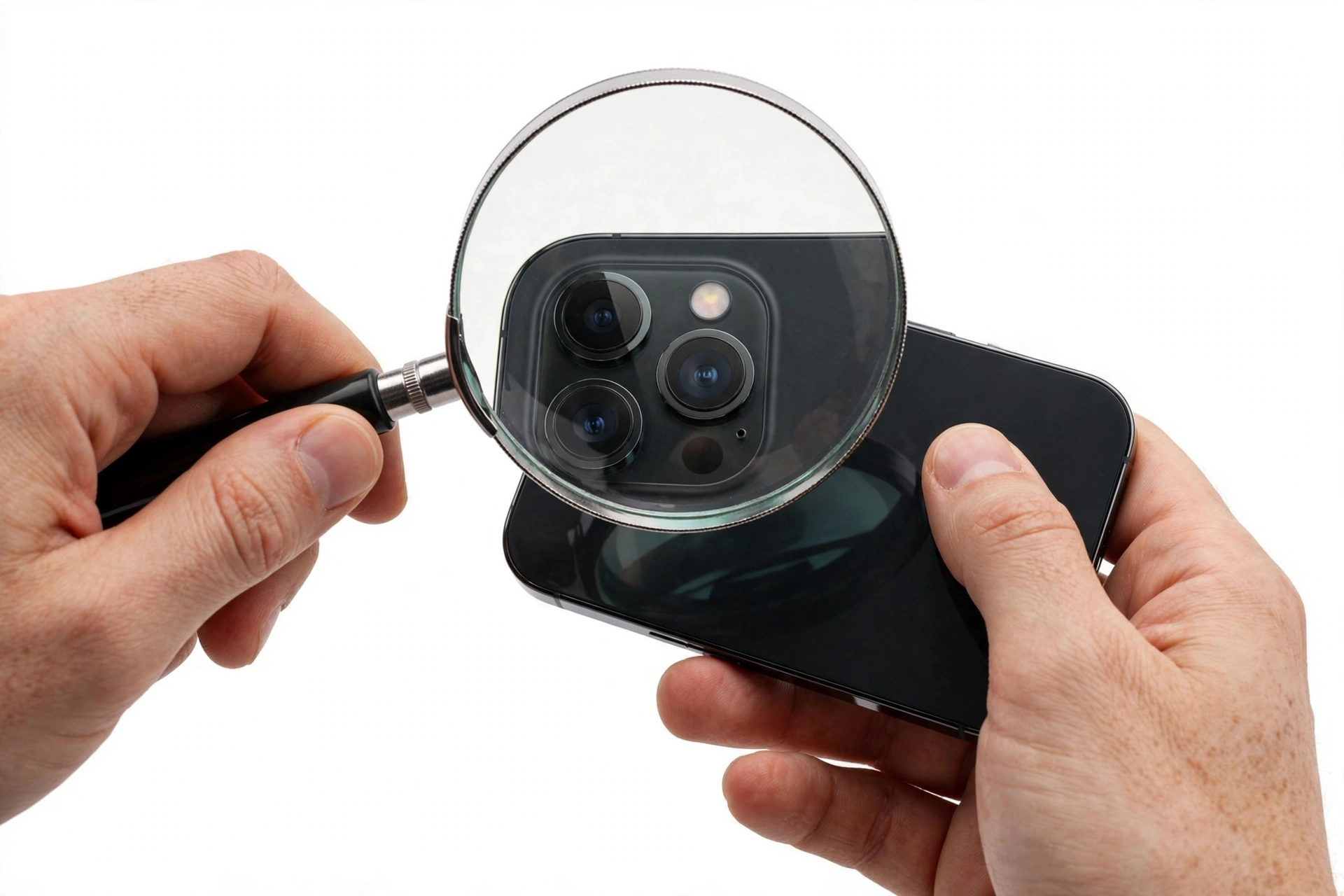
1. Who this guide helps
This guide helps anyone who has bought — or is about to buy — a OnePlus device outside an official channel: marketplaces, classified ads, used listings, or unfamiliar online stores. If you bought directly from oneplus.com or an authorized retailer, your risk is minimal; the checks below are mainly for readers who want to confirm a second-hand or grey-market purchase. (Source: hellosmartlife.com)
It also helps readers distinguish three different situations that get confused:
- Counterfeit (fake): a device that is not a genuine OnePlus phone at all, usually a cheaper device dressed up with OnePlus branding.
- Refurbished genuine OnePlus: a real OnePlus phone that was returned, repaired, and resold. It passes official checks because the hardware is genuine — the only question is whether the seller disclosed the refurbishment.
- Grey-market genuine OnePlus: a real OnePlus phone intended for a different region (for example, a Chinese or Indian variant sold in the US). It is authentic hardware but may fail regional warranty lookups, and network-band or software support can differ.
Quick fact: OnePlus counterfeiting is a real, documented problem — a 2026 police operation in Delhi busted factories manufacturing fake OnePlus, Oppo, and Realme phones, including printed fake labels and packaging. Convincing fakes exist, which is why layered official checks matter more than appearance alone.
2. The honesty rule before you start
No single check can prove a device is genuine on its own. The method used in this guide is a layered approach: official database checks plus software inspection plus packaging and physical examination. A genuine OnePlus will pass all of them together; a counterfeit can convincingly fake one or two layers but rarely all of them.
Equally important is what checks cannot prove:
| Check | What it proves | What it cannot prove |
|---|---|---|
| IMEI matches on phone, box, and SIM tray | The numbers are consistent | That the phone is genuine — counterfeiters copy real IMEIs onto fakes |
| IMEI verified on OnePlus’s official tool | OnePlus recognizes the IMEI as a device it manufactured | That your physical phone is that device — unless software and hardware checks agree |
| Warranty check shows valid dates | The device record exists and warranty is active or was once active | That the seller’s “new” claim is true — an old genuine phone can have an expired warranty |
| OxygenOS looks genuine | The software behaves like OxygenOS | That the hardware is genuine — skins can be faked on cloned hardware |
| Box and packaging look official | The seller sourced good-looking packaging | Anything about the phone — packaging is the easiest layer to fake |
3. Find your IMEI and serial number first
The IMEI (International Mobile Equipment Identity) is a unique number identifying your device. Find it using any of these methods:
- Dial *#06# in the phone app — the IMEI appears on screen. This works offline, without a SIM card, and is the fastest method.
- Settings > About phone > Status (or “IMEI information”) — shows IMEI1 and IMEI2 on dual-SIM models.
- Original packaging — the box label lists the IMEI, serial number, and model.
- SIM tray — some OnePlus models have the IMEI printed on the tray itself.
Write down the IMEI from at least two places (for example, dialer and box). If they don’t match each other, that is already a serious red flag — investigate before trusting anything else.
Tip: If the device is lost or inaccessible, your carrier’s online portal may show the IMEI in your device history — useful for blacklisting and reporting, though it doesn’t help with authenticity verification.
4. Verify the IMEI on OnePlus’s official warranty-check tool
This is the single most important official check. OnePlus provides a warranty-check page where you enter the IMEI (or serial number) and it returns warranty status and, typically, activation date information.
How to run the official check
- Go to the OnePlus support/warranty-check page on the official OnePlus website for your region.
- Enter the IMEI exactly as shown by the *#06# dialer screen.
- Review the result: a genuine device will show model information, warranty status, and activation date. A number OnePlus does not recognize — or one that shows a different model — indicates a problem.
How to read the result
- Device recognized, warranty valid: strong evidence of genuineness. Cross-check the model name against the phone in your hand.
- Device recognized, warranty expired: the hardware is genuine, but the seller’s claim of “brand new” is false — the device was activated long ago. This is the classic used-sold-as-new scenario.
- IMEI not recognized: either the IMEI is mistyped, the device is grey-market for a region whose records aren’t in that lookup, or the device is counterfeit. Re-check the number first, then treat it as a major warning.
- Model mismatch: the lookup says one model and the phone reports another. This points strongly to a counterfeit or a swapped-identity scam.
Quick fact: Counterfeiters frequently copy genuine IMEI numbers from real OnePlus devices onto fakes. An IMEI that passes the official lookup is necessary — but it is not sufficient proof on its own. The software and hardware checks below close that gap.
5. Confirm genuine OxygenOS software
A genuine OnePlus runs OxygenOS (OnePlus’s Android skin). Counterfeits run generic Android skinned to look similar, often with unstable behavior. Look for these signs:
- System update path: a genuine OnePlus receives OTA updates from OnePlus servers. Go to Settings > System > System update and check that updates arrive and install normally. Fakes typically show “system is up to date” permanently with no real updates, or error out.
- OxygenOS feature set: look for OnePlus-specific features — Shelf, Zen Mode, Alert Slider behavior (on models with the slider), OnePlus Store or Community app, and the distinctive OxygenOS Settings layout. Missing or broken versions of these features suggest a fake.
- Play Store certification: open the Play Store settings and check the Play Protect certification status. Uncertified devices are not genuine retail OnePlus phones.
- App behavior: unstable software, strange UI elements, pre-installed apps that can’t be removed, or missing expected features are common on counterfeits.
- OxygenOS diagnostics: some older OnePlus guidance references built-in diagnostic tools — running available hardware diagnostics and comparing results with the claimed model is a useful cross-check.
Tip: Software alone can’t fully prove genuineness either — skilled counterfeiters skin Android to look close. But the combination of a recognized IMEI plus working OTA updates plus Play certification plus OnePlus-specific features is extremely hard to fake together.
6. Inspect packaging and physical details
Packaging is the easiest layer to fake, so treat it as supporting evidence rather than proof. Still, careful inspection catches sloppy counterfeits:
- Spelling and print quality: misspelt words, blurry logos, uneven printing, or poor finishing on the box are classic warning signs.
- IMEI and serial consistency: the box label’s IMEI and serial must match the phone’s (*#06# and About phone). A mismatch is a serious red flag.
- OnePlus branding: check that the OnePlus logo is correctly positioned, centered, and rendered in the correct font. Fuzzy or off-center logos suggest a fake.
- Box contents: verify the charger, cable, and documentation match the model’s specifications. Missing or obviously generic accessories are a warning sign.
- Build quality: compare the device against official images — materials, seams, camera module alignment, and button feel should match. Mismatched colors or uneven seams suggest a counterfeit.
- Model number: check Settings > About phone for the model number and confirm it corresponds to a real OnePlus model for your region.
7. The layered check worksheet
Run through this table in order. A genuine device should pass every applicable row.
| # | Check | What it proves | Limitations |
|---|---|---|---|
| 1 | IMEI on OnePlus official warranty tool | OnePlus manufactured a device with this IMEI | Copied IMEIs pass; grey-market records may not appear |
| 2 | IMEI matches box, SIM tray, and *#06# | Numbers are internally consistent | Matching numbers can still be cloned together |
| 3 | Warranty/activation date review | Device record exists; age matches seller’s claims | Expired warranty ≠ fake; check the activation date |
| 4 | OTA updates install from OnePlus | Software channel is OnePlus’s | Rarely faked, but check update history too |
| 5 | Play Protect certification | Google-certified retail device | Some genuine grey-market devices vary |
| 6 | OxygenOS features present and working | Software behaves like OxygenOS | Skins can be imitated; use with other checks |
| 7 | Model number matches a real OnePlus model | The claimed model exists | Doesn’t prove this unit is that model |
| 8 | Packaging: spelling, logos, print quality | Packaging quality | Easiest layer to fake; weak proof alone |
| 9 | Box contents match model specs | Seller supplied correct accessories | Accessories can be bought separately |
| 10 | Seller is authorized or has a strong record | Lower purchase risk | Good sellers can still sell grey-market units |
8. Where to buy to avoid fakes
The simplest anti-counterfeit strategy is buying from the right place:
- OnePlus’s own store (oneplus.com) and the OnePlus app.
- Major authorized retailers — large, established stores with official distribution.
- Verified marketplace listings — prefer sellers with long histories, verifiable identities, and return policies. Be cautious of unusually low prices; a dramatic discount usually has a reason behind it.
- Carrier stores where OnePlus devices are officially sold.
Marketplace and grey-market purchases are where nearly all counterfeit exposure happens. If a listing’s price is far below every other seller, treat the deal itself as the first warning sign.
9. What to do if your OnePlus fails the checks
If the layered checks point to a counterfeit:
- Stop using it for sensitive data. A counterfeit runs untrusted software — do not enter banking credentials, email passwords, or other sensitive information on it.
- Contact the seller. Request a return and refund. Document everything: listing screenshots, the failed checks, and correspondence.
- Report to the marketplace or platform where you bought it, and leave a detailed review to warn other buyers.
- Report to OnePlus through their official support channels — brands use these reports in anti-counterfeit enforcement.
- Dispute the payment through your card or payment provider if the seller won’t cooperate.
- Consider reporting to authorities if the seller appears to be running a counterfeit operation.
Stop for safety: Do not factory-reset a suspected counterfeit and assume it is fixed — a reset does not make a fake genuine, and it can destroy evidence of the scam. Also note that some counterfeits have been found with poor-quality batteries; if the device gets unusually hot, swells, or smells odd, stop using it immediately and keep it away from flammable materials.
10. Refurbished vs. counterfeit: how to tell the difference
A refurbished genuine OnePlus will pass the official IMEI/warranty checks because it is real hardware. Signs it was refurbished (rather than new) include:
- Warranty shows an old activation date while the seller claimed “new.”
- Minor wear, non-original accessories, or generic packaging.
- The seller can’t explain the device’s history.
Refurbished is not the same as fake — many refurbished phones are perfectly good devices. The problem is only when a refurbished unit is misrepresented as new. The activation date from the official check is your best tool for catching this.
11. Common counterfeit scenarios and price traps
Most OnePlus counterfeits reach buyers through a handful of repeatable scenarios. Recognizing the pattern early saves you from relying on verification after the money is gone.
The “sealed box” marketplace listing
A sealed box proves nothing — counterfeit operations print their own boxes and shrink-wrap them. Treat “sealed” as a marketing claim, not a verification step. The checks in sections 4–7 work the same whether or not the box was sealed.
The too-good-to-be-true flagship
A current OnePlus flagship listed 40–50% below every other seller is almost never a legitimate deal. Genuine sellers cannot sustain those margins; counterfeit sellers can, because their cost base is a fraction of the real device. Compare the listing price against oneplus.com and two or three major retailers before buying.
The “US variant” of a China-only model
Some listings advertise models or configurations OnePlus never sold in your region. Check the model number against OnePlus’s official lineup for your country. If the exact model never existed in your region, the listing is either grey-market (best case) or counterfeit.
The rushed private seller
Private sellers who refuse to let you verify the IMEI before payment, won’t meet in a safe public place, or pressure you to pay immediately are waving red flags. A genuine seller with a genuine phone has no reason to block a two-minute IMEI check.
Quick fact: Before paying a private seller, ask for the IMEI in advance and run it through OnePlus’s warranty tool yourself. If they refuse to share it, walk away — no legitimate deal requires buying blind.
12. Hypothetical examples
(The following are hypothetical illustrations, not customer stories.)
Hypothetical example: Maya’s marketplace OnePlus 12
Maya buys a “new, sealed” OnePlus 12 from a marketplace seller at 30% below retail. Before setting it up, she runs *#06# and enters the IMEI on OnePlus’s warranty tool: the device is recognized, but the activation date is fourteen months old and the warranty is expired. The hardware is genuine — but it’s a used phone sold as new. She returns it under the marketplace’s misrepresentation policy and gets a refund.
Hypothetical example: Daniel’s suspicious “OnePlus 13”
Daniel’s phone claims to be a OnePlus 13. The IMEI is recognized on the official tool — but the tool says the model is a Nord, and the phone’s About screen says OnePlus 13. System updates never arrive, the Play Store shows the device as uncertified, and the box logo is visibly off-center. Four independent layers disagree — he stops using it, reports the seller, and files a payment dispute.
13. Frequently asked questions
Is an IMEI match enough to prove my OnePlus is original?
No. Counterfeiters copy genuine IMEIs onto fakes, so a matching IMEI is necessary but not sufficient. Layer it with the official warranty lookup, OTA-update behavior, Play certification, and physical inspection.
What does it mean if the IMEI is not recognized on OnePlus’s website?
First, re-check that you typed it correctly. If it’s still unrecognized, the device may be grey-market (records held in another region), a counterfeit, or have a blacklisted/stolen IMEI. Treat it as a major warning and investigate before trusting the device.
Can I check authenticity without opening the box?
Partially — you can verify the box’s IMEI on the official tool before unsealing. But full verification (software checks, OTA updates, physical inspection) requires powering on the device.
Does a valid warranty prove the phone is new?
No. A valid warranty proves the device is genuine and within its warranty period, but always check the activation date. A phone activated a year ago with a two-year warranty still shows “valid” while being far from new.
Are grey-market OnePlus phones fake?
Not necessarily. A grey-market phone is genuine hardware intended for another region. It may fail regional warranty lookups and have different network bands or software support. It’s authentic but carries practical trade-offs.
What is the *#06# code?
It’s a standard code that displays the device’s IMEI on screen. It works on virtually all phones, offline, without a SIM card — the fastest way to read the IMEI for verification.
My OnePlus looks genuine but never gets updates. Is it fake?
Persistent failure to receive OTA updates is a strong counterfeit indicator, though it can occasionally happen with grey-market devices on the wrong regional firmware. Check the other layers — especially the official IMEI lookup and Play certification — before concluding.
Should I buy a OnePlus from an unknown seller with a huge discount?
Be very cautious. Deep discounts on unknown listings are the most common entry point for counterfeit sales. The money you save isn’t worth an untrusted device holding your personal data.
14. How this differs from our Samsung and Pixel authenticity guides
This guide is specifically about OnePlus authenticity. The verification mechanics differ by brand:
- Our Samsung authenticity guide centers on Samsung’s warranty-check and Members-app registration layers, plus Knox-specific signs.
- Our Pixel authenticity guide centers on Google’s device-authenticity page (QR code on the box) and Pixel UI exclusives.
- Our iPhone refurbished guide focuses on refurbishment status rather than counterfeit detection, since iPhone counterfeits are rarer than Android ones.
The core honesty rule is the same across all of them: an IMEI match alone never proves genuineness — only layered official checks do.
Video: How to tell if your smartphone is fake or real

Sources and editorial notes
- Hello Smart Life — How To Check If OnePlus Is Original: packaging inspection, IMEI and serial verification, logo and branding checks. (Last checked October 13, 2026.)
- Bajaj Finserv — OnePlus Warranty Check Online: IMEI via *#06# or About Phone, cross-checking on OnePlus’s official site, warranty-check flow. (Last checked October 13, 2026.)
- Ennap — Check If Your OnePlus Device Is Original: official IMEI warranty-check flow and warranty/activation-date review. (Last checked October 13, 2026.)
- Xparts — Check IMEI, Model Number, Serial Number on OnePlus: *#06#, Settings, packaging, and SIM-tray methods for finding the IMEI. (Last checked October 13, 2026.)
- The Techy Life — How Do I Know My OnePlus Is Original: packaging tampering signs, IMEI match, OxygenOS diagnostics, OnePlus’s online IMEI verification tool. (Last checked October 13, 2026.)
- Beebom — Delhi Police Bust Fake OnePlus/Oppo/Realme Racket: 2026 counterfeit manufacturing crackdown, fake labels and packaging. (Last checked October 13, 2026.)
- 91mobiles — How to Identify a Genuine Product: spotting fakes via pricing, authorized sellers, packaging, IMEI verification, warranty activation, software behavior. (Last checked October 13, 2026.)
- Digit.in — How to Spot Fake Smartphone: IMEI, packaging, seller checks; performance and software signs of fakes. (Last checked October 13, 2026.)
Last source check: October 13, 2026. AI-assisted editorial guide, checked against the linked manufacturer information and third-party reporting. Verification steps follow OnePlus’s published warranty-check flow and widely documented IMEI methods; third-party sources are cited only for corroboration. OnePlus’s exact warranty-check page location can change — if a link moves, use the Support section of OnePlus’s official regional site. If your device needs hands-on assessment, Las Vegas Phone Repair & Accessories is at 7400 Las Vegas Blvd S, Unit TT42, Las Vegas, NV 89123 — call (424) 406-6202 ahead to confirm today’s hours (generally 10:00 AM–8:00 PM).
Let’s get you connected again.
Tell us what’s happening with your device and we’ll help you decide the safest next step — no jargon, no pressure.
Las Vegas Phone Repair & Accessories · 7400 Las Vegas Blvd S, Unit TT42, Las Vegas, NV 89123
10:00 AM–8:00 PM — call ahead to confirm today’s hours