
How to Check If Huawei Is Original: Authenticity Guide
To check if a Huawei is original, run the 16-digit serial number through Huawei’s official warranty and support-service query, then confirm the IMEI shown by dialing *#06# matches the number on the box and warranty card. A matching IMEI alone is not proof — counterfeiters copy real IMEIs — so layer in software checks (HarmonyOS or EMUI build, AppGallery, working system updates) and packaging inspection before you trust the device.
On this page
To check if a Huawei is original, run the 16-digit serial number through Huawei’s official warranty and support-service query, then confirm the IMEI shown by dialing *#06# matches the number on the box and warranty card.
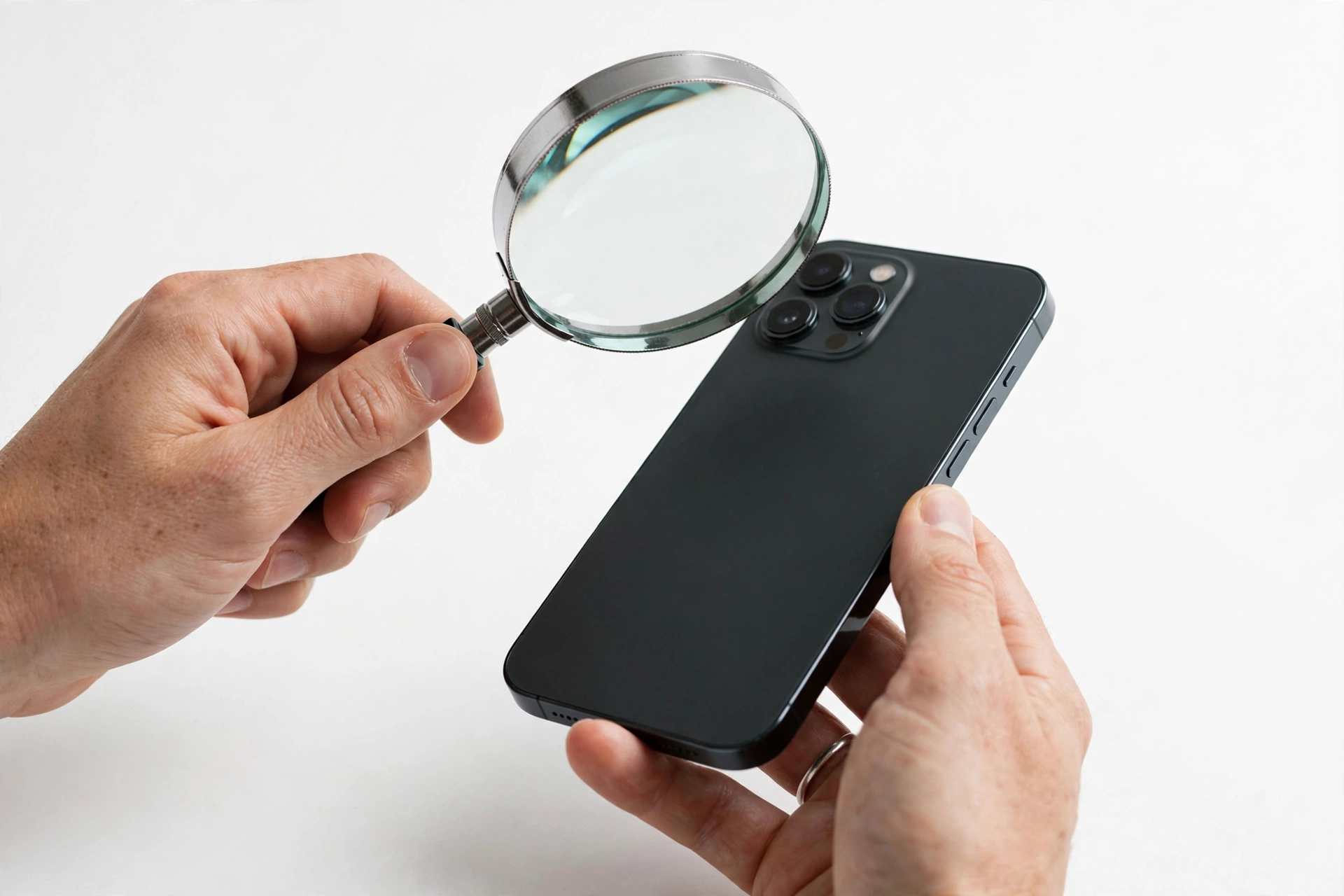
1. The direct answer: how to tell in five minutes
If you have five minutes with the phone in your hands, do these four things in order: (Source: smallusefultips.com)
- Dial *#06# and write down the IMEI (or IMEIs, on dual-SIM models). Compare it with the IMEI printed on the box sticker and, if you have it, the warranty card. All three must match.
- Find the 16-digit serial number in Settings > System > About phone (path varies slightly by model) and enter it in Huawei’s official warranty and support-service query on the company’s consumer support site. A genuine device returns model, warranty status, and service information.
- Open Settings > About phone and read the model number, then search that exact model number online to confirm it is a real Huawei model with matching specifications.
- Check the software: recent Huawei phones run HarmonyOS with Huawei Mobile Services and AppGallery; 2019-and-earlier models run EMUI (Android-based) and may still carry Google apps. System updates should arrive through Huawei’s own updater, not a third-party app.
If any of these disagree — the query returns nothing, the model number doesn’t exist, the software looks like a skinned generic Android — stop and treat the phone as suspect. The sections below explain each check in depth, what it proves, and where it falls short.
2. Who this guide is for
This guide is for anyone in the United States considering or holding a Huawei phone: a second-hand purchase, an imported unit from an online marketplace, a gift, or a device found in a drawer that you want to verify before trusting it with your accounts. Huawei phones are uncommon in the US, which makes verification more important, not less — unfamiliarity is exactly what counterfeit sellers count on.
A note on scope: Huawei sold the Honor brand in late 2020, and Honor has operated independently since. Huawei’s official serial-number query does not reliably cover newer Honor devices. If your phone says Honor rather than Huawei on the branding, the checks below still mostly apply, but the official Huawei query may not recognize it.
Quick fact: Because Huawei was placed on the US Entity List in 2019, phones released after that point ship without Google Mobile Services. A “Huawei” running full Google apps and the Play Store on a 2021-or-newer model is a red flag, not a feature — see section 8.
3. Start with the official check: Huawei’s warranty and support-service query
Huawei’s consumer support site offers a warranty-period and support-service query: you enter the device’s serial number (and a captcha-style verification code), and it returns the recorded model, warranty status, warranty period, and the countries where service applies. Independent guides confirm it accepts queries for phones, tablets, wearables, and smart-home devices.
How to use it:
- Find your serial number first — dial *#06# or open Settings > System > About phone. Huawei serial numbers are typically 16 characters.
- Go to Huawei’s official consumer support site and find the warranty/support-service query page.
- Enter the serial number, complete the verification code, and submit.
- Read the result: it should name your exact model and show warranty information.
What a clean result proves: the serial number exists in Huawei’s own records, which a random fake number will not. What it does not prove: that the physical phone in your hand is the one that serial number belongs to. A sophisticated counterfeit can carry a copied genuine serial number. That is why the official query is check one of several, not the whole verdict.
If the query returns no record at all, that is a strong negative signal — but consider two honest explanations before concluding “fake”: very old models may have aged out of the database, and gray-market units from another region can behave inconsistently in region-specific query portals. Cross-check with the other sections before deciding.
4. Find your IMEI and serial number
You will need these numbers for nearly every check, so gather them first. On most Huawei phones:
- Dial *#06# — the IMEI (or two IMEIs on dual-SIM models) and often the serial number appear on screen. This works without a SIM card and without unlocking anything.
- Settings > System > About phone — lists model number, IMEI, serial number, and software version. On HarmonyOS models the path may read Settings > About phone directly.
- The box sticker — a genuine retail box carries a sticker with model, IMEI, and serial number (often labeled S/N).
- The warranty card — the serial number is printed or pasted on the first page of the included warranty documentation.
Write all of them down before you start comparing. A mismatch between any two sources — phone vs. box vs. card — is the single most common sign of a tampered or counterfeit unit, and it costs nothing to check.
5. The IMEI match test — and why a match alone is not proof
The IMEI (International Mobile Equipment Identity) is a 15-digit number unique to each cellular device. The standard test: the IMEI on screen (*#06#) must equal the IMEI on the box sticker and the warranty card. If they differ, something is wrong — the box may belong to a different phone, or the phone’s identity has been altered.
But here is the honesty point most short guides skip: a matching IMEI does not prove the phone is genuine. Counterfeiters routinely print real, valid IMEIs — copied from genuine devices — onto fake boxes and even into fake firmware. An IMEI lookup site can confirm the number’s format is valid and which model it was originally assigned to, which is useful, but it cannot confirm the hardware in your hand is the hardware that number belongs to.
Use the IMEI match as a necessary-but-not-sufficient gate: a mismatch fails the phone immediately; a match means you continue to the software and physical checks below.
Tip: Also sanity-check the IMEI’s reported model against the phone itself. If an IMEI lookup says the number belongs to a Huawei P40 Pro but the phone in your hand claims to be a Mate 60, the number was copied from a different device — a classic counterfeit tell.
6. The model-number check
Every genuine Huawei phone has a factory model number (for example, the P40 Pro shipped as ELS-NX9 in some regions). This number appears in Settings > About phone and on the box, and the two must agree. Then search that exact model number online: it should resolve to a real Huawei device with specifications matching what you see — same cameras, same screen size, same chipset family.
Independent repair guides also report that dialing *#*#0000#*# on many Huawei models opens a hardware/software information screen showing the model number. Treat this as a corroborating check rather than an official Huawei procedure — the Settings path is the authoritative one.
Red flags at this stage:
- The model number doesn’t appear in any search results, or only appears on scam-listing sites.
- The model number is real, but the phone’s visible specs don’t match (wrong camera count, wrong screen size, a notch where the real model has a punch-hole).
- The About-phone screen shows a generic name (“Android Phone”) or a misspelled brand (“Hauwei”, “Huawai”).
7. Software tells: EMUI, HarmonyOS, and what should be installed
Software is where most counterfeits fail, because faking Huawei’s software stack convincingly is hard. What you should see depends on the phone’s age:
- 2019 and earlier models: EMUI (Emotion UI), Huawei’s Android-based interface, with Google Mobile Services and the Play Store on international models.
- 2020–2021 transition models (e.g., P40 series, Mate 40 series): EMUI based on open-source Android, but without Google services — AppGallery and Huawei Mobile Services instead.
- 2021 and newer: HarmonyOS, Huawei’s own operating system, with AppGallery, Petal Maps, and Huawei Mobile Services. No Google Play Store out of the box.
Checks to run:
- Open Settings > System > Software update (or the HarmonyOS equivalent). A genuine phone checks Huawei’s servers and either finds updates or reports being current. A fake often errors out, shows no update mechanism at all, or opens a suspicious third-party updater.
- Look for Huawei’s system apps: AppGallery, Huawei Health, Petal Maps, My Huawei / Support. Their absence on a supposedly recent model is suspicious; their presence with broken behavior is also suspicious.
- Check Settings > About phone > software version formatting. Counterfeit firmware often shows odd version strings, impossible Android version numbers, or “custom build” tags.
- Try Huawei’s device-search and account features. A genuine phone can sign into a Huawei ID and use Find Device; fakes typically fail or redirect to lookalike phishing pages — never enter real credentials on a suspect device (see the warning in section 14).
Stop for safety: If the phone is suspect, do not sign into your Huawei ID, Google account, banking apps, or email on it. A counterfeit phone’s firmware can log keystrokes and credentials. Verify first, trust later.
8. The 2019 line: what Google services do (and don’t) mean on a Huawei
This deserves its own section because it confuses more US buyers than any other single point. After the US Entity List action in May 2019, Huawei lost access to Google Mobile Services for new devices. The practical consequence:
- A Huawei phone from 2019 or earlier (P30 series and older) legitimately has Google apps and the Play Store on international models.
- A Huawei phone from 2020 onward (P40, Mate 40, P50, Mate 50/60, Pura series) does not ship with Google Mobile Services. It uses AppGallery.
So if someone offers you a “brand new Huawei Pura 70” with the Play Store preinstalled and working perfectly, that combination should not exist from the factory — either the software was modified (which breaks the security model) or the phone isn’t what it claims to be. Conversely, don’t reject a genuine 2022 Huawei just because it lacks Google apps; that absence is correct and expected.
9. Packaging and physical tells
Open the box before you need it — packaging inspection is free and counterfeiters often cut corners here:
- Print quality: genuine Huawei packaging has sharp, correctly spelled branding, centered logos, and consistent colors. Blurry logos, misspellings, off-center printing, or flimsy cardboard are warning signs.
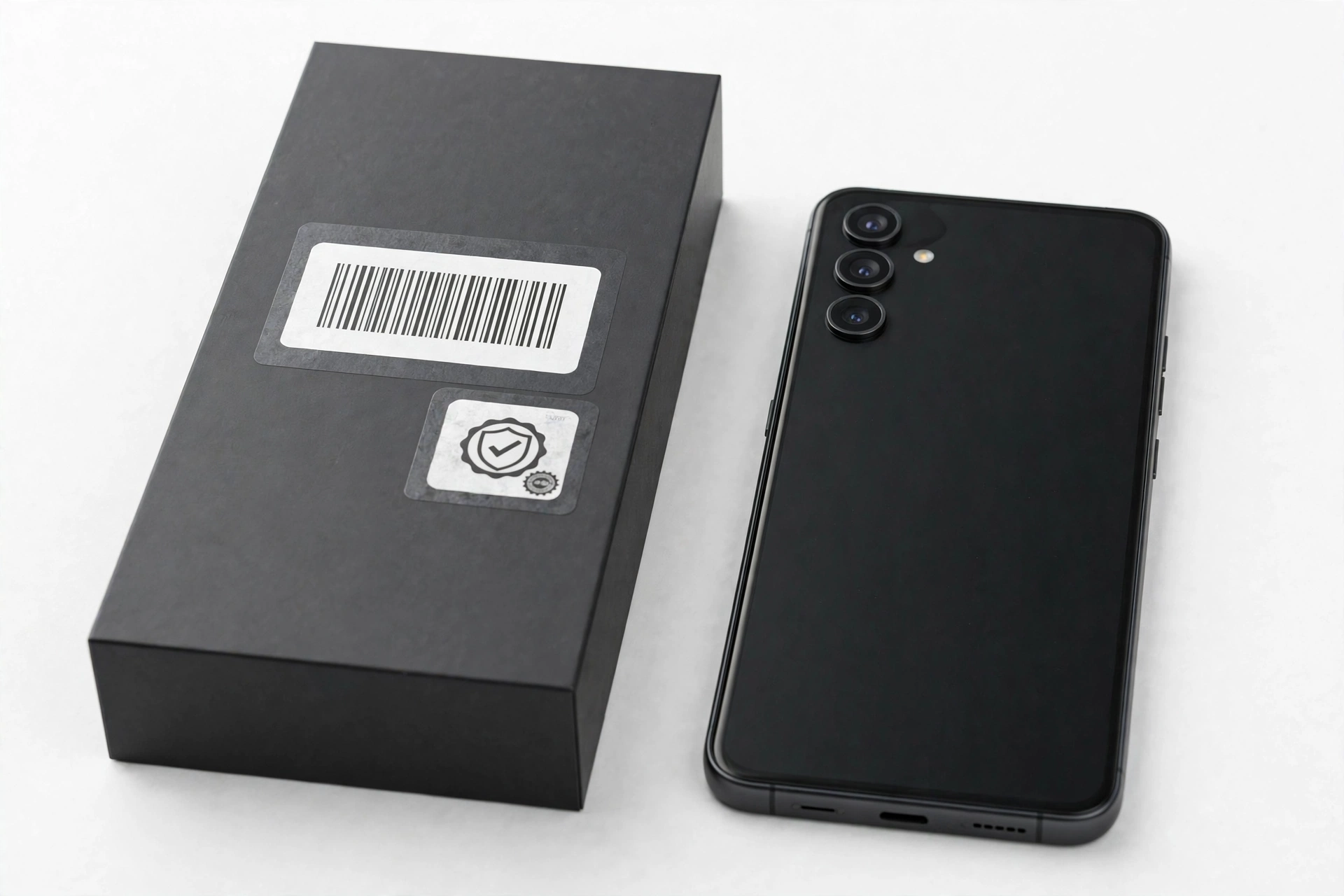
- Labels: the box sticker should list the model number, IMEI, and serial number matching the phone. Some regions include a scratch-off security label — check that it hasn’t been scratched off already.
- Seals: factory seals should be intact and professional. Re-taped or missing seals on a “new” phone deserve an explanation.
- In-box contents: charger, cable, documentation, and SIM ejector should feel like quality accessories with correct Huawei branding — not featherweight knockoffs with misspelled manuals.
- Build quality: genuine Huawei phones have a solid, premium feel — tight buttons, even seams, no sharp edges, a responsive high-quality display. Misaligned buttons, uneven gaps, a washed-out screen, or laggy touch response point to a fake.
- The logo test: compare the Huawei logo’s font and spacing against official product photos. Counterfeits often get the letterforms slightly wrong.
No single packaging flaw proves a fake — even genuine units have occasional cosmetic defects — but several together, combined with a failed digital check, build a strong case.
10. The ten-check worksheet
Work through this table in order. Each row is one check; the last column tells you what a failure means.
| # | Check | How | What it proves | Limitations |
|---|---|---|---|---|
| 1 | Official serial-number query | Enter the 16-digit S/N in Huawei’s warranty/support-service query | The serial exists in Huawei’s records | Copied genuine S/Ns pass; very old or gray-market units may not resolve |
| 2 | IMEI match | *#06# vs. box sticker vs. warranty card | Phone, box, and papers belong together | Counterfeiters copy real IMEIs; a match is necessary, not sufficient |
| 3 | Model number exists | Settings > About phone; search the exact number | The claimed model is a real Huawei device | A real model number can be printed on a fake phone |
| 4 | Specs match the model | Compare cameras, screen, chipset to official specs | The hardware plausibly matches the claim | Requires knowing the real specs; check official listings |
| 5 | Correct OS generation | EMUI (2019 and older) vs. HarmonyOS (newer); no GMS on post-2019 models | The software story fits the hardware’s era | Modified firmware can fake version strings |
| 6 | System updates work | Run Huawei’s built-in updater | The phone talks to Huawei’s real servers | Some gray-market units update on a different region’s schedule |
| 7 | Huawei apps present and functional | AppGallery, Huawei ID sign-in, Find Device | Full Huawei software stack intact | Don’t enter real credentials until the phone passes |
| 8 | Packaging quality | Print, seals, labels, in-box accessories | Retail presentation consistent with genuine | Good fakes can have decent boxes; weak fakes fail here first |
| 9 | Build quality | Buttons, seams, display, materials in hand | Manufacturing standard matches Huawei | Subjective; compare against a known-genuine unit if possible |
| 10 | Price and seller sanity | Compare price to market; vet the seller | The deal itself is plausible | A fair price doesn’t guarantee authenticity |
How to score it: checks 1–3 are gates — any hard failure there should stop the purchase. Checks 4–7 are the deep verification. Checks 8–10 are supporting evidence. A phone that passes 1–7 cleanly is very likely genuine; a phone that fails 1 or 2 is not worth further investigation.
11. Counterfeit vs. refurbished vs. gray-market import
Not every suspicious Huawei is a fake. Three different situations get confused:
| Situation | What it is | Passes the official query? | What to do |
|---|---|---|---|
| Counterfeit | A non-Huawei phone dressed up as one | Usually no (unless the S/N was copied) | Do not buy; return it; dispute the charge |
| Refurbished genuine | A real Huawei repaired and resold | Often yes — but check the activation/warranty dates for a used-sold-as-new scam | Fine if priced as used and honestly described |
| Gray-market import | A genuine Huawei meant for another region (often China) | Sometimes, inconsistently by region | Check US carrier band compatibility and accept region-limited warranty |
The gray-market case is the most common honest outcome for US buyers: a real Huawei Pura or Mate bought from an overseas seller. It will pass most software checks but may lack US LTE/5G bands, may run the Chinese HarmonyOS build without Google-framework workarounds you expected, and Huawei’s US service options for it are effectively nil. That doesn’t make it fake — but it should be priced and described as an import.
12. US-specific: bands, warranty regions, and why Huawei is rare here
Huawei does not sell phones through US carriers and has no official US retail presence for new devices. Practically every Huawei phone in the United States is therefore second-hand, a personal import, or a gray-market unit. Three consequences follow:
- Network compatibility: check the exact model’s supported bands against your carrier before buying. A China-market Huawei may miss key US LTE/5G bands, giving you poor coverage even though the phone is genuine.
- Warranty: Huawei’s warranty is region-limited. A phone bought for the Chinese or European market generally cannot be serviced under warranty in the US — and Huawei’s US service footprint for phones is minimal regardless.
- Scam targeting: because most Americans have never handled a Huawei, sellers of fakes face less knowledgeable buyers. The checks in this guide are your substitute for that familiarity.
None of this makes owning a Huawei in the US illegal — it is not illegal to buy or own one. It just means the purchase needs more homework than buying a Samsung or iPhone locally.
13. Where to buy to minimize risk
- Safest: Huawei’s official online store in a region where it operates (for buyers with a forwarding address), or a major retailer in that region.
- Reasonable: established marketplaces with buyer protection, strong seller ratings, and clear return windows — and only after running the checks in this guide on arrival, within the return window.
- Riskiest: classified ads, social-media sellers, and “too good to be true” listings demanding wire transfer, gift cards, or crypto. A new flagship Huawei at half the market price is not a bargain; it’s a screening test you are about to fail.
Before paying a private seller, ask for the IMEI and serial number up front and run the official query yourself. A legitimate seller of a genuine phone has no reason to refuse; refusal is itself an answer.
14. You bought it already: what to do if your checks fail
If the phone is already in your hands and failing checks:
- Don’t put your life on it. Don’t sign into banking, email, or your Huawei ID; don’t restore your full backup onto it. A counterfeit phone is an untrustworthy computer.
- Document everything: photos of the box, stickers, About-phone screens, and the failed query results, with dates.
- Use the return window first — marketplace buyer protection is faster than any other remedy.
- Dispute the charge with your card issuer if the seller won’t cooperate, citing “item not as described / counterfeit.”
- Report the listing to the marketplace so the next buyer is protected.
Stop for safety: Never enter banking credentials, email passwords, or payment information on a phone you suspect is counterfeit — and be wary of “support” contacts the seller provides. Unsolicited “Huawei support” messages asking for remote access or codes are scams.
15. What these checks can and cannot establish
| The checks can establish | The checks cannot establish |
|---|---|
| Whether the serial number exists in Huawei’s records | Whether the phone will work on your US carrier (check bands separately) |
| Whether phone, box, and papers belong together | Whether a gray-market unit has a valid US warranty (usually not) |
| Whether the software stack is Huawei’s real one | The phone’s repair history or replaced components |
| Whether the claimed model is real and the specs match | Future software support timelines for imports |
| Whether the price and seller story make sense | With 100% certainty, from photos alone — hands-on checks matter |
16. Two worked examples
(The following are hypothetical illustrations, not customer stories.)
Maya’s marketplace Mate 60
Maya finds a “Huawei Mate 60 Pro, new in box” on a marketplace at 40% below the import going rate. She asks the seller for the IMEI and serial number before meeting. The serial returns no record in Huawei’s query; the seller says “the site is just buggy.” She walks away. The failed official query plus the too-low price plus the seller’s excuse were three independent red flags — any one of them justified stopping.
Daniel’s inherited P30 Pro
Daniel inherits a Huawei P30 Pro from a relative. He dials *#06# — the IMEI matches the worn box sticker. The serial query returns the P30 Pro with an expired warranty (expected for a 2019 phone). About phone shows EMUI with Google apps — correct for its era. Updates check cleanly against Huawei’s servers. Every check passes; the expired warranty simply reflects its age. He keeps it as a backup phone.
Video: How to tell if your smartphone is fake or real
Frequently asked questions
How do I check a Huawei serial number officially?
Enter the 16-digit serial number in the warranty and support-service query on Huawei’s official consumer support site, complete the verification code, and submit. It returns the recorded model, warranty status, and service coverage. Find the serial via *#06# or Settings > System > About phone.
Does *#06# prove my Huawei is original?
No — it only displays the IMEI so you can compare it against the box and warranty card. A matching IMEI is required, but counterfeiters copy genuine IMEIs, so continue with the software and official-query checks.
Why doesn’t my new Huawei have the Google Play Store?
That is normal for Huawei phones released after 2019. They ship with AppGallery and Huawei Mobile Services instead of Google Mobile Services. A post-2019 Huawei with a fully working Play Store out of the box is suspicious, not a bonus.
Can I check a Huawei’s authenticity by IMEI online?
IMEI lookup sites can confirm the number’s format and the model it was assigned to, which catches mismatches. But they query generic databases, not Huawei’s own records — pair the lookup with Huawei’s official serial-number query.
My Huawei fails the official query but everything else looks right. Is it fake?
Not necessarily. Very old models may have aged out of the database, and gray-market imports can resolve inconsistently across regional portals. Re-run the query carefully (serial numbers are easy to mistype), then weigh the software checks: working Huawei updates and a correct HarmonyOS/EMUI stack are strong positive signals.
Is it illegal to buy a Huawei phone in the US?
No. The US restrictions concern Huawei’s access to American technology and telecom infrastructure, not private ownership of a handset. The practical issues are network band compatibility and region-limited warranty, not legality.
What’s the difference between a fake Huawei and a gray-market Huawei?
A fake is not made by Huawei at all. A gray-market unit is a genuine Huawei built for another region (often China) and imported. Gray-market phones pass most authenticity checks but may lack US carrier bands and carry no usable US warranty — buy them knowingly, at an import price.
Should a repair shop be able to tell if my Huawei is genuine?
A shop can help with the checks in this guide — reading the IMEI, comparing the software stack, and assessing build quality — and can tell you when a device’s behavior doesn’t match its branding. What no shop can do is certify authenticity on Huawei’s behalf or override the official query’s result. If you’re in Las Vegas and want a second pair of eyes before you commit to a purchase, Las Vegas Phone Repair & Accessories (7400 Las Vegas Blvd S, Unit TT42, Las Vegas, NV 89123; (424) 406-6202; 10AM–8PM, call ahead) can run through these checks with you — call ahead to confirm today’s hours.
Sources and editorial notes
- SmallUsefulTips — Authenticity Unlocked: Verifying the Originality of Your Huawei Phone: visual-inspection checklist (logo, IMEI match, build quality, display) and software/firmware verification steps; summarized.
- YugaTech — How to check your smartphone’s authenticity or warranty online: confirms Huawei’s warranty-period and support-service query accepts the serial number and covers phones, tablets, wearables, and smart-home devices.
- Kitaec62 — Checking the warranty and authenticity of Honor/Huawei by IMEI: walkthrough of Huawei’s official verification flow (serial entry plus verification code) and the warranty details it returns.
- Character-Creator — How to check Honor/Huawei serial number: where to find the 16-digit serial number (box sticker, warranty card, *#06#, Settings) and the warning that scammers print genuine serials on fake boxes.
- TecnoBits — How to tell if a Huawei is genuine: authenticity labels, official EMUI software, and manufacturing-quality markers of genuine devices.
- HardReset.info — 2025 guide to buying a genuine phone: IMEI as the core verification method (*#06#, box, invoice comparison) and OS/app-store checks for original devices.
Related authenticity guides on this site: how to check if a Xiaomi is original, how to check if a Realme is original, and how to check if a OnePlus is original — the same layered method (official query, IMEI match, software checks) applies across brands, with brand-specific official tools in each guide.
Last source check: October 14, 2026. AI-assisted editorial guide, checked against the linked manufacturer information and independent verification guides. Huawei’s official query portal and serial-number formats are described as documented by the cited guides; if Huawei changes its support pages, use the current warranty-query page on Huawei’s official consumer site.
Let’s get you connected again.
Tell us what’s happening with your device and we’ll help you decide the safest next step — no jargon, no pressure.
Las Vegas Phone Repair & Accessories · 7400 Las Vegas Blvd S, Unit TT42, Las Vegas, NV 89123
10:00 AM–8:00 PM — call ahead to confirm today’s hours