
How to Check If Motorola Is Original: Authenticity Guide
A Motorola phone is genuine when multiple independent, manufacturer-linked checks all agree: the IMEI returns the correct model on Motorola’s own warranty portal, the preinstalled Motorola Support app recognises the device, the software and hardware match Motorola’s official spec sheet, and the box, serial numbers, and packaging align. No single check is enough on its own, because an IMEI printed on a box can be copied — but a counterfeit cannot pass every layer at once.
On this page
A Motorola phone is genuine when multiple independent, manufacturer-linked checks all agree: the IMEI returns the correct model on Motorola’s own warranty portal, the preinstalled Motorola Support app recognises the device, the software and hardware match Motorola’s official spec sheet, and the box, serial numbers, and packaging align.
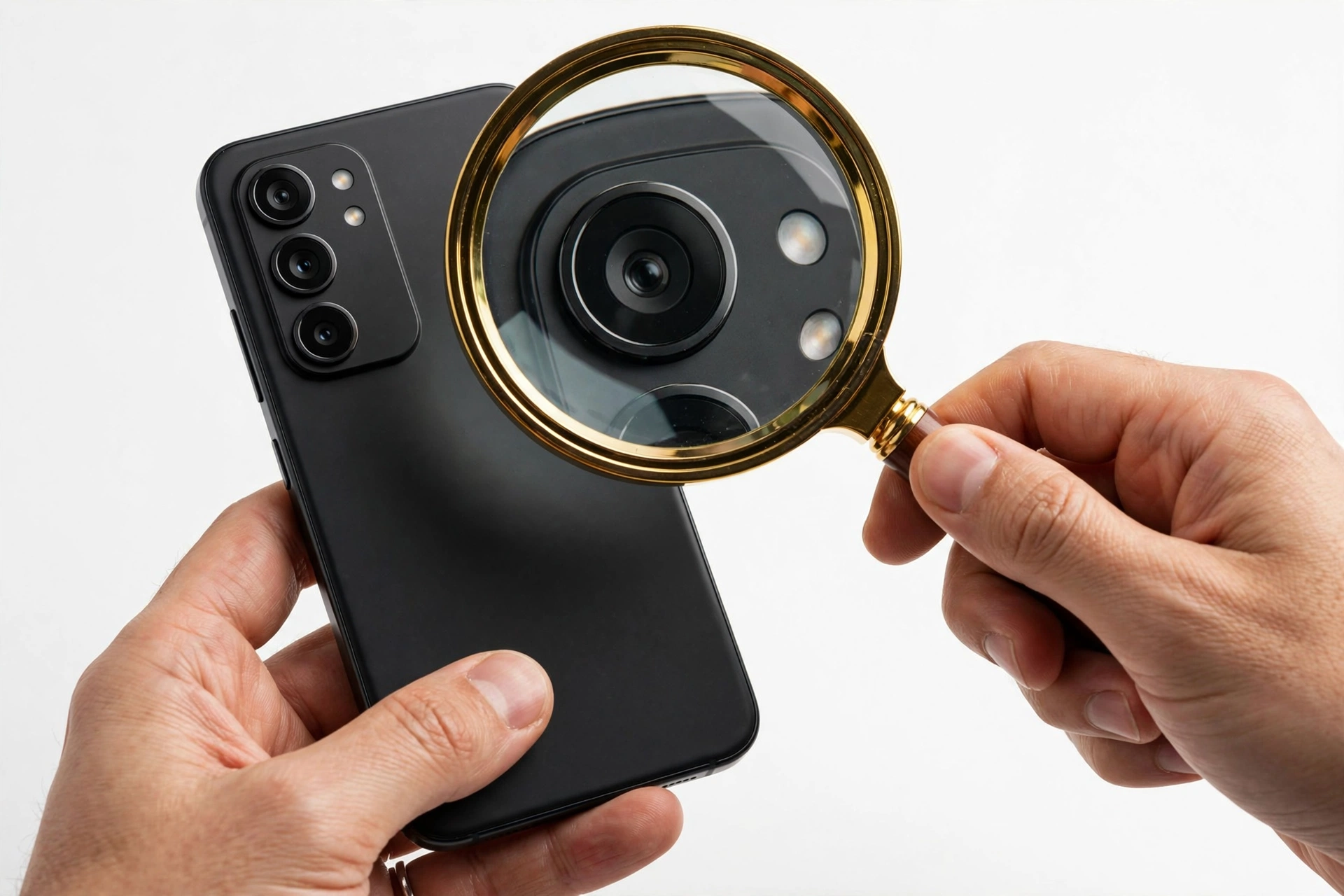
Who this guide is for
This guide is for anyone about to buy — or who has just bought — a Motorola phone from a marketplace seller, a used-phone listing, a private seller, or any source where the phone’s history is unclear. It also helps if your Motorola behaves oddly (sluggish performance, features missing, cameras far worse than advertised) and you want to check whether the hardware in your hand is what the box claims it is. (Source: gadgets.beebom.com)
It does not apply to two-way radios or accessories from Motorola Solutions, which is a separate company from Motorola Mobility (the phone maker). The checks below are for Motorola phones only — the Moto G, Moto Edge, Razr foldables, and older Moto lines.
Quick fact: “Original” and “new” are two different claims. A used or refurbished Motorola can be 100% original hardware while showing wear, a replaced screen, or an expired warranty. This guide tests authenticity — whether the phone is genuinely made by Motorola — not whether it is brand new.
The one-minute rule: an IMEI match is necessary but not sufficient
If you take one principle from this article, make it this: an IMEI number printed on the box matching the IMEI in the phone proves only that someone printed matching numbers. Counterfeiters routinely copy a real IMEI from a genuine phone onto fake units. A matching IMEI is a required starting point, never the final verdict.
Genuine verification works in layers. Think of each check below as one lock on a door — a counterfeit phone can pick one lock, but picking six in a row is where clones fail. Run them in order, and stop entering passwords or banking details on the phone until every layer passes.
Stop for safety: never enter your banking credentials, email passwords, or card details on a phone you suspect is counterfeit. Fake phones can ship with modified software designed to capture what you type. If the checks below start failing, power the phone down and do not use it for anything sensitive until the question is resolved.
Step 1: Find the IMEI and serial number — three ways
You will need the phone’s IMEI for the official checks. Find it using any of these documented methods:
Dial *#06#
Open the phone’s dialer keypad and type *#06#. The IMEI number appears instantly on screen — no call button press needed. Motorola phones show IMEI 1 and IMEI 2 (dual-SIM devices have two). Write down IMEI 1.
Settings > About phone
Open Settings > About phone and look for the IMEI and serial number entries. While you are there, note the model name and model number — you will compare these against Motorola’s official spec sheet in Step 5.
The box and the SIM tray
The retail box carries a label with the IMEI, serial number, and model number. On many Motorola phones the SIM tray also carries a printed IMEI. Note all three and check that they agree with each other and with what the phone reports. A mismatch between the box IMEI and the phone’s own *#06# output is an immediate red flag.
Tip: take a photo of the box label before you throw the packaging away. That photo is your evidence if the phone fails a check later and you need to dispute the purchase.
Step 2: Run Motorola’s official warranty check
This is the single most valuable check, because it queries Motorola’s own database rather than a third-party service. Motorola provides an official online warranty-check page where you enter the phone’s IMEI and it returns the phone’s warranty information, including the model name and warranty expiry date.
How to run it
- Get the 15-digit IMEI using *#06# as described in Step 1.
- In a browser, open Motorola’s official support page and find the warranty-check tool.
- Enter the IMEI and submit.
- Read the result: it should show the exact model you are holding and a warranty status of “In Warranty” (still covered) or “Out of Warranty” (coverage lapsed).
How to read the results
- Correct model + any warranty status: the IMEI is registered to a real Motorola phone of the model you hold. This is a strong positive signal.
- Wrong model or “not found”: the IMEI does not correspond to the phone in your hand. This is a serious red flag — a genuine Motorola sold through normal channels will appear here.
- “Out of Warranty” on a “brand new” phone: the phone is likely a used unit sold as new. That is a misrepresentation problem, not necessarily a counterfeit — but it means the seller was not honest.
Motorola’s standard limited warranty covers one year from purchase for manufacturer defects, and it explicitly excludes physical damage, liquid exposure, and unauthorized modifications. A battery is covered only if it leaks or drops below 80% of its charge capacity. Knowing this helps you interpret what “In Warranty” actually entitles you to.
Step 3: Open the preinstalled Motorola Support app
Modern Motorola phones ship with a preinstalled support app (the modern successor to the old Motorola Help app) that can show device information and run diagnostics. Reporting from Motorola’s US support ecosystem notes that this app can verify warranty coverage and run hardware diagnostics tied to the device itself.
What to check inside it
- Device information: the app should recognise the phone and display its model and warranty details consistent with what the official web portal showed.
- Diagnostics: run the built-in hardware tests (screen, sensors, cameras, fingerprint reader, connectivity). A counterfeit running cloned software typically cannot offer genuine Motorola diagnostics — and if the hardware tests expose missing components (no working fingerprint reader, no NFC, half the cameras dead), the hardware check in Step 5 has already started failing.
If the “Motorola Support” app is missing entirely, cannot be found or installed from the Play Store on this device, or opens to something that looks homemade rather than like Motorola’s official tool, treat that as suspicious. Clones frequently strip or fake manufacturer apps.
Tip: Moto Care Accident Protection — Motorola’s accidental-damage plan — can only be purchased within 30 days of the original device purchase. If a seller claims a “like-new” phone includes accident protection purchased long after the sale date, the timeline does not add up.
Step 4: Inspect the software — what only a genuine Motorola runs
A counterfeit can fake a logo on a box, but faking an entire software ecosystem is far harder. Work through these software signals:
The Moto app and Moto features
Genuine Motorola phones include the Moto app — Motorola’s own hub for customization, gestures (like twist-for-camera or chop-for-flashlight on supported models), and personalization. The Moto app is Motorola’s software, and its presence in a polished, working form is a soft but real signal. If the phone claims to be a Motorola but has no Moto app, or the “Moto” app on it is a crude imitation, that is suspicious.
Play Protect certification
Open the Play Store, tap your profile icon, and check Play Protect. A genuine retail Motorola sold through normal channels passes Google’s device certification. A device that reports certification errors, an unlocked bootloader warning on a supposedly new retail phone, or missing Google services is either modified or not what it claims to be. An ordinary buyer should never have to fix certification errors on a new phone — if you see them, stop and verify before signing into your Google account.
System updates
Go to Settings > System > System update and check for updates. Genuine Motorola phones receive Motorola’s official software updates. A phone that cannot reach an update server, offers bizarre update packages, or runs an ancient security patch while claiming to be a recent model is waving a warning flag. Compare the stated security-patch level against what Motorola publishes for that model.
The official Rescue and Smart Assistant tool as a last-resort check
For a deeper confirmation, Motorola (through Lenovo) provides the Rescue and Smart Assistant (RSA) tool — the official PC software for repairing software problems, updating firmware, and running hardware diagnostics on Motorola phones. Connecting the phone to RSA and checking whether it is recognised with the correct model is a strong test: a clone cannot present genuine Motorola firmware to Motorola’s own repair tool. Note that RSA requires a Lenovo ID sign-in, and it will not bypass a Google account (FRP) lock — it is a repair and diagnostics tool, not a way around security.
Quick fact: software version numbers are printed in Settings > About phone. Write them down and compare them against the model’s official specifications on motorola.com. Fakes often ship with plausible-sounding but wrong version strings.
Step 5: Compare the hardware against Motorola’s official spec sheet
This is where most counterfeits are caught, because fake phones cut corners on components to make a profit. The technique is simple: open Motorola’s official spec sheet for the claimed model on motorola.com, then test each item on the phone in your hand.
The hardware audit
- Processor and performance: counterfeits frequently use cheaper chips that stutter through daily use. If a phone that supposedly carries a Snapdragon 7-series chip lags on the home screen, something is wrong. You can check the actual chipset in Settings > About phone or with a reputable hardware-info app.
- Cameras: test the front and back cameras, all advertised modes (wide-angle, telephoto zoom, macro), and take a photo — then check the actual megapixel count in the gallery app’s photo details. Fake camera modules are usually obvious from image quality alone, and a clone’s camera app layout often differs from Motorola’s real one.
- Fingerprint reader and face unlock: verify these exist in the security settings and actually work. Clones often omit the fingerprint component or fake the settings entry.
- NFC, Wi-Fi, Bluetooth, GPS: toggle each on and off and test them. NFC in particular is commonly omitted from fakes to save cost.
- Display: check resolution and refresh rate against the spec sheet. A flagship display replaced with a cheap panel is easy to feel and measure.
None of these tests requires opening the phone. If multiple advertised features are missing or non-functional, the phone is not the model it claims to be — regardless of what the box says.
Step 6: Physical and packaging inspection
Examine the phone and its packaging with fresh eyes:
- The Motorola “batwing” logo: check that the logo is crisp, correctly proportioned, and properly placed. Motorola has historically pursued counterfeit products over exactly these details — on fakes, printed logos are often slightly wrong in shape or finish.
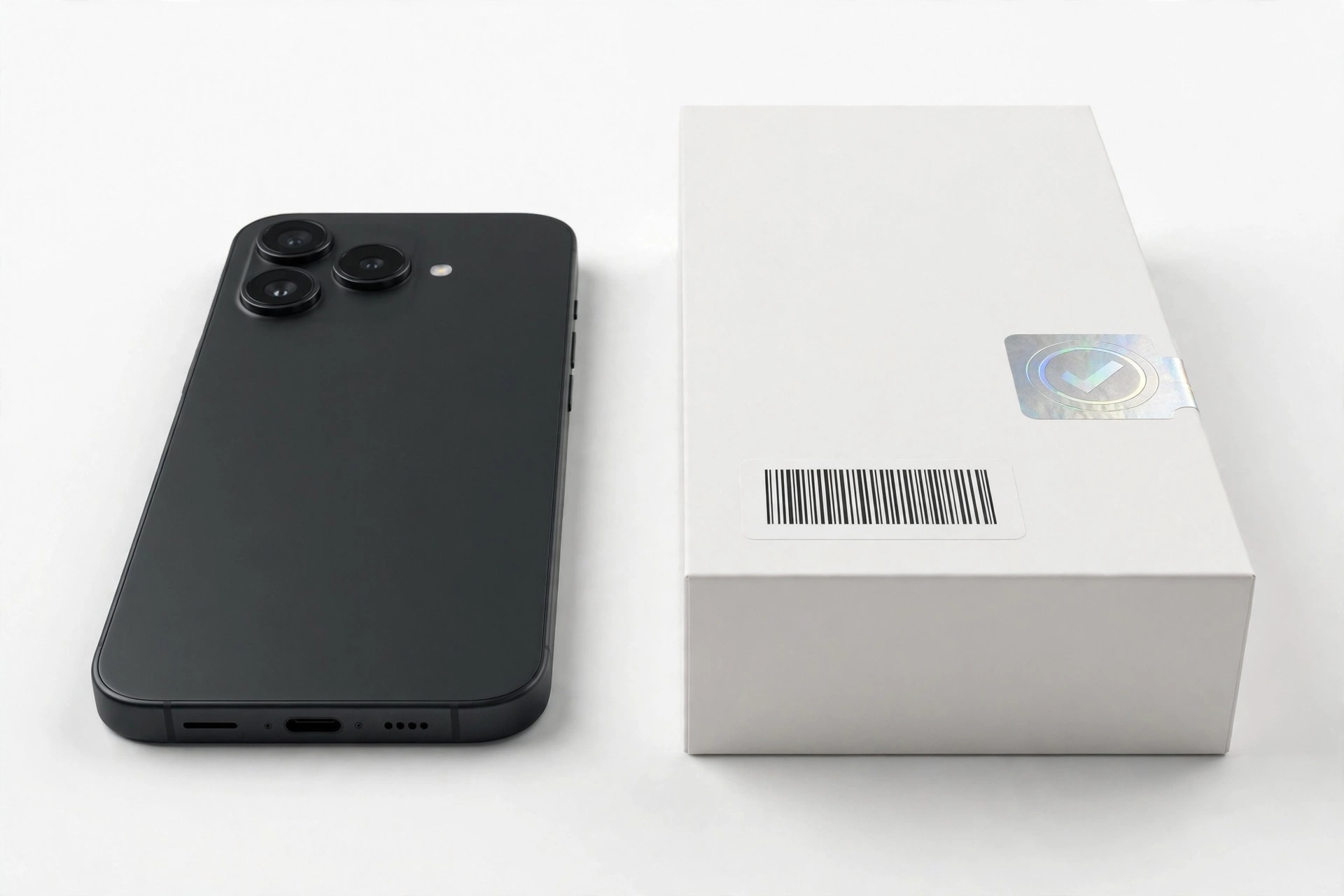
- Box and seals: genuine retail boxes are cleanly printed with matching IMEI, serial, and model labels. Look for blurry printing, spelling errors, or labels that look re-stuck.
- Model number match: the model number on the box label must match the model number in Settings > About phone. If the box says Moto Edge 50 but the phone reports a different model, the box and phone do not belong together.
- Build quality: a fake often feels wrong — cheap plastics, uneven seams, a screen that does not sit flush, buttons with mushy travel. Genuine Motorola phones, even budget Moto G models, have consistent, professional fit and finish.
- In-box accessories: check the charger and cable quality and branding. Counterfeit accessories are a known problem, and a fake charger is a safety risk, not just a quality issue.
The master check table: what each test proves and what it cannot
| Check | What it proves | Limitations |
|---|---|---|
| IMEI via *#06# matches box and SIM tray | The numbers are consistent across the package | Counterfeiters copy real IMEIs; matching alone proves nothing about the hardware |
| Motorola’s official warranty portal recognises the IMEI with the correct model | The IMEI belongs to a genuine Motorola of that model in Motorola’s database | A gray-market or used phone passes too; it proves authenticity, not newness |
| Preinstalled Motorola Support app recognises the device and runs diagnostics | Motorola’s own software identifies this hardware | App names can be faked on clones; cross-check with the web portal |
| Moto app present and functional | Motorola’s customization software is installed and working | Soft signal only; not conclusive alone |
| Play Protect certification passes | The device passes Google’s certification | Modified genuine phones can also fail this |
| Official spec-sheet hardware audit (SoC, cameras, NFC, fingerprint, display) | The physical components match the advertised model | Requires the official spec sheet for comparison; some clones fake About-phone entries |
| Rescue and Smart Assistant tool recognises the phone | The phone presents genuine Motorola firmware to Motorola’s own tool | Requires a PC and a Lenovo ID; an advanced check |
| Box labels match Settings > About phone model number | The packaging belongs to this phone | Labels can be reprinted; check print quality |
| Physical quality and logo inspection | Fit, finish, and branding match genuine production | Subjective; refurbished phones can look worn without being fake |
| Third-party IMEI checker (e.g., imei.info) | Corroborates brand, model, serial, and country data | Corroboration only — never use as the sole verdict |
What the results can and cannot establish
| Observation | What it can establish | What it cannot establish |
|---|---|---|
| All checks pass | The phone is a genuine Motorola of the claimed model | Whether it is new, how much battery life remains, whether any part was replaced |
| Warranty portal shows the right model but “Out of Warranty” | Authentic hardware, warranty lapsed | That the phone is new — verify the seller’s “new” claim separately |
| IMEI recognised but hardware audit fails | The IMEI may be copied from a real phone onto fake hardware | Which specific components are counterfeit without deeper testing |
| Phone fails to appear on Motorola’s portal at all | Strong suspicion of counterfeit or heavily modified device | Whether it is an outright fake or a gray-market unit with a database gap — either way, do not treat it as a verified genuine retail phone |
| Everything passes except cosmetic wear | Authentic, used, or refurbished phone | Exactly which parts were replaced during refurbishment |
Counterfeit vs. refurbished vs. gray-market — three different things
These terms get mixed up constantly, and mixing them up leads to false accusations and missed scams. Here is the distinction that matters:
- Counterfeit: not made by Motorola at all. It fails the manufacturer-linked checks above — wrong hardware, unrecognised by Motorola’s portal, cloned software. This is what the checks in this guide are designed to catch.
- Refurbished: a genuine Motorola that was repaired, cleaned, and resold. Refurbished phones pass the authenticity checks because the underlying hardware is real. A refurbished phone can be a perfectly good purchase — the question is whether the seller disclosed it.
- Gray-market: a genuine Motorola intended for sale in another region, imported unofficially. It typically passes the authenticity checks but may show a foreign country of origin, lack a valid local warranty, and miss region-specific bands. Not fake — but not what a buyer expecting a US retail unit was promised either.
Quick fact: a gray-market Motorola can fail the regional warranty lookup while still being authentic hardware. Before declaring a phone fake, check whether the country-of-origin data simply points to another market.
Common counterfeit scenarios and price traps
Counterfeit Motorola phones reach buyers through a handful of repeatable patterns. Knowing the pattern helps you avoid it:
- The too-good-to-be-true listing: a current flagship advertised at a fraction of its retail price. Compare the listing against motorola.com and two established retailers. A new flagship does not become dramatically cheaper because a marketplace seller found a secret warehouse — large price gaps mean a used device, a clone, false storage claims, or missing support.
- The sealed-box myth: shrink-wrap and “sealed box” claims prove nothing. Counterfeiters shrink-wrap boxes routinely. Sealed means unopened, not authentic.
- The rushed private seller: pressure to meet quickly, pay cash, and skip inspection. A genuine seller has no reason to prevent you from dialing *#06# and checking the IMEI on the spot.
- The “US variant” bait: listings that emphasise a US variant at an international price. Check the country-of-origin data from the IMEI lookup — a mismatch with the listing’s claim is a warning.
- The accessory bundle distraction: a “free” pile of cases and chargers can sweeten a deal on a fake phone. Inspect the phone first; the accessories are irrelevant to authenticity.
Social-media serial-number myths, honestly addressed
You may have seen viral posts claiming that certain letters or digits in a serial number prove a phone is refurbished, from a particular factory, or fake. Treat these as what they are: unverified internet folklore, not manufacturer documentation. Motorola has never published a public decoder ring for serial numbers, and the guides that claim to decode them cite each other, not Motorola.
This guide deliberately does not rely on serial-letter myths. The official warranty portal, the Support app, and the hardware audit are manufacturer-linked evidence; a TikTok serial chart is not. If a seller “proves” authenticity with a serial-letter claim, ask them to show you the official portal result instead.
Where to buy a genuine Motorola
The most reliable way to get an original Motorola is to buy from a source Motorola itself stands behind:
- motorola.com — Motorola’s own store.
- Authorised retailers — major electronics and carrier stores that sell Motorola as an authorised channel.
- Carriers — phones sold directly through a carrier’s own sales channels.
- Established refurbished programs — seller-refurbished or manufacturer-refurbished units with a stated warranty and return policy, where “refurbished” is disclosed, not hidden.
Marketplace listings and private sellers are where counterfeits concentrate. If you buy there, run every check in this guide before the return window closes — ideally on day one — and keep photographs of the listing, the box labels, the *#06# screen, the warranty-portal result, and the About-phone screen.
What to do if the checks fail
- Do not enter sensitive accounts. If you already signed in, change those passwords from a different, trusted device.
- Stop using the phone for anything sensitive — no banking apps, no email, no payment information.
- Contact the seller immediately and request a refund, citing the specific failed checks.
- Use the marketplace’s buyer protection if the seller refuses. Your photographs of the listing, box labels, and check results are your evidence.
- Report the listing to the marketplace so other buyers are protected.
- For serious fraud (large sums, organised sellers), consider filing a report with local law enforcement or a consumer-protection agency.
Stop for safety: a factory reset does not fix a counterfeit phone. Resetting a fake does not make it genuine — it only erases your evidence and any data you wanted to keep. Do not reset until the dispute is resolved.
For readers comparing brands: our companion guides cover how to check if an iPhone is refurbished, how to check if a Samsung is original, and how to check if a OnePlus is original — each uses that manufacturer’s own verification tools, the same layered approach as here.
Two hypothetical walkthroughs
The following are hypothetical illustrations, not customer stories. They show how the layered checks work in practice.
Hypothetical example: Maya’s marketplace Moto Edge 50
(Hypothetical illustration, not a customer story.) Maya finds a “brand new, sealed” Moto Edge 50 at 40% below retail on a marketplace. She meets the seller and dials *#06# — the IMEI matches the box. But when she runs Motorola’s official warranty check on her own phone’s browser, the portal returns a different model entirely. She opens the Motorola Support app — it is missing, and the “Moto” app on the phone is a crude imitation with broken English. The camera audit seals it: the phone has two working cameras, not the advertised triple setup. Four layers fail; only the printed IMEI matched. She walks away without buying.
Hypothetical example: Daniel’s “new” Moto G85 that was used, not fake
(Hypothetical illustration, not a customer story.) Daniel buys a Moto G85 advertised as new from a small online store. Motorola’s warranty portal recognises the IMEI and shows the correct model — but “Out of Warranty,” with a warranty start date fourteen months ago. The hardware audit passes: correct chip, all cameras working, NFC present, fingerprint reader fine. The phone is genuine, not counterfeit — it is simply a used unit sold as new. Daniel uses the dated warranty record as evidence to get a partial refund from the seller, and keeps the phone because the hardware itself is authentic.
Video: How to tell if your smartphone is fake or real
Frequently asked questions
Can I check if a Motorola is original without the phone in hand?
Partially. If the seller provides the IMEI, you can run Motorola’s official warranty check and a third-party IMEI lookup before meeting. But the hardware audit, the Support app, and the software checks require the physical phone — never complete a private purchase without inspecting the device in person.
Does a matching IMEI on the box and the phone prove it is original?
No. It is a necessary first step, but counterfeiters copy real IMEIs onto fake phones. The match only becomes meaningful when Motorola’s own portal recognises that IMEI as the correct model and the hardware audit agrees.
What if Motorola’s warranty portal does not recognise my IMEI?
Treat it as a strong warning sign. A genuine Motorola sold through normal channels appears in Motorola’s database. It could occasionally be a gray-market unit with a database gap, but you should not treat an unrecognised phone as a verified genuine retail device.
Is a refurbished Motorola the same as a fake Motorola?
No. A refurbished Motorola is genuine hardware that was repaired and resold — it passes the authenticity checks. A fake was never made by Motorola. Refurbished is a condition disclosure issue; counterfeit is fraud.
Can the Motorola Support app be faked on a counterfeit phone?
App names and icons can be imitated, which is why the Support app is one layer, not the verdict. Cross-check whatever the app reports against Motorola’s official web portal and the hardware audit.
Will Motorola’s Rescue and Smart Assistant tool work on a fake phone?
A counterfeit cannot present genuine Motorola firmware to Motorola’s own tool, so recognition failures or model mismatches in RSA are telling. RSA requires a PC and a Lenovo ID, and it will not bypass a Google account lock.
I bought a “new” Motorola but the warranty shows expired. Is it fake?
Not necessarily — it is more likely a used phone sold as new, which is misrepresentation rather than counterfeiting. Run the remaining checks: if the hardware audit and portal model match, the phone is genuine but used. Dispute the “new” claim with the seller.
Are cheap Motorola phones even worth counterfeiting?
Counterfeiters target popular models at every price point, including budget Moto G phones, because volume makes up for thin margins. Do not assume a cheap model is safe from fakes — run the same checks regardless of price.
Sources and editorial notes
- Beebom — How to Check Warranty on Motorola Phones: walkthrough of finding the IMEI via *#06# or Settings > About phone and entering it on Motorola’s official warranty-check page, which returns the model name and warranty expiry. (Last checked October 13, 2026.)
- Dr.Fone — Motorola Warranty Check: Motorola’s one-year standard warranty scope (excludes physical damage, liquid, unauthorized modifications; battery covered for leaks or below-80% capacity), the preinstalled Motorola Support app for device info and diagnostics, and Moto Care Accident Protection purchasable within 30 days of purchase. (Last checked October 13, 2026.)
- HardReset.info — Motorola Warranty / SN / Country Check: IMEI-based lookup returning brand, model, serial number, country code, and warranty start/end/status for Motorola devices. (Last checked October 13, 2026.)
- Android Authority — How to Identify a Fake or Counterfeit Smartphone: hardware-audit methodology — compare the SoC, cameras, NFC, fingerprint reader, and display against the official spec sheet; test all radios and cameras; check real megapixel counts. (Last checked October 13, 2026.)
- GadgetBridge — How to Check Whether Your Smartphone Is Original: IMEI lookup flow via *#06# and third-party IMEI checkers as corroboration. (Last checked October 13, 2026.)
- Official Rescue and Smart Assistant Tool walkthrough (video): Motorola’s official RSA tool for software repair, firmware updates, and hardware diagnostics; requires a Lenovo ID; does not bypass FRP locks. (Last checked October 13, 2026.)
Last source check: October 13, 2026. AI-assisted editorial guide, checked against the linked manufacturer information. Procedures described here follow Motorola’s published support guidance; third-party sources are cited only for corroboration. Warranty-portal behavior, app names, and menu paths can change with software updates — if a step differs on your phone, check Motorola’s current support pages. If your phone needs hands-on assessment, Las Vegas Phone Repair & Accessories is at 7400 Las Vegas Blvd S, Unit TT42, Las Vegas, NV 89123 — call (424) 406-6202 ahead to confirm today’s hours (generally 10:00 AM–8:00 PM).
Let’s get you connected again.
Tell us what’s happening with your device and we’ll help you decide the safest next step — no jargon, no pressure.
Las Vegas Phone Repair & Accessories · 7400 Las Vegas Blvd S, Unit TT42, Las Vegas, NV 89123
10:00 AM–8:00 PM — call ahead to confirm today’s hours
2 thoughts on “How to Check If Motorola Is Original: Authenticity Guide”