
How to Check If Nothing Phone 3a Is Original: Authenticity Guide
The fastest way to check if a Nothing Phone 3a is original is to run a five-minute, three-layer test: match the IMEI across the dialer, Settings, and the box; confirm the Glyph Interface actually lights in 26 zones; and verify the software is genuine Nothing OS. One failed check does not always mean a fake, but two or more failed checks almost always do — keep reading for the full ten-check worksheet, the spec snapshot of the real Phone 3a, and the “impossible configuration” list that exposes most clones instantly.
On this page
The fastest way to check if a Nothing Phone 3a is original is to run a five-minute, three-layer test: match the IMEI across the dialer, Settings, and the box; confirm the Glyph Interface actually lights in 26 zones; and verify the software is genuine Nothing OS.
1. Who this guide helps
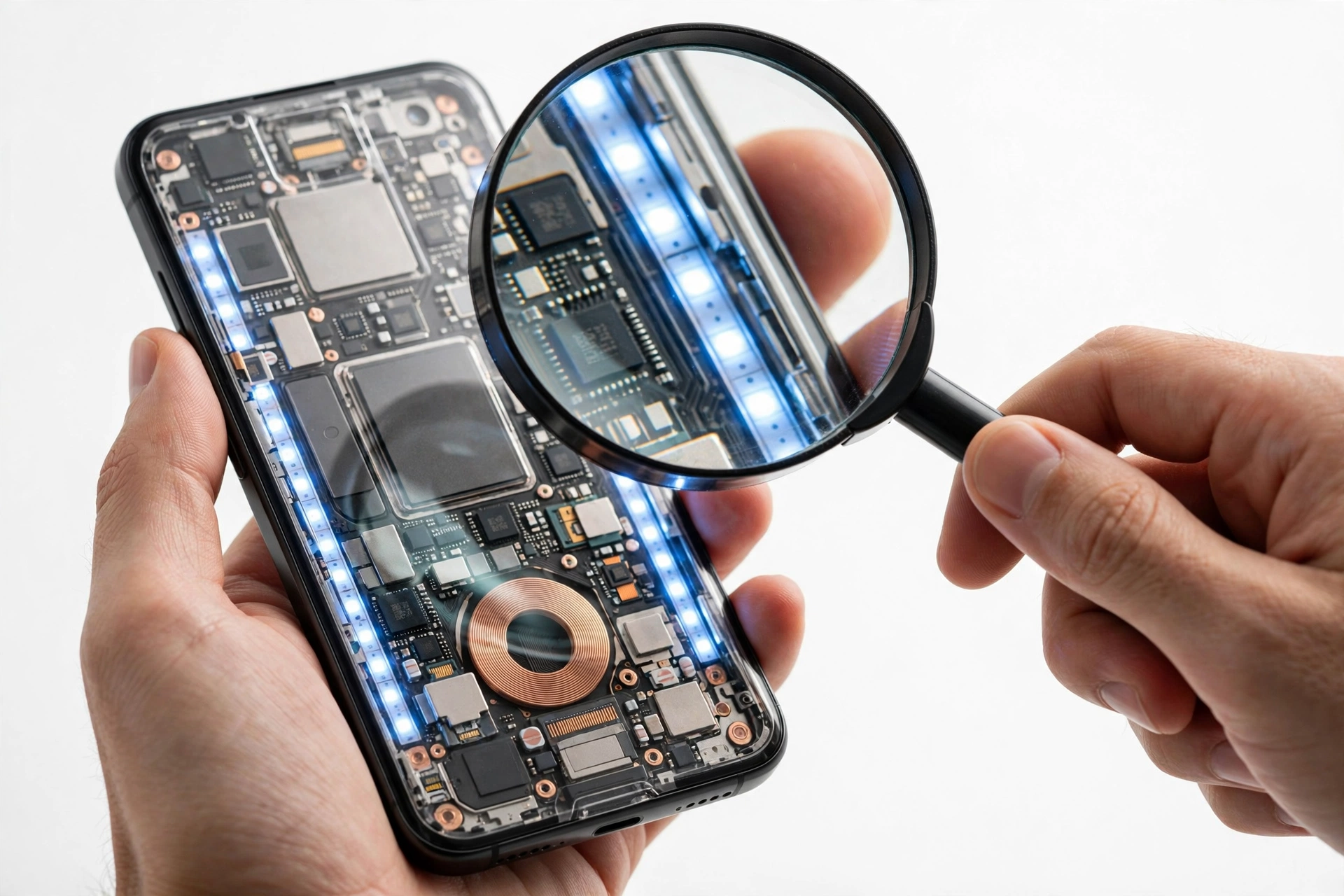
This guide is for anyone buying — or who has already bought — a Nothing Phone 3a and wants to confirm it is a genuine unit built by Nothing Technology Limited, not a counterfeit, a mislabeled different model, or a refurbished phone sold as new. It helps most in these situations: (Source: en.wikipedia.org)
- You bought a Phone 3a from a marketplace seller, an independent shop, or a friend, and the price was noticeably below retail.
- You are comparing a listing against the official specifications and something looks “close but not quite right.”
- You received the phone as a gift or in a trade and want to confirm what you actually have.
- You are deciding between the Phone 3a and the Phone 3a Pro and want to make sure the seller shipped the model you paid for.
Quick fact: The Nothing Phone 3a launched on March 4, 2025, and went on sale on March 11, 2025, with the model number A059. Any “Phone 3a” being sold as new before those dates, or any unit that does not match the specifications below, deserves a careful look.
This guide is not about the Nothing Phone 3a Pro (the sibling model with a 3x periscope camera and other differences). The Pro gets its own section further down so you can tell the two apart — a genuine 3a Pro is not a fake, but a seller calling a Pro a 3a (or vice versa) is a mislabel worth catching.
Related guides on this site: How to Check If a Nothing Phone Is Original, How to Check If a Nothing Phone 2a Is Original, and How to Check If a Nothing Phone 3 Is Original.
2. The three layers of a real Phone 3a
Every authenticity check in this guide falls into one of three layers. Genuine phones pass all three; counterfeits usually fail at least two.
- Identity layer: the IMEI and serial number match across the dialer, Settings, and the box, and the model number is A059.
- Hardware layer: the physical phone matches the real specifications — Glyph Interface lights, triple camera layout, weight, build.
- Software layer: the phone runs genuine Nothing OS with working Nothing-exclusive features, and its update check reaches Nothing’s servers.
The most common counterfeit pattern is a cheap phone dressed in a Nothing-style transparent case with a Nothing logo. These fail the software layer immediately: no genuine Nothing OS, no working Glyph Interface, no Nothing-exclusive features. The second most common pattern is a software-skinned phone — a different Android phone with a Nothing-like launcher and copied IMEI. These pass a casual glance but fail the Glyph functional test and the camera-lens test below.
3. The real Nothing Phone 3a: reported specification snapshot
Before checking anything, memorize what the real phone is. The table below reflects launch reporting for the Nothing Phone 3a. Counterfeiters count on buyers not knowing these details.
| Feature | Real Nothing Phone 3a | Why it matters for spotting fakes |
|---|---|---|
| Model number | A059 | The single most reliable hardware identifier |
| Chipset | Snapdragon 7s Gen 3 (4 nm), Adreno 710 | A “Dimensity” or Snapdragon 8-series chip is a fake |
| Display | 6.77″ LTPS Flexible AMOLED, 120 Hz, HDR10+, 1080 × 2392, 3000 nits peak, Panda Glass | LCD displays are a hard fail |
| RAM / storage | 8 GB + 128 GB, 8 GB + 256 GB, 12 GB + 256 GB (UFS 2.2); no microSD slot | Any other combination (see impossible list below) is a fake |
| Rear cameras | 50 MP main (Samsung GN9, f/1.88, OIS) + 50 MP 2x telephoto (f/2.0) + 8 MP ultrawide (f/2.2) | A fourth lens, a “108 MP” label, or a periscope-style hump is wrong |
| Front camera | 32 MP, f/2.2 | 50 MP front camera belongs to the 3a Pro, not the 3a |
| Battery / charging | 5000 mAh, 50 W wired (50% in ~19 min); no wireless charging | Wireless charging on a “3a” is a fake tell |
| Glyph Interface | 3 LED light strips, 26 individually addressable zones | Non-functional lights are the classic fake giveaway |
| Operating system | Nothing OS 3.1 based on Android 15 (3 Android upgrades, 6 years security patches promised) | Any other skin on first boot is suspicious |
| Water/dust rating | IP64 (dust and splash resistance) | Not a buyer test — never test water resistance yourself |
| Weight / size | 201 g; 163.5 × 77.5 × 8.4 mm | A phone that feels far lighter or thicker is suspect |
| Colors | Black, White, Blue | Any other official-sounding color is invented |
| SIM | Dual Nano-SIM; no eSIM on the standard 3a | An “eSIM-only” or single-SIM 3a is wrong |
| Box contents | Phone, Type-C cable, SIM ejector tool — no charger in the box | A charger in a sealed box is a red flag |
Tip: Print or screenshot the spec table before you go to meet a seller. Fakes are usually caught in the first sixty seconds when you know the real numbers.
4. Instant rejects: configurations that cannot be genuine
Check these first. If any single item on this list is true, you do not need the rest of the guide — the phone cannot be a genuine Nothing Phone 3a:
- 512 GB storage — the 3a was sold only in 128 GB and 256 GB configurations. A “512 GB Phone 3a” does not exist.
- Any Snapdragon 8-series, Dimensity, or Exynos chip — the real 3a uses the Snapdragon 7s Gen 3. Sellers who advertise a “faster chip” on a 3a are describing a different phone.
- Four rear cameras, a 108 MP or 200 MP main sensor, or a periscope-style zoom hump — the 3a has exactly three rear cameras (main + 2x telephoto + ultrawide). The periscope belongs to the 3a Pro.
- Wireless charging — the Phone 3a does not support it.
- A microSD card slot — the 3a has no expandable storage.
- 6 GB RAM or 16 GB RAM — the 3a shipped with 8 GB or 12 GB RAM only.
- A 3.5 mm headphone jack — the 3a does not have one.
- Model numbers other than A059 on the box or in Settings.
- A price roughly half of retail for a sealed “new” unit — counterfeits are almost always priced to look like an irresistible deal.
Stop for safety: Never open the phone to “check the internals.” Opening a phone can damage it, voids any warranty, and tells you nothing a software check cannot. Every test in this guide is non-invasive.
5. The ten-check authenticity worksheet
Work through these in order. Each check lists what it proves and its limitation — no single check is perfect, which is why you run all ten.
Check 1 — IMEI triple-match
Dial *#06# and write down the IMEI. Compare it against Settings > About phone > IMEI and the IMEI printed on the box and (if present) the SIM tray. All three must match exactly.
| Result | What it establishes | What it does not establish |
|---|---|---|
| All three match | The identifiers are consistent — the expected result for a genuine phone | IMEI alone does not prove genuineness; copied IMEIs exist |
| Dialer shows nothing | On some builds the dialer code can fail for software reasons — use the Settings path instead | Does not by itself prove the phone is fake |
| Any mismatch | Strong signal of tampering, a refurbished board swap, or a clone | Walk away |
Stop for safety: A valid IMEI proves the number is real, not the phone. Counterfeiters copy genuine IMEIs. Always combine this check with the Glyph and software checks below.
Check 2 — Model number A059
Go to Settings > About phone > Model. A genuine Phone 3a shows A059. This is one of the strongest single checks because clone software rarely bothers to fake the model string correctly — and when it does, it usually copies the wrong variant’s number.
Check 3 — The Glyph Interface functional test
This is the signature test for any Nothing phone, and the one counterfeits fail most often. Open Settings > Glyph Interface and try the following:
- Assign different ringtones to different contacts and confirm the light pattern changes per contact.
- Turn on Glyph Torch (all LEDs at full brightness) and confirm all three light strips illuminate evenly.
- Enable Flip to Glyph, place the phone face-down, and call it — the Glyph should light up for the incoming call.
- Open the camera and use the Glyph as a fill light; confirm the lights respond.
On a genuine Phone 3a, the three LED strips break into 26 individually addressable zones with smooth, app-controlled animations. On a counterfeit, you will typically see one of three failures: the lights do nothing at all, they light up but cannot be controlled from Settings, or they blink crudely with no per-contact or per-app patterns. Decorative lights that ignore the Settings app are the single most common fake tell in the Nothing lineup.
Check 4 — Nothing OS software check
A genuine Phone 3a boots into Nothing OS 3.1 based on Android 15 with Nothing’s signature dot-matrix visual language, the Nothing X app integration, and the Glyph settings page. Open Settings > System > System update and check for updates — a genuine phone contacts Nothing’s update servers. A phone that shows a generic Android skin, a different manufacturer’s update screen, or apps you would expect on another brand’s phone is not running genuine Nothing software.
Also look for Essential Space and the Essential Key (Nothing’s AI features introduced with this generation) and Circle to Search. Their presence is a positive signal; their absence on a supposedly new 3a is a warning.
Check 5 — Camera hardware test
The Phone 3a has three rear cameras and each must actually work. Open the camera app, switch to the 2x telephoto lens, and physically cover each rear lens one at a time with your finger while watching the viewfinder — when you cover the active lens, the image should go dark. A counterfeit with decorative extra lenses will show no change when you cover the “telephoto” or “ultrawide” lens, because only the main sensor is real.
Also confirm the main camera has OIS (the viewfinder should stay unusually steady when you move slightly) and that the front camera is 32 MP — a 50 MP front camera means the phone is a 3a Pro or a mislabeled unit, not a standard 3a.
Check 6 — Weight and build
The real Phone 3a weighs 201 g. You cannot weigh it precisely without a scale, but a phone that feels dramatically lighter (hollow plastic) or dramatically heavier than other modern phones is worth questioning. The frame is plastic with glass front and back, the display is flat, and the camera module is a centered pill-shaped unit — the 3a Pro uses an L-shaped module instead. Also confirm the transparent back shows Nothing’s industrial component layout with the signature red square accent; a plain black back with a Nothing sticker is an obvious fake.
Check 7 — Display quality
The 3a’s display is a 6.77″ AMOLED panel with 120 Hz refresh, deep blacks, and up to 3000 nits peak brightness. Open a pure-black image in a dark room: on AMOLED the black areas blend into the bezel because the pixels turn off. On a counterfeit with an LCD panel, the “black” areas glow gray. Also check Settings > Display for a 120 Hz refresh-rate option.
Check 8 — Box and packaging
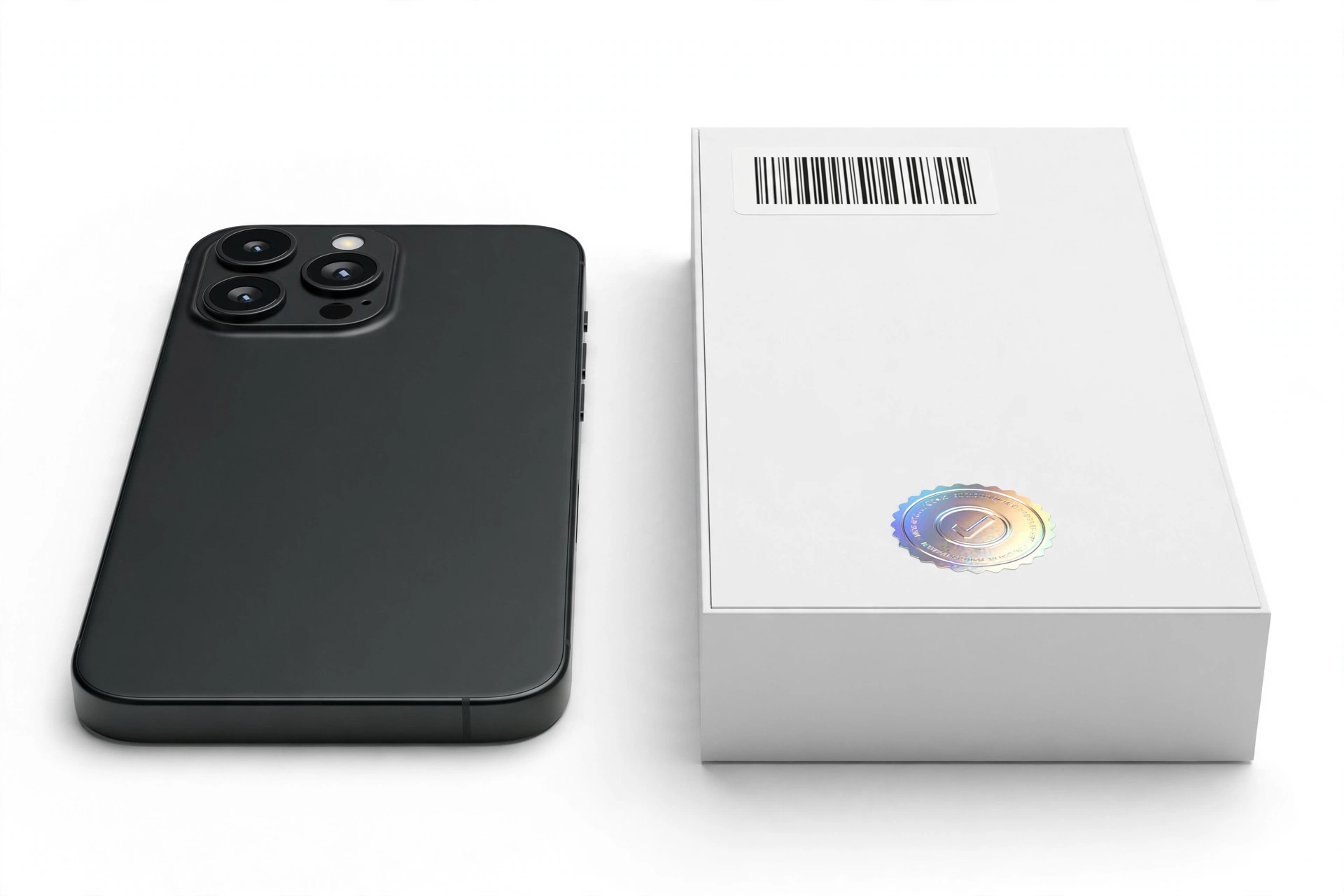
Genuine Nothing packaging is minimal and precise: phone, Type-C cable, SIM ejector tool, documentation. There is no charger in the box. Check that the IMEI on the box matches the phone (Check 1), the printing is sharp with no spelling errors, and the seals look factory-applied rather than re-glued. A sealed box with a charger inside, blurry printing, or a mismatched IMEI is a strong warning.
Check 9 — Play Protect certification
Open the Google Play Store > profile > Settings > About and look for Play Protect certification. Genuine retail Android phones are certified; many counterfeits and gray-market flashed units are not. An uncertified device cannot be a genuine retail Phone 3a.
Check 10 — Purchase channel reality check
| Channel | Risk level | Notes |
|---|---|---|
| Nothing’s official store (nothing.tech), authorized carriers and retailers | Lowest | Genuine by definition; keep the receipt |
| Major established retailers (e.g., Amazon, Flipkart in India; O2, MediaMarkt, Saturn in Europe) | Low | Buy from the retailer directly, not a third-party marketplace seller on the same platform |
| Reputable refurbished programs with warranty | Medium | Genuine hardware, but confirm it is sold as refurbished, not new |
| Peer-to-peer marketplaces, social media sellers, street vendors | High | Run all ten checks before paying; meet in a safe public place |
| Listings at ~50% of retail for sealed “new” units | Highest | This is the classic counterfeit price point |
Quick fact: Nothing sells primarily through its own store and partner retailers. In India the Phone 3a launched at ₹24,999 (8 GB + 128 GB); in Europe it started at €329. If a “new” unit is offered far below these figures, treat the listing as guilty until proven innocent.
6. Phone 3a vs Phone 3a Pro: don’t confuse genuine variants
The most common “fake” scare is actually a mix-up between the two siblings. Both are genuine Nothing phones, but they are different models with different prices. Use this table to confirm which one you are holding.
| Feature | Phone 3a | Phone 3a Pro |
|---|---|---|
| Telephoto camera | 50 MP, 2x optical zoom | 50 MP periscope, 3x optical zoom |
| Front camera | 32 MP | 50 MP |
| Camera module shape | Centered pill | L-shaped |
| Weight | 201 g | 211 g |
| eSIM | No | Yes (per reporting) |
| Reverse charging | No | Yes (per reporting) |
| Everything else | Same: Snapdragon 7s Gen 3, 6.77″ 120 Hz AMOLED, 5000 mAh / 50 W, Glyph 26 zones, IP64, Nothing OS 3.1 | |
If you paid for a 3a and received a phone with a 3x periscope camera, you received a Pro — a lucky upgrade in hardware terms, but the seller’s listing was wrong, and the price you paid may not match what you got. If you paid for a Pro and received a 2x telephoto, you were short-changed and should pursue a refund.
7. Counterfeit vs refurbished vs gray market: know what you have
Not every suspicious phone is a counterfeit. The remedy depends on the category:
| Category | What it is | How to recognize it | What to do |
|---|---|---|---|
| Counterfeit | A different phone dressed as a 3a | Fails Glyph test, wrong chipset, LCD screen, no Nothing OS | Do not use it; report the seller; do not resell it as genuine |
| Refurbished sold as new | Genuine 3a hardware, repaired and repackaged | Passes hardware/software checks; signs of prior use; box resealed | Negotiate a refurbished price or return it — the deception is the problem |
| Gray-market import | Genuine 3a meant for another region | Passes all checks; box in another language; no local warranty | Keep it only if the price reflects no warranty |
| Mislabeled model | A genuine 3a Pro (or 2a) sold as a 3a | Passes checks but matches the sibling’s spec table | Confirm with the comparison table above; adjust price or return |
| Demo / display unit | Genuine 3a used in a store | Passes checks; demo software or engraving; heavy wear | Only acceptable at a steep discount with eyes open |
8. What to do if the phone is fake
- Stop using it for anything sensitive. A counterfeit phone’s software cannot be trusted — do not sign in with your primary Google account, banking apps, or payment methods.
- Document everything: photos of the phone, box, listing screenshots, the seller’s details, and your check results.
- Request a refund through the platform’s buyer protection (most marketplaces side with buyers on counterfeit claims with evidence).
- Report the listing to the marketplace and, where possible, to Nothing.
- Do not resell it as genuine. Passing a known fake to another buyer can create legal liability.
- Buy the replacement from an authorized channel — nothing.tech or an established retailer.
Stop for safety: never enter passwords or financial details on a phone you suspect is counterfeit.
9. Hypothetical examples
(The following are hypothetical illustrations, not customer stories.)
Example A — Amara’s marketplace “bargain”
Amara finds a sealed “Nothing Phone 3a, 256 GB” for roughly half the retail price. Before paying, she asks the seller for the IMEI and a photo of the About phone screen. The seller sends an IMEI but no screenshot. When they meet, she dials *#06# — the IMEI matches. So far so good. Then she opens Settings > Glyph Interface and tries to assign a light pattern to a contact. Nothing happens; the back lights stay dark no matter what she taps. The phone also shows 16 GB of RAM in Settings — a configuration the real 3a was never sold in. Two failed checks (Glyph test, impossible configuration). She walks away and reports the listing.
Example B — Devon’s “Pro” surprise
Devon buys a used phone listed as a “Nothing Phone 3a” from a friend of a friend. It passes the IMEI match, the Glyph lights work beautifully, and it runs genuine Nothing OS. But when he checks the camera, the telephoto is a 3x periscope and the front camera is 50 MP — the 3a Pro’s hardware, in a listing that said 3a. Nothing about the phone is fake; it is a genuine 3a Pro, a more expensive model than advertised. He keeps the phone but renegotiates nothing — he got the better end of the mix-up, and now he knows exactly what he owns.
10. Frequently asked questions
Can I check the IMEI on Nothing’s website to confirm my Phone 3a?
Unlike some manufacturers, Nothing does not publish a widely documented public buyer-facing IMEI authenticity portal. The IMEI triple-match in this guide (dialer = Settings = box) is the practical substitute, combined with the Glyph and software checks. Be wary of third-party “IMEI checker” sites — they can confirm a number’s format, not the phone’s genuineness.
Does the Phone 3a really have only three LED strips?
Yes. The Phone 3a’s Glyph Interface uses three LED light strips divided into 26 individually addressable zones. It is a simplified version of the flagship Glyph systems, but it is fully functional and app-controllable on a genuine unit. Lights that cannot be controlled from Settings are the classic fake tell.
Is a 12 GB RAM Phone 3a genuine?
Yes — the 3a was sold in 8 GB + 128 GB, 8 GB + 256 GB, and 12 GB + 256 GB configurations. What does not exist is 6 GB or 16 GB RAM on the standard 3a.
Can a software update turn my genuine 3a into something that looks fake?
No. Updates do not change the model number, remove the Glyph Interface, or alter the hardware specifications. If your phone suddenly “loses” Nothing OS features after an update, check for a failed or interrupted update and contact Nothing support — but a genuine phone does not become a fake through software.
The seller says the phone is “factory unlocked.” Is that a warning sign?
Not by itself. Nothing phones are sold unlocked in most regions, so “factory unlocked” is the normal state, not a special feature. Treat it as a warning only when combined with other red flags (price, failed checks).
Should I buy a Phone 3a that has no box?
A missing box removes the IMEI cross-check and the packaging inspection — two of the ten checks. Only proceed if the phone passes the remaining checks (especially Glyph, software, and camera tests) and the price reflects the missing provenance.
What is the difference between the Phone 3a and the older Phone 2a?
The 3a is the 2025 successor: Snapdragon 7s Gen 3 (vs. Dimensity 7200 Pro on the 2a), a triple camera with 2x telephoto (vs. dual camera), 50 W charging (vs. 45 W), IP64 rating, and the Essential Key AI features. A 2a sold as a 3a is a mislabeled-model case — check the chipset in Settings to tell them apart.
Where can I get a suspected fake examined in person?
If you are in the Las Vegas area, you can bring the phone to Las Vegas Phone Repair & Accessories, 7400 Las Vegas Blvd S, Unit TT42, Las Vegas, NV 89123 — (424) 406-6202, open 10 AM–8 PM (call ahead to confirm today’s hours). An in-person inspection can confirm the hardware checks in this guide; note that a shop visit establishes what the phone is, not a legal determination of counterfeiting.
Video: How to tell if your smartphone is fake or real
Sources and editorial notes
- Wikipedia — Nothing Phone 3a/3a Pro: launch date (March 4, 2025), model A059, Snapdragon 7s Gen 3, dimensions, weight, camera sensors, Nothing OS update policy. Last checked October 14, 2026.
- Gizmochina — Nothing Phone 3a product page: Glyph Interface (3 LED strips, 26 addressable zones), display specs, RAM/storage configurations, connectivity. Last checked October 14, 2026.
- Mobolist — Nothing Phone 3a specifications: full spec sheet including IP64, Panda Glass, Bluetooth 5.4, NFC. Last checked October 14, 2026.
- Gadgets360 — Phone 3a/3a Pro launch coverage: launch pricing, Glyph features, battery and charging claims. Last checked October 14, 2026.
- T3 — Phone 3a vs 3a Pro comparison: sibling differences (cameras, weight, shared internals). Last checked October 14, 2026.
- FlyingEze — 3a vs 3a Pro comparison: spec-by-spec table, pricing, availability dates. Last checked October 14, 2026.
Last source check: October 14, 2026. AI-assisted editorial guide, checked against the linked manufacturer and press information above. Specifications reflect launch reporting; Nothing may revise details over time, so confirm critical identifiers (model number A059, IMEI) against the physical device and its packaging rather than relying on memory. This guide does not claim manufacturer authorization — it is an independent editorial checklist.
Let’s get you connected again.
Tell us what’s happening with your device and we’ll help you decide the safest next step — no jargon, no pressure.
Las Vegas Phone Repair & Accessories · 7400 Las Vegas Blvd S, Unit TT42, Las Vegas, NV 89123
10:00 AM–8:00 PM — call ahead to confirm today’s hours