
Phone Camera Overheating Warning: Causes and Safe Fixes
A warm phone during long video recording is normal; a camera that shuts down with a temperature warning means the phone is protecting itself — stop recording, close the camera, and let it cool in shade. This guide explains why the camera heats phones, what the thermal warnings mean, the safe steps that actually cool a device down, and when heat around the camera is a sign of something abnormal.
On this page
A warm phone during long video recording is normal; a camera that shuts down with a temperature warning means the phone is protecting itself — stop recording, close the camera, and let it cool in shade.
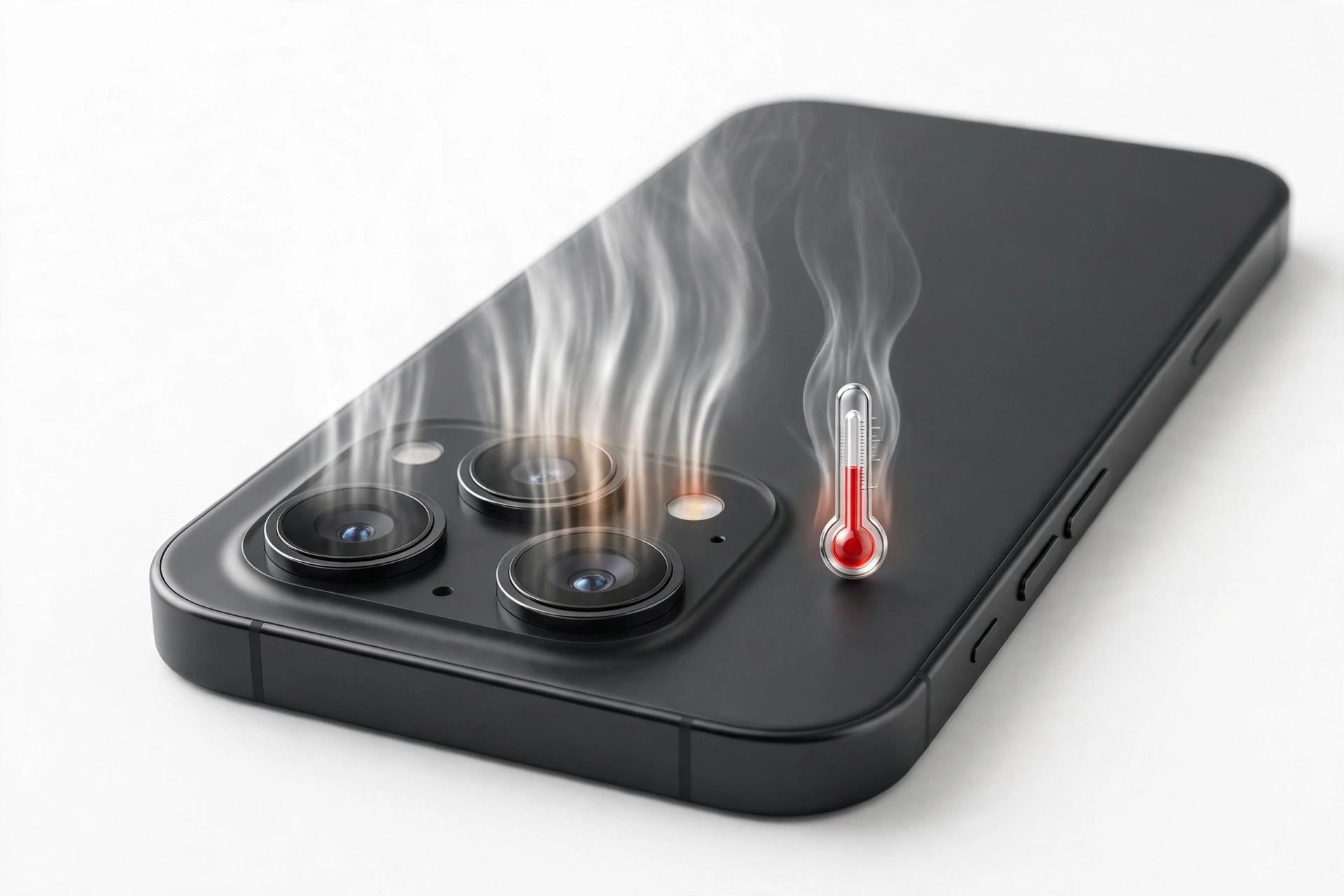
1. What “camera overheating” actually means on your phone
When people say their “camera is overheating,” they usually mean one of three different things, and it helps to separate them before you do anything: (Source: support.apple.com)
- The phone feels warm while filming. This is the most common case. The area near the camera and processor — usually the upper half of the back of the phone — gets noticeably hot during video recording. Mild warmth is expected behavior on modern phones.
- The camera app slows down, dims, or closes itself. Some phones dim the display, drop the frame rate, or close the camera app with a message. This is the phone’s thermal protection stepping in, not a malfunction.
- A full temperature warning appears and blocks use. iPhones display a temperature warning screen telling you the phone needs to cool down before it can be used. This is the last line of defense and means you should stop using the phone entirely until it cools.
Modern phone cameras are small computers doing enormous work in real time. A 4K video recording is being captured, stabilized, noise-reduced, color-graded, and compressed dozens of times per second — all inside a sealed glass slab with no fan. Some heat is simply the physics of the job. The real questions are: how much heat is normal, what should you do about it, and what should you never do?
Quick fact: The camera bump is warm for a reason. On most phones, the processor and the image-processing hardware sit directly behind or beside the camera module, so heat from computation pools in exactly the spot you touch when you frame a shot.
2. Why the camera app is one of the hottest workloads your phone can run
Several camera features push the processor harder than almost anything else you do on a phone:
2.1 Video recording, especially 4K and 8K
Recording high-resolution video is sustained, nonstop computation. Every second of 4K footage means encoding millions of pixels in real time while simultaneously running stabilization, autofocus, and exposure adjustments. Long recording sessions are among the activities both Apple and Samsung name as situations where a device heats up more easily. Ten minutes of 4K video produces far more heat than ten minutes of scrolling through photos.
2.2 Computational photography
Modern phones don’t take single photographs — they take bursts of frames and fuse them. Night mode, HDR, and portrait effects all run multiple exposures through image-processing pipelines and sometimes machine-learning models. A Samsung community support reply notes that computational photography is a genuinely heavy processing task, which is why even taking several photos in a row can make the upper part of a phone feel warm.
2.3 Electronic and optical stabilization working overtime
Walking, panning, or filming from a moving vehicle forces stabilization systems — gyroscope sampling, sensor shifting, and electronic frame cropping — to work continuously. The harder the motion, the harder the hardware works.
2.4 The flashlight and flash
The camera LED is a bright light driven hard. Using the flashlight for minutes at a time, or firing the flash repeatedly, adds real heat to the camera module itself.
2.5 Everything running alongside the camera
Heat stacks. Recording video while the phone is also charging, uploading to the cloud, navigating with GPS, or streaming to a live audience combines multiple heat sources at once. Samsung’s guidance explicitly lists using navigation while recording videos as a heating situation. Live streaming is particularly demanding: it records, encodes, and uploads simultaneously.
Quick fact: Bright screens add heat too. Filming outdoors at maximum brightness means the display, the camera, and the processor are all generating heat at the same time — the triple load that pushes phones into thermal warnings fastest.
3. What your phone does to protect itself — and what the warnings mean
Both major platforms have automatic thermal protection. Knowing what these behaviors mean prevents the panic that makes people try unsafe “fixes.”
3.1 On iPhone
Apple documents that iPhones are designed to work in ambient temperatures between 0°C and 35°C (32°F and 95°F). When the internal temperature rises, iOS intervenes on its own:
- Charging, including wireless charging, slows down or stops.
- The display dims or goes black.
- Cellular radios enter a low-power state, so the signal may weaken.
- The camera flash, and in some cases other camera features, are temporarily disabled.
- Performance is reduced in some apps — lower frame rates or slower processing.
If heat keeps rising, the iPhone shows its temperature warning screen and pauses normal use until the device cools. Apple notes that emergency calls may still be possible while this screen is showing. Apple’s official advice is simple: turn the device off, move it to a cooler environment out of direct sunlight, and let it cool down before using it again. Apple also warns that using an iPhone in very hot conditions can permanently shorten battery life — the long-term reason this matters.
3.2 On Samsung Galaxy
Samsung’s support guidance lists the situations where a device heats up more easily, including long recording, maximum screen brightness, gaming, streaming, and hot or enclosed environments. Samsung’s recommended responses include optimizing the device through Device care, enabling Power saving mode, managing heat while charging with Samsung-approved chargers, and using the Light performance profile, which reduces the processor’s maximum speed to cut heat. Samsung’s community support advises that if the phone becomes unusually hot even while idle, checking diagnostics and getting the device inspected is the next step.
3.3 What the warnings do NOT mean
A thermal warning is not an error message, not a virus, and not proof your phone is broken. It is the phone doing exactly what it was designed to do: throttling or pausing functions before heat can damage the battery or electronics. The correct response is always patience and shade — never a freezer, a bag of ice, or a blast of compressed air.
Stop for safety: Never put an overheating phone in a freezer, refrigerator, or ice bath. Rapid cooling causes condensation inside the phone — water forming on the electronics — which can cause short circuits and corrosion far worse than the heat you were trying to fix. The same applies to holding it against an air-conditioner vent at full blast.
4. The immediate safe-cool sequence: what to do when the camera overheats
If your phone is hot from camera use right now, work through these steps in order. Each one removes a source of heat.
- Stop recording and close the camera app. Don’t just minimize it — actually close it from the recent-apps view. Background camera processes can keep running.
- Stop any other heavy task. End live streaming, navigation, and gaming. If you were recording while charging, unplug the charger — Samsung specifically advises unplugging and closing apps when the device feels hot, then waiting until it cools before charging again.
- Move the phone out of direct sunlight. Shade makes a bigger difference than most people expect. Never leave it on a car dashboard, which concentrates heat through glass.
- Remove the case temporarily. Cases insulate the phone. Taking it off lets heat radiate away. Samsung’s own community guidance suggests removing covers to cool an overheating phone, replacing them once the temperature drops.
- Turn the screen off or power the phone down. If a temperature warning is showing, turn the device off and wait. Ten to fifteen minutes in a cool, shaded spot is a reasonable cooling window.
- Reduce brightness and workload when you resume. When you start filming again, lower the screen brightness, avoid 4K if 1080p will do, and keep clips shorter.
- Let the phone cool before charging it. Charging adds heat. Wait until the phone feels normal before plugging it back in.
5. Safe cooling vs. things you should never do
| Action | Verdict | Why |
|---|---|---|
| Shade, indoors, room-temperature air | Safe | Lets the phone shed heat at its own pace — the manufacturer-recommended approach |
| Removing the case | Safe | Stops insulation from trapping heat against the body |
| Closing the camera and heavy apps | Safe | Removes the workload generating the heat |
| Powering the phone off | Safe | Stops nearly all heat sources at once |
| Power saving / Light performance mode | Safe | Lowers processor speed and screen brightness, reducing thermal load |
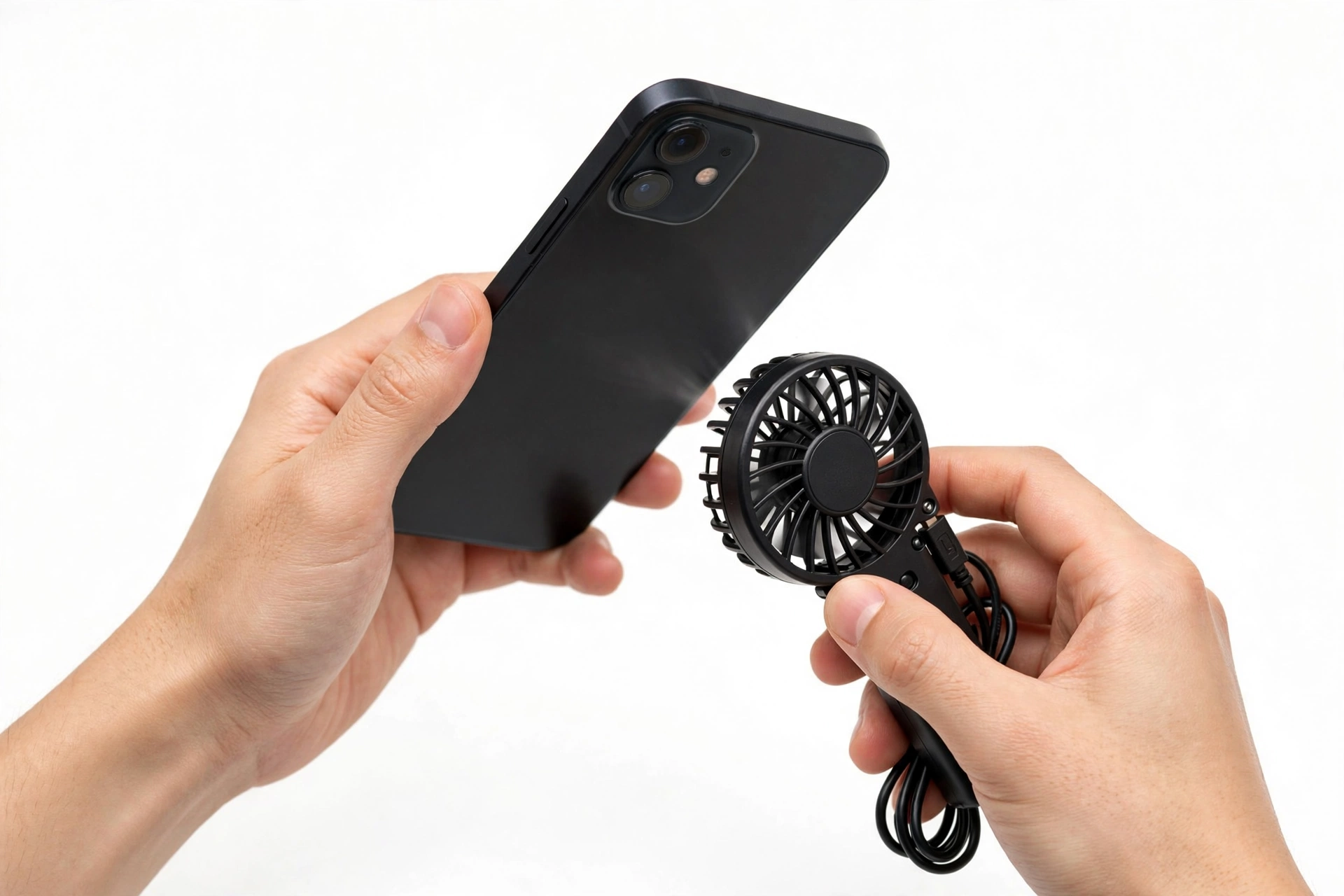
| A gentle fan at a distance | Safe | Moving room-temperature air helps without condensation risk |
| Freezer, refrigerator, or ice | Never | Condensation forms inside the phone and can short-circuit electronics |
| Ice water or cold water | Never | Liquid damage plus thermal shock; water resistance ratings don’t cover this abuse |
| Compressed air | Never | Can force moisture into ports and cause rapid uneven cooling |
| Keeping recording “to get the shot” | Never | Forcing past thermal warnings risks battery and component damage |
6. The common camera-heat traps
These situations combine multiple heat sources and are where thermal warnings appear most often:
- Filming in direct sun, especially on a dashboard mount. Sunlight through a windshield, a dark dashboard, and a running camera is the classic thermal-warning setup.
- Long video sessions: weddings, events, sports. Sustained 4K recording for tens of minutes with no breaks will warm any phone.
- Recording while charging. Fast charging and the camera together generate more heat than either alone. If you must charge during a shoot, use a lower-wattage charger and keep the phone shaded.
- Live streaming. Recording plus real-time encoding plus continuous uploading is the heaviest camera workload there is.
- Timelapse and hyperlapse in the sun. The phone sits in one place, in the light, working continuously for long stretches.
- Video calls in bright rooms. Camera on, screen on, brightness up, processor busy — our related guide covers this combination in detail.
- Hot cars and beach bags. A phone left in a hot car or a dark bag on a beach can enter thermal protection before you even open the camera.
7. Symptom, cause, and fix at a glance
| What you notice | Likely cause | What to do |
|---|---|---|
| Phone warm after 10+ minutes of 4K video | Normal sustained workload | Take a filming break; switch to 1080p for long clips |
| Flash won’t fire after heavy camera use | Thermal protection disabled the flash (Apple documents this) | Cool the phone; the flash returns when temperatures normalize |
| Camera app closes itself with a heat message | Thermal protection closed the app | Shade, case off, wait 10–15 minutes before reopening |
| Full temperature warning screen | Internal temperature exceeded safe range | Turn off, move to cool shade, wait; emergency calls may still work |
| Screen dims during recording | Thermal protection reducing display heat | Lower brightness manually; move to shade |
| Phone hot while streaming live | Record + encode + upload simultaneously | Shorten streams; use Wi-Fi instead of cellular; shade the phone |
| Hot spot only around the camera, phone idle | Possibly abnormal — see Section 8 | Restart; check battery usage; if it persists, seek assessment |
| Heat plus rapid battery drain or swelling | Possible battery fault | Stop charging and using the phone; get professional assessment |
| Heat right after a software update | Post-update indexing and re-sync | Wait 24–48 hours; keep the phone cool and charged moderately |
| Phone hot while charging and filming | Two heat sources combined | Stop one of them; never fast-charge a very hot phone |
8. When camera-area heat is abnormal
Heat during heavy camera use is normal. Heat outside of it deserves attention. Consider professional assessment if:
- The phone gets hot around the camera while idle, in a cool room, with no apps open — repeatedly, not once.
- Heat is accompanied by rapid battery drain, unexpected shutdowns, or the battery percentage jumping.
- You notice any swelling, screen separation, or distortion of the phone’s body. Stop charging and stop using the phone. A swollen battery is a fire risk and needs professional handling — never puncture, press, or heat it.
- A localized hot spot appears near the camera even in airplane mode, which rules out most network and app causes.
- The phone repeatedly shuts down with temperature warnings in mild conditions, such as a cool room.
Stop for safety: If the phone is swollen, hot enough to be uncomfortable to hold, giving off a strange smell, or distorting at the seams — power it down, do not charge it, keep it away from flammable materials, and get it assessed. Do not try to open it or remove the battery yourself.
For mild but persistent unexplained heat, Samsung’s own guidance points to checking battery usage for rogue apps, running Device care optimization, updating software (updates can include thermal and battery fixes), and using diagnostics before concluding anything is wrong with the hardware.
9. Preventing camera overheating before a shoot
If you know you’ll be filming in warm conditions, a little preparation prevents most thermal interruptions:
- Charge to 80–100% beforehand so you don’t need to charge while filming.
- Pre-download maps, music, and files so the phone isn’t syncing during the shoot.
- Pick 1080p for long recordings and save 4K or 8K for short, deliberate shots. Halving the resolution roughly halves the encoding workload.
- Plan shade breaks. Between takes, put the phone face-down in shade with the screen off.
- Use a light-colored or ventilated case, or shoot without the case when it’s hot.
- Lower screen brightness to the minimum you can still frame with.
- Turn off the hotspot, Bluetooth, and location services you don’t need — every radio adds heat.
- Close background apps before opening the camera.
- On Samsung, consider the Light performance profile (Settings → Battery and device care → Performance profile → Light) for long shooting days; it trims peak processor speed to reduce heat.
- Bring a small portable fan or a shaded pouch rather than improvised cooling — a shaded cloth bag works fine.
10. Who this guide is for — and how it differs from general overheating guides
This guide is for people whose heat problem centers on the camera: filming, photographing, streaming, or video calling. If your phone overheats mainly while charging, gaming, or on video calls, the focused guides below cover those combinations specifically:
- Phone Overheating While Charging — charger, cable, and charging-heat diagnosis.
- Phone Overheating During Gaming — sustained processor load from games.
- Phone Overheating During Video Calls — camera plus screen plus radios for long calls.
The general principles here — shade, patience, no freezers, and respecting thermal warnings — apply to all of them.
11. What these checks can and cannot establish
| Observation | Can establish | Cannot establish |
|---|---|---|
| Heat only during long recording | The workload is the cause; behavior is normal | That nothing else is wrong — persistent patterns still deserve a look |
| Warning screen appears | The phone’s thermal protection engaged correctly | Whether heat caused lasting damage — usually none, but battery wear accumulates |
| Heat while idle in a cool room | Something beyond normal workload is involved | Exactly which component — that needs diagnostics or assessment |
| Swelling or distortion | The battery needs immediate professional attention | Nothing else — stop diagnosing and get help |
| Heat disappears after an update | A software bug was likely contributing | That the hardware was ever at fault |
12. Two worked examples
(The following are hypothetical illustrations, not customer stories.)
Example A: The outdoor event videographer
Maya is filming a daytime community festival on her phone — 4K video, screen at full brightness, phone mounted on a small tripod in the sun. After about 25 minutes, the screen dims and the camera app closes with a heat message. She had been charging the phone from a power bank the whole time. Following the sequence in Section 4, she unplugs the charger, removes the case, moves the phone into the shade of her bag, and waits 15 minutes. For the rest of the day she films in 1080p, takes shade breaks between acts, and leaves the power bank disconnected. No further warnings appear. The lesson: she had stacked four heat sources — sun, 4K, full brightness, and charging — and removing them solved it.
Example B: The unexplained hot spot
Daniel notices the camera area of his phone feels warm even when he hasn’t opened the camera all day. It happens three days in a row in an air-conditioned office. He restarts the phone, checks battery usage for any app consuming power in the background, and updates the software — the warmth persists. Because the heat appears while the phone is idle in a cool room, this falls under Section 8’s abnormal pattern, so he backs up his data and takes the phone in for assessment rather than continuing to troubleshoot. The lesson: workload heat is normal; idle heat is information worth acting on.
13. Frequently asked questions
Is it normal for my phone to get hot when recording video?
Yes — mild to moderate warmth during video recording, especially 4K, is normal on every modern phone. Both Apple and Samsung name long recording among the situations where a device heats up more easily. What matters is the pattern: warmth during filming that fades afterward is expected; heat while idle is not.
Why did my camera flash stop working when the phone got hot?
On iPhones, thermal protection temporarily disables the camera flash (and sometimes other camera features) when the device overheats — Apple documents this as one of the protective behaviors. The flash returns on its own once the phone cools. It is not a sign the flash is broken.
Can I put my hot phone in the fridge to cool it down?
No — never. Rapid cooling causes condensation inside the phone, which can short-circuit electronics and cause corrosion. Apple and Samsung both advise moving the device to a cooler environment at normal room temperature instead. Shade and patience are the entire technique.
Will overheating permanently damage my phone?
Occasional thermal protection events rarely cause damage — the protection exists precisely to prevent it. But Apple warns that using an iPhone in very hot conditions can permanently shorten battery life, so repeated severe overheating does accumulate wear, mostly on the battery.
Why does my phone overheat faster when I’m live streaming?
Live streaming combines recording, real-time video encoding, and continuous uploading at the same time — the heaviest camera workload a phone can run. Streaming over cellular adds radio heat on top. Shorter streams, Wi-Fi instead of cellular, and shade make the biggest difference.
Should I remove my case when the phone gets hot?
Yes, temporarily. Cases insulate the phone and slow heat dissipation. Samsung’s own support community suggests removing covers to cool an overheating phone and replacing them once the temperature drops. Put it back on when the phone is cool — the case still protects against drops.
My phone gets hot near the camera even when I’m not using it. Is that bad?
It can be. Heat that appears while the phone is idle in a cool room, especially repeatedly, is the pattern Section 8 flags as worth investigating: check battery usage for background culprits, update the software, and if it persists, get the phone assessed. Back up your data first.
Does a swollen battery cause heat?
A swollen or distorted battery is dangerous regardless of heat — stop charging, stop using the phone, and get professional assessment. Never puncture, press, or heat a swollen battery, and never try to remove it yourself.
Video: How to tell if your smartphone is fake or real
Sources and editorial notes
- Apple Support — “Keeping iPhone, iPad, and iPod touch within acceptable operating temperatures”: operating range 0–35°C, protective behaviors (charging slows/stops, display dims, radios enter low-power state, camera flash temporarily disabled), warning-screen guidance, and the battery-life warning for very hot conditions. Summarized in original language.
- Samsung Support — “What to do when your Samsung Galaxy device heats up while in use”: heating situations (long recording, max brightness, streaming), Device care optimization, Power saving mode, charging-heat management, and Light performance profile. Summarized in original language.
- Samsung Community — Galaxy S26 overheating discussion: computational photography as a heavy processing task; Light performance profile and Thermal Guardian as mitigation. Used for corroboration.
- Samsung Members Community — S Series battery drain and heating fixes: camera recording and GPS as natural temperature raisers; diagnostics and authorized-service guidance for persistent heat. Used for corroboration.
- The Mac Observer — Apple’s documented heat protections: Apple’s exact protective behaviors quoted in plain language; warning-screen behavior. Used for corroboration.
Last source check: October 14, 2026. AI-assisted editorial guide, checked against the linked manufacturer information. Manufacturer guidance changes over time; verify current steps on the official support pages above. For hands-on diagnosis of persistent or abnormal heat, a professional assessment is the safe next step — Las Vegas Phone Repair & Accessories, 7400 Las Vegas Blvd S, Unit TT42, Las Vegas, NV 89123; (424) 406-6202. Open 10 AM–8 PM; call ahead to confirm today’s hours.
Let’s get you connected again.
Tell us what’s happening with your device and we’ll help you decide the safest next step — no jargon, no pressure.
Las Vegas Phone Repair & Accessories · 7400 Las Vegas Blvd S, Unit TT42, Las Vegas, NV 89123
10:00 AM–8:00 PM — call ahead to confirm today’s hours