
How to Check If ZTE Phone Is Original: Authenticity Guide
You can check whether a ZTE phone is original by dialing *#06# to get its IMEI, then comparing that number against the box, the phone’s Settings, and ZTE’s official support resources. If every record agrees — and the IMEI’s model data matches the phone in your hand — the device is very likely genuine; if records disagree or the phone fails basic software checks, treat it as suspect.
On this page
You can check whether a ZTE phone is original by dialing *#06# to get its IMEI, then comparing that number against the box, the phone’s Settings, and ZTE’s official support resources.

Who this guide helps
This guide is for anyone buying, receiving, or already owning a ZTE, Nubia, or RedMagic phone who wants to confirm it is genuine. It covers new purchases from marketplaces, second-hand buys, gifts from abroad, and phones that behave strangely enough to raise doubts. The methods below use only official, documented checks — no apps to sideload, no devices to open, and no warranty-voiding steps. (Source: support.ztedevices.com)
Quick fact: ZTE Corporation owns the Nubia brand, which includes the RedMagic gaming-phone line. A genuine Nubia or RedMagic phone is a genuine ZTE-family product, but its support channel and warranty may differ from ZTE-branded models.
What “original” actually means
Before checking anything, it helps to separate three different situations that people often lump together as “fake”:
- Counterfeit (clone): A phone built to look like a ZTE/Nubia/RedMagic model but made by someone else, usually with cheaper hardware and doctored software. It was never a ZTE product.
- Refurbished sold as new: A genuine ZTE phone that was previously used or repaired, then repackaged and sold as new. The hardware is real; the “new” claim is the lie.
- Gray-market (parallel import): A genuine ZTE phone made for a different region, imported and sold outside its intended market. It is original hardware, but local warranty and network-band support may not apply.
Only the first category is a true fake. But the checks below catch all three, because each leaves different traces.
| Situation | Hardware | Typical signs | What to do |
|---|---|---|---|
| Counterfeit clone | Not made by ZTE | IMEI mismatches, wrong software, poor build, invented model names | Do not buy; if already bought, seek a refund and report the seller |
| Refurbished sold as new | Genuine ZTE | Warranty started long before your purchase; worn accessories; resealed box | Negotiate a fair used price or return it |
| Gray-market import | Genuine ZTE | Foreign charger plug, unfamiliar preinstalled apps, missing local bands | Fine to own if the price reflects it; confirm network compatibility first |
The short version: the 10-minute authenticity check
If you are standing in front of the phone right now, run this sequence. Each step takes about a minute, and a failure at any step is a reason to pause the deal.
- Dial *#06# and write down the 15-digit IMEI shown on screen.
- Compare it with the IMEI printed on the box and (on dual-SIM models) both IMEI slots shown in Settings.
- Check Settings > About phone and confirm the model name matches the box and the seller’s listing exactly.
- Look up the IMEI’s TAC (first 8 digits) in a free TAC database to confirm it is registered to ZTE and the stated model family.
- Inspect the box and accessories for print quality, seals, and a matching IMEI label.
- Test the software: Play Protect certification, system update check, and preinstalled apps.
- Check the warranty status through ZTE’s official support channels with the IMEI or serial number.
The rest of this guide explains each step in detail — what it proves, what it cannot prove, and the ZTE-specific details that catch the fakes.
Method 1: The IMEI — your strongest single check
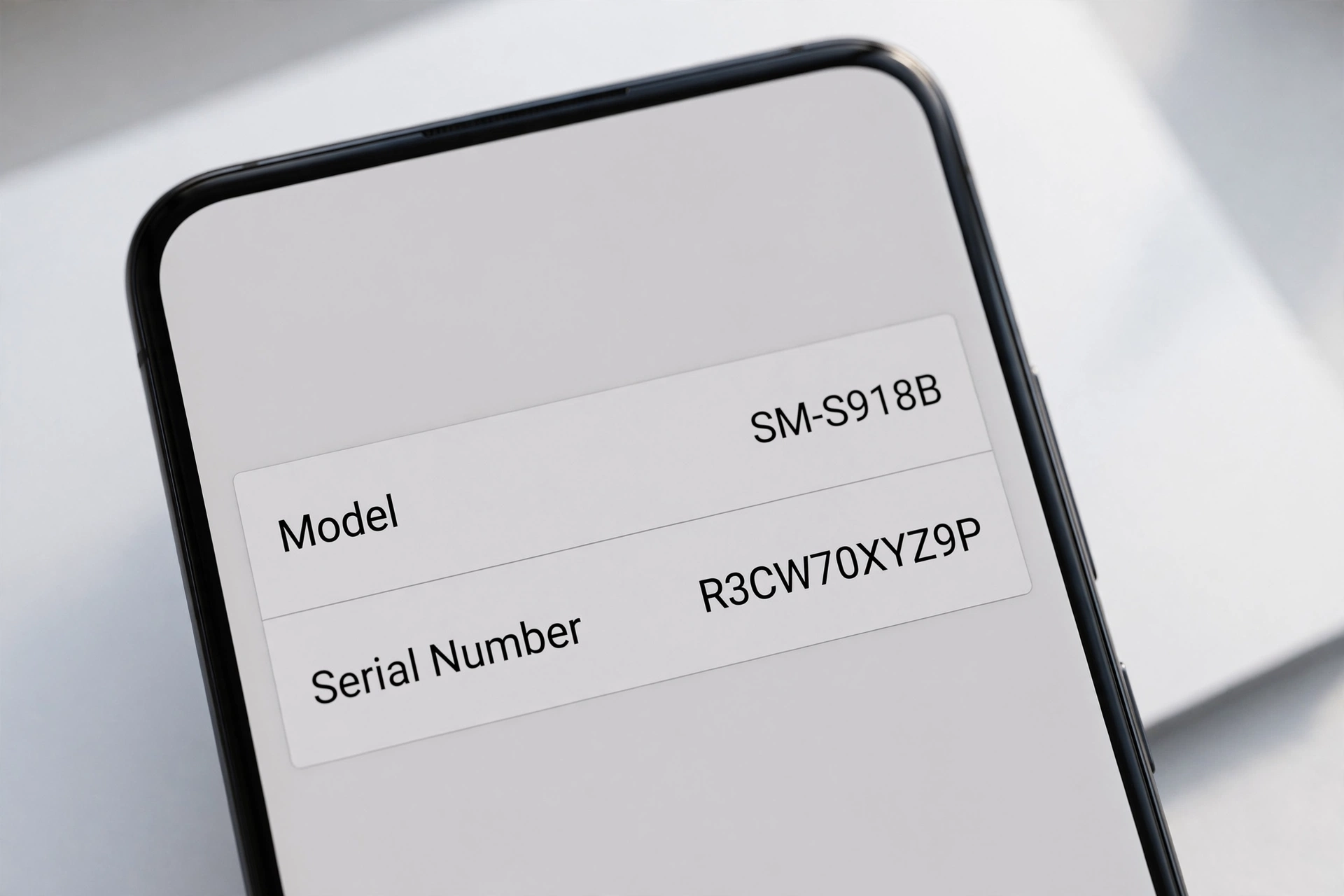
Every genuine ZTE phone has a unique 15-digit IMEI (International Mobile Equipment Identity). ZTE’s own support documentation explains the structure: the first six digits are the model approval number (generally indicating the model), the next two digits are the final assembly number (generally indicating origin), the following six digits are the production serial number, and the final digit is a check code. This structure is your first line of defense, because counterfeiters frequently get it wrong.
How to find the IMEI
ZTE’s support site documents the official query methods:
- Open the phone dialer and enter *#06# — the IMEI appears on screen immediately.
- Check the packing box — the IMEI is printed on the label.
- Check the warranty card included with the phone.
- On many models: Settings > About phone > Status (or IMEI information).
Quick fact: On dual-SIM ZTE models you will see two IMEIs (one per SIM slot). Both should be printed on the box label. A box showing one IMEI while the phone shows two — or vice versa — is a mismatch worth investigating.
The IMEI cross-check: the anti-copied-IMEI defense
Here is the uncomfortable truth about IMEI checks: counterfeiters know buyers check IMEIs, so they copy genuine IMEIs onto fake phones. An IMEI that “checks out” in a lookup database is necessary but not sufficient evidence. The defense is the model cross-check:
- Note the model the IMEI lookup reports (for example, “ZTE Blade” or “nubia Red Magic 9 Pro”).
- Compare it with Settings > About phone > Model on the device.
- Compare both with the model printed on the box.
- Compare all three with the physical phone — does it look like the model claimed?
A counterfeiter can copy an IMEI, but the copied IMEI belongs to a specific real model. If the lookup says the IMEI belongs to a ZTE Blade A54 while the phone in your hand claims to be a nubia Red Magic 9 Pro, you have caught a fake — the IMEI is real, but it does not belong to that phone.
TAC lookup: what the first 8 digits reveal
The first eight digits of the IMEI form the TAC (Type Allocation Code), which identifies the manufacturer and model. Free TAC lookup services let you enter these digits and see which manufacturer and model they are registered to. For a genuine ZTE phone, the TAC should resolve to ZTE Corporation (or nubia) and a plausible model. If the TAC resolves to a different manufacturer entirely, the phone is not what it claims to be.
The Luhn check digit: a 30-second filter
The 15th digit of the IMEI is a check digit computed from the other 14 using the Luhn algorithm. It catches typos and — usefully — many lazily invented IMEIs. Several free tools validate it, or you can check it mentally: double every second digit from the right, sum all digits, and confirm the total is a multiple of 10. An IMEI that fails the Luhn check was never issued to any phone. This does not prove genuineness (a copied real IMEI passes), but a failed check is instant proof of a problem.
Stop for safety: Never type your IMEI into random websites that ask for personal details, payment, or account logins. Stick to well-known free lookup tools, and never share the full IMEI publicly — it is tied to your device’s identity.
| Method | What it proves | Limitations |
|---|---|---|
| *#06# matches box and Settings | Internal consistency; no casual tampering | A careful counterfeiter can print matching labels |
| TAC lookup (first 8 digits) | Registered manufacturer and model family | Does not confirm this specific unit; copied IMEIs pass |
| Luhn check digit | IMEI is structurally valid | Any real copied IMEI passes |
| Model cross-check (lookup vs. Settings vs. box vs. physical) | The IMEI actually belongs to this phone | Requires all four sources; the strongest free check available |
| ZTE after-sales IMEI inquiry | Official record of the device and warranty status | May not cover gray-market imports; regional coverage varies |
Method 2: ZTE’s official support and warranty check
ZTE’s support documentation states that with the IMEI (which ZTE also describes as the phone’s serial number), you can check at the local after-sales office whether the mobile phone is proper and whether it is within the warranty period. This is the closest thing ZTE offers to an official authenticity verdict.
Practical steps:
- Visit ZTE’s official device support site (ztedevices.com) and navigate to the support section for your region.
- Look for the device support or warranty inquiry option and enter the IMEI or serial number.
- Note what the official record says: model, and warranty start or status.
How to read the result:
- Record found, model matches, warranty active from around your purchase date: strong genuine signal.
- Record found but the warranty started months before you bought it “new”: the phone is genuine but was previously activated — a refurbished-sold-as-new situation.
- No record found: inconclusive on its own. It can mean a counterfeit, a rewritten IMEI, or a legitimate gray-market import that was never registered in that region’s system. Combine with the other checks before concluding.
ZTE’s published warranty terms also note that warranty coverage generally applies to products sold and distributed within a region by ZTE and its authorized distributors or retail outlets, and that a valid claim typically requires the original receipt showing the model, serial (IMEI) number, date and place of purchase, and seller details. Keep your receipt — it is part of the authenticity paper trail.
Method 3: Settings and software cross-check
Counterfeit phones often run doctored software that looks right at a glance but falls apart under inspection. Work through these checks on the device itself:
About phone consistency
Go to Settings > About phone and verify the brand, model number, Android version, and hardware details (processor, RAM, storage). Then compare against ZTE’s or nubia’s official spec sheet for that model. Clones commonly show:
- A model name that does not exist in ZTE’s lineup (see the model-family section below).
- Impossible specs — for example, 16 GB of RAM on a model that officially ships with 8 GB.
- An Android version newer than the model ever received.
Play Protect certification
Open the Google Play Store, tap your profile icon, go to Settings > About, and check Play Protect certification status. Genuine ZTE phones sold through normal channels are Play Protect certified. An uncertified result on a phone claimed to be a standard retail model is a serious red flag — though note that some legitimate China-market variants are uncertified, so weigh this against the phone’s stated origin.
System update check
Go to Settings > System > System update and attempt a check. A genuine phone contacts the manufacturer’s update servers; many clones either show an error, open a fake “up to date” screen, or do nothing. This is one of the harder things for counterfeiters to fake convincingly, because it requires real server infrastructure.
Preinstalled apps
Genuine ZTE phones ship with ZTE’s MyOS interface elements; nubia phones ship with nubia-specific apps and, on RedMagic models, the Game Space app. Clones often ship with generic launchers, misspelled app names, or app stores that are not the Google Play Store. Open the app drawer and read carefully — fakes frequently betray themselves with odd translations or duplicated icons.
Method 4: Packaging, accessories, and physical tells
The box
- Print quality: Genuine ZTE packaging uses sharp printing, correct logos, and consistent colors. Blurry logos, spelling errors, or faded colors are classic counterfeit signs.
- IMEI label: The box should carry a printed IMEI (and serial number) matching the phone. Compare digit by digit — counterfeiters sometimes print a plausible-looking but different number.
- Seals: Factory seals should be intact and cleanly applied. Resealed boxes (wrinkled shrink-wrap, double tape lines) suggest refurbished-sold-as-new rather than counterfeit.
- Certification marks: Look for the regulatory marks appropriate to the region (CE, FCC, and similar). Missing or obviously fake marks are a warning.
Accessories
Check the charger and cable: genuine ZTE chargers have cleanly printed (not stickered) branding, correct model markings, and solid construction. Counterfeit chargers are often lighter, with rough molding or misaligned prongs. A wrong-region plug on a supposedly local purchase points to gray-market import rather than counterfeit — worth knowing, but a different problem.
Build quality
Hold the phone. Genuine ZTE, nubia, and especially RedMagic phones have precise assembly: flush seams, aligned buttons, clean camera-module glass, and accurate logo placement. Clones tend to reveal themselves through loose buttons, uneven gaps, cheap-feeling materials, or a logo that looks slightly off. Run a finger along the edges — you are feeling for the manufacturing precision that cheap copies skip.
Tip: Test the cameras. Counterfeit phones almost always use inferior camera modules. Take a photo and check its resolution in the gallery app’s details view — if a supposed 50 MP flagship produces visibly soft, low-detail images, the hardware is not what the label claims.
ZTE model families: the sanity check
One of the fastest fake tells is a model name that ZTE never made. Know the real families:
- ZTE Axon: ZTE’s flagship line (for example, Axon 40, Axon 50 series). Premium build, top-tier cameras.
- ZTE Blade: The budget and mid-range line (Blade A series, Blade V series). High-volume models, common globally.
- nubia Z series: nubia’s flagship line (nubia Z50, Z60 series), often with distinctive under-display selfie cameras.
- RedMagic: nubia’s gaming line (RedMagic 8, 9, 10 series), recognizable by the built-in cooling fan, shoulder triggers, and aggressive gamer styling.
- Carrier and regional models: ZTE makes many carrier-specific models (often with carrier branding). These are genuine but may have limited band support outside their home market.
If the phone claims a name like “ZTE Axon 60 Ultra Max Pro” or a “RedMagic 12” that does not appear on ZTE’s or nubia’s official sites, that invented name is itself the evidence. Always verify unfamiliar model names against the manufacturer’s official product pages before paying.
Nubia and RedMagic: brand-specific checks
Because RedMagic phones are popular and relatively expensive, they attract more counterfeiting attention than budget Blade models. Genuine RedMagic phones have hardware features that are extremely difficult to fake:
- The cooling fan: Real RedMagic models have a physical, spinning internal cooling fan with a visible intake. Go into Game Space and toggle the fan — you should hear and feel it. A “RedMagic” with no working fan is not a RedMagic.
- Shoulder triggers: Capacitive shoulder buttons are standard on recent RedMagic models. Test them in Game Space’s trigger settings.
- Game Space: The dedicated gaming hub app with performance modes, fan control, and trigger mapping is nubia software. Clones may show a fake icon that opens nothing or a generic app.
- Under-display camera (nubia Z series): Recent nubia flagships use under-display selfie cameras — no visible punch hole. A “nubia Z60” with a punch-hole camera is wrong on its face.
For any nubia or RedMagic purchase, the same IMEI and warranty checks apply — the IMEI lookup should resolve to nubia/ZTE, and the model cross-check works exactly as described above.
US market reality: what to expect
ZTE’s presence in the United States has been limited in recent years, which affects buyers in two ways. First, many ZTE and nubia phones sold in the US are imports — genuine hardware, but potentially without US warranty coverage and possibly missing some US LTE/5G bands. Check the spec sheet’s band list against your carrier before buying an import. Second, the limited official retail presence means more sales flow through marketplaces, where counterfeit risk is higher. Neither fact makes a phone fake, but both raise the value of running the full check.
Stop for safety: Never open a sealed phone to “inspect the battery” or internal parts. Puncturing a lithium battery can cause fire or serious injury, and opening the phone voids any warranty. Every check in this guide is non-invasive.
Where to buy safely
- Authorized retailers and carriers in your region — the safest option, with valid warranty.
- ZTE’s or nubia’s official online stores where available in your region.
- Reputable marketplaces: buy only from sellers with long histories and clear return policies; run the full check on arrival and keep the return window in mind.
- Second-hand: meet in person if possible, run the *#06# and Settings checks on the spot, and verify the IMEI is not blacklisted before paying.
Quick fact: If a deal looks too good to be true — a current RedMagic flagship at half the official price from an unknown seller — it almost always is. Counterfeiters compete on price because they cannot compete on authenticity.
What to do if the phone is fake
- Do not sign in to your Google account, banking apps, or anything sensitive on a suspect device. Counterfeit phones can carry preinstalled malware.
- Do not resell it as genuine — passing on a known fake creates legal liability.
- Contact the seller promptly and request a refund, citing the specific failed checks.
- Use the marketplace’s buyer protection or your payment provider’s dispute process if the seller refuses.
- Report the listing to the marketplace so other buyers are protected.
- Report the IMEI as fraudulent to your carrier if the phone was represented as new and genuine.
If the phone is genuine but refurbished-sold-as-new, you have a weaker but still valid complaint: the product was misrepresented. A partial refund or return is the reasonable outcome.
Hypothetical examples
(The following are hypothetical illustrations, not customer stories.)
Example 1 — the marketplace RedMagic: Suppose a buyer finds a “nubia Red Magic 9 Pro” at 40% below the official price. On arrival, *#06# shows an IMEI whose TAC lookup resolves to a ZTE Blade model, while Settings claims “Red Magic 9 Pro.” The Game Space icon opens a blank screen, and there is no fan sound. Every signal points the same way: the IMEI is real but belongs to a different phone — a counterfeit wearing a copied identity. The right move is a refund claim through the marketplace, not a repair shop visit.
Example 2 — the “new” Axon with an old warranty: Suppose someone buys a sealed-box ZTE Axon listed as brand new. The IMEI checks out, the model cross-check passes, and the software is flawless — but ZTE’s warranty inquiry shows coverage started eleven months before the purchase date. The phone is genuine, but it was activated nearly a year ago: a refurbished or previously returned unit repackaged as new. The buyer is entitled to either a return or a renegotiated used price.
What these checks can and cannot establish
| Observation | What it suggests | What it cannot prove |
|---|---|---|
| All IMEIs and labels match; official record confirms model | Very likely genuine | Cannot rule out a sophisticated clone with fully cloned identity |
| IMEI lookup model differs from the phone’s claimed model | Counterfeit with copied IMEI | Nothing further needed — this is conclusive enough to reject |
| Warranty started long before purchase | Genuine but previously activated | Cannot distinguish refurbished from a returned-then-resold unit |
| No official warranty record found | Possibly gray-market, possibly fake | Cannot distinguish the two without the other checks |
| Software behaves oddly but IMEI checks pass | Possibly tampered software on genuine hardware | Cannot confirm without a firmware comparison |
Video: How to tell if your smartphone is fake or real
Frequently asked questions
Does ZTE have an official authenticity check website?
ZTE’s device support site provides IMEI and serial-number guidance and after-sales verification — ZTE’s own documentation says you can check at the local after-sales office whether the phone is proper and within warranty using the IMEI. Navigate from ZTE’s official site for your region rather than trusting third-party pages that claim to be “official.”
Can I check a ZTE phone’s authenticity with just the IMEI?
The IMEI gets you most of the way: structure validation, TAC lookup, and the model cross-check. But pair it with the software and physical checks, because copied genuine IMEIs are the counterfeiter’s standard trick. No single check is bulletproof.
Are Nubia and RedMagic phones covered by ZTE warranty?
Nubia operates as ZTE’s sub-brand with its own support channels in many regions. A genuine nubia or RedMagic phone is authentic ZTE-family hardware, but warranty service may go through nubia rather than ZTE — check which entity covers your region before you need it.
The seller says the phone is a US version but the charger plug is foreign. Is it fake?
Not necessarily — that pattern usually indicates a gray-market import: genuine hardware made for another region. Confirm the model supports your carrier’s bands, and understand the warranty may not be honored locally. Adjust what you are willing to pay accordingly.
What is the fastest single test when buying in person?
Dial *#06#, then immediately open Settings > About phone and the box label, and compare all three IMEIs plus the model name. Then check for the RedMagic fan or the nubia Game Space if applicable. Two minutes, no tools, catches most fakes.
My ZTE phone fails Play Protect certification. Is it fake?
It is a strong warning sign on a phone sold as a standard retail model, but some legitimate China-market variants are uncertified. Weigh it together with the IMEI cross-check and the update-server test rather than deciding on this alone.
Can a phone shop verify authenticity for me?
A reputable shop can run the same checks in this guide and give an experienced opinion on build quality, but no shop can issue an official manufacturer certificate. For an authoritative answer, ZTE’s after-sales channels with your IMEI are the definitive source. If you are in the Las Vegas area and want a second pair of eyes on a suspicious device, Las Vegas Phone Repair & Accessories (7400 Las Vegas Blvd S, Unit TT42, Las Vegas, NV 89123; (424) 406-6202; open 10AM–8PM, call ahead to confirm today’s hours) can help you work through the checks.
I already bought a fake. Can anything be done with the phone?
Use it only as a non-sensitive spare if at all — never for banking or accounts, since counterfeit firmware can include spyware. Your best recovery is financial: pursue a refund through the seller, the marketplace, or your payment provider promptly, and report the listing.
Related guides
If you are comparing brands or checking other devices, these companion guides use the same methodical approach:
- How to Check If a Lenovo Phone Is Original — IMEI, serial, and Motorola-relationship specifics for Lenovo devices.
- How to Check If a Nokia Phone Is Original — HMD’s IMEI checker and the Nokia-vs-HMD distinction.
- How to Check If a Sony Phone Is Original — Sony’s warranty inquiry and hidden service menu.
Sources and editorial notes
- ZTE Support — What are the serial number, IMEI, and MEID of the mobile phone? — Official explanation of IMEI structure (15 digits; model approval, assembly, serial, check digit) and query methods (*#06#, box, warranty card).
- ZTE Support — What is mobile phone serial number — Official statement that the IMEI/serial can be used at the local after-sales office to verify the phone and its warranty status.
- HardReset.info — ZTE IMEI check methods — Independent corroboration of the *#06# universal method across ZTE models.
- Android Authority — How to identify a fake or counterfeit smartphone — Hardware and software verification techniques (spec comparison, feature testing, camera checks).
- Digit.in — How to spot a fake smartphone — IMEI verification, packaging inspection, and build-quality assessment methods.
- ZTE Australia — Limited warranty conditions — Regional warranty terms: authorized distribution requirement and receipt/IMEI documentation for claims.
- TechCity — How to check if a phone is original before you buy it — General pre-purchase verification workflow (IMEI, build quality, settings comparison, packaging).
Last source check: October 14, 2026. AI-assisted editorial guide, checked against the linked manufacturer information. ZTE, nubia, and RedMagic procedures described here reflect ZTE’s published support documentation; warranty and checker availability vary by region. This guide does not claim manufacturer authorization for any repair or verification service.
Let’s get you connected again.
Tell us what’s happening with your device and we’ll help you decide the safest next step — no jargon, no pressure.
Las Vegas Phone Repair & Accessories · 7400 Las Vegas Blvd S, Unit TT42, Las Vegas, NV 89123
10:00 AM–8:00 PM — call ahead to confirm today’s hours