
How to Check If Lenovo Phone Is Original: Authenticity Guide
Check a Lenovo phone’s serial number on Lenovo’s official warranty lookup, then cross-check the model the result returns against what the phone itself reports. Lenovo maintains a serial-number warranty tool that covers Lenovo and Motorola phones under its “Mobile” category — a genuine record with a matching model is your strongest signal, while a missing record, a model mismatch, or Motorola-era confusion about which portal to use are the red flags this guide unpacks.
On this page
Check a Lenovo phone’s serial number on Lenovo’s official warranty lookup, then cross-check the model the result returns against what the phone itself reports.
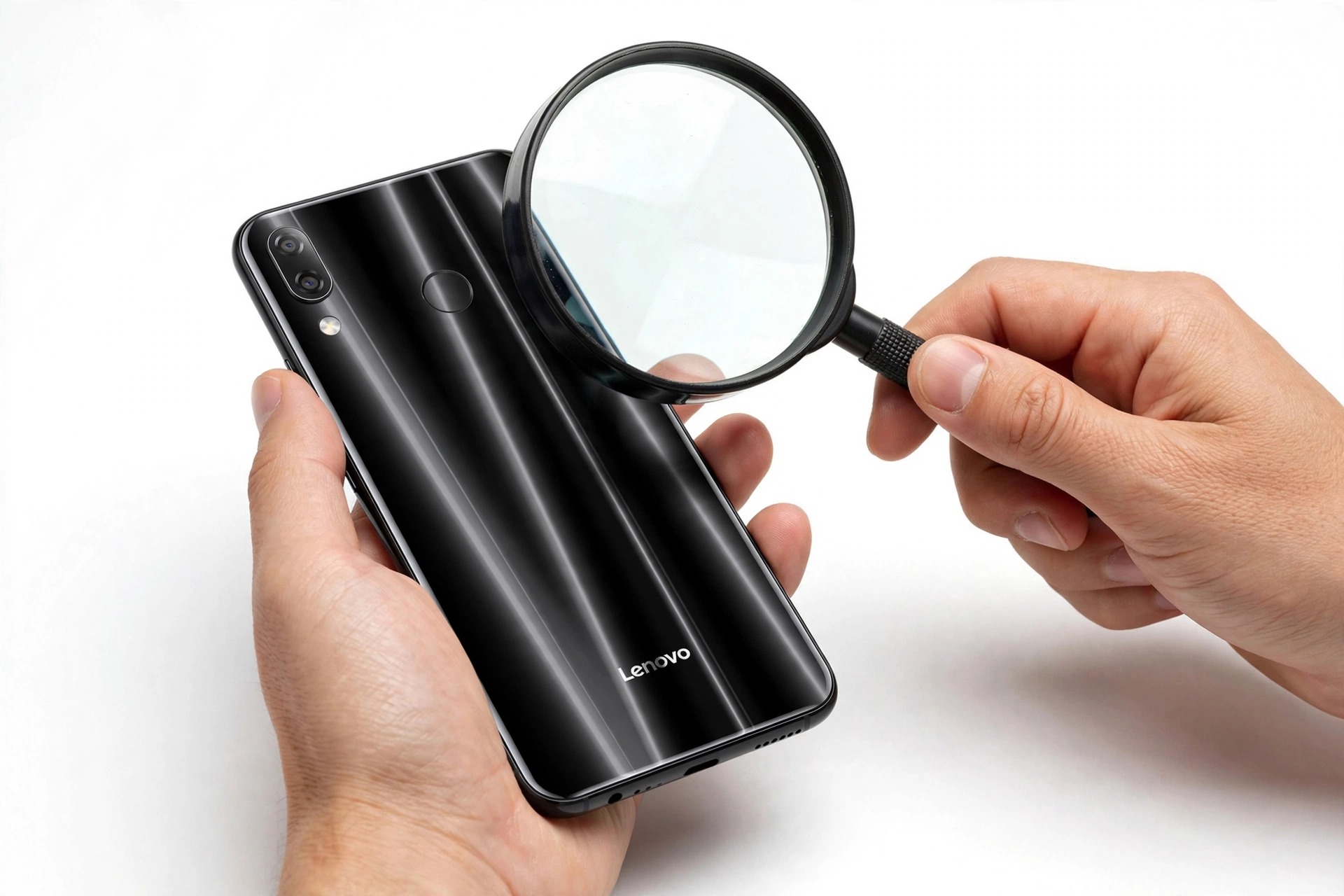
This guide is for anyone about to buy — or who already owns — a Lenovo smartphone and wants to verify it is genuine. It walks through Lenovo’s official warranty lookup, the IMEI and serial-number checks that feed it, the software and hardware tells counterfeit units typically fail, and the Lenovo–Motorola relationship that confuses so many buyers. Every method is one you can run yourself with the phone in hand.
1. The short version: what to check first
If you are standing in a shop or about to meet a seller, you do not have time for a full forensic audit. Run these four checks in order — they take under five minutes and catch the large majority of counterfeit or misrepresented Lenovo phones: (Source: support.lenovo.com)
- Dial #06# and write down the IMEI. Compare it with the IMEI printed on the box label and the one shown in Settings > About phone > Status. All three must match. A mismatch is an immediate walk-away.
- Find the serial number in Settings > About phone (under Status or Device information) and enter it on Lenovo’s official warranty lookup (support.lenovo.com, “Mobile” category). A genuine Lenovo phone returns a warranty record with the correct model.
- Check Settings > About phone against Lenovo’s official specification sheet for that model — brand name, model number, Android version, RAM and storage. Counterfeit phones routinely report invented specs.
- Look at the phone itself. Cheap-feeling materials, misaligned buttons or ports, blurry printing, and spelling errors on the box are all classic counterfeit tells.
Quick fact: Lenovo’s warranty lookup asks for a serial number, not an IMEI, for most checks. On Lenovo smartphones the serial number lives in Settings > About phone (under Status or Device information), and on older removable-back models it is printed on a label inside the battery compartment. Know both identifiers before you start.
2. Who this guide helps
This guide is written for ordinary phone buyers and owners, not technicians. It is most useful if you are:
- Buying a used or marketplace Lenovo phone and want to verify it before paying.
- Wondering about a phone you already own — perhaps bought from an unfamiliar seller, a small shop, or an online listing with a price that seemed unusually low.
- Confused by the Lenovo–Motorola relationship and unsure which company’s warranty page applies to your device.
- Trying to tell counterfeit, refurbished, and gray-market apart — three different situations that need three different responses.
3. Start with Lenovo’s official warranty lookup
Lenovo operates an official warranty lookup tool on its support site (support.lenovo.com and pcsupport.lenovo.com). Independent guides describe the same flow: you enter the device’s serial number, and the tool returns the warranty status, entitlement information, and related links such as registration and technical support. The lookup page presents several product categories — PC, Data Center, Mobile, and Smart — and for phones you select Mobile, which covers Lenovo and Motorola devices.
Here is the documented procedure:
- Find the phone’s serial number (see Section 5 for where it lives).
- Go to support.lenovo.com and open the warranty lookup.
- Select the Mobile category.
- Enter the serial number and submit.
- Read the returned record: model, warranty status, entitlement start and end dates.
What the result tells you
- A record with the correct model and an active or sensible warranty is a strong genuine signal. The model the tool reports should match the model printed on the box and shown in Settings.
- A warranty that started long before your purchase date suggests the phone was used or refurbished and is being sold as new — a different problem from counterfeiting, but still a reason to renegotiate or walk away.
- No record found means the serial number is not recognized in Lenovo’s system. That can mean a counterfeit, a rewritten serial, or an unofficial import — treat it as a red flag and do not buy without further verification.
Tip: Ask the seller for the serial number before you meet or pay. A genuine seller with nothing to hide will provide it; reluctance is itself information. Check it on Lenovo’s official site yourself — never accept a screenshot of a warranty page at face value.
4. The Lenovo–Motorola distinction (read this before you check)
This is the single most Lenovo-specific part of this guide, and the one that confuses the most buyers. Lenovo owns Motorola — Lenovo acquired Motorola Mobility — and the two brands’ phones are sold side by side. Here is how that affects verification:
- Lenovo’s warranty lookup (“Mobile” category) covers Lenovo and Motorola devices, according to independent guides describing the tool.
- Older Motorola devices sold under the Lenovo brand are handled on Motorola’s own warranty page, per the same guides — Motorola support remains a separate channel for those models.
- If your phone is branded Motorola (Moto G, Moto Edge, Moto Razr families), check Motorola’s warranty route first; if it is branded Lenovo (K series and similar), use Lenovo’s Mobile lookup.
- A seller who cannot tell you which brand the phone actually is — or a phone that mixes Lenovo and Motorola branding — is a warning sign on its own.
Stop for safety: Do not enter your serial number, email address, phone number, or payment details on third-party “Lenovo warranty checker” sites. Independent guides warn that fake checker sites exist; use only Lenovo-owned domains (lenovo.com, support.lenovo.com, pcsupport.lenovo.com). Some ask for payment or unnecessary personal information — Lenovo’s own lookup does neither.
5. Find the IMEI and serial number
Lenovo’s own support documentation describes how to check the IMEI and model number on Lenovo smartphones. The documented paths are:
IMEI (dialer code)
Open the phone dialer and enter #06#. The IMEI (or IMEIs, on dual-SIM models) appears immediately. This works on virtually every phone and is the fastest identifier check available.
Settings path
Go to Settings > About phone, then look under Status or Device information. You will find the IMEI and the serial number listed there. On some Lenovo models the path is Settings > System > About phone > Status.
Physical labels
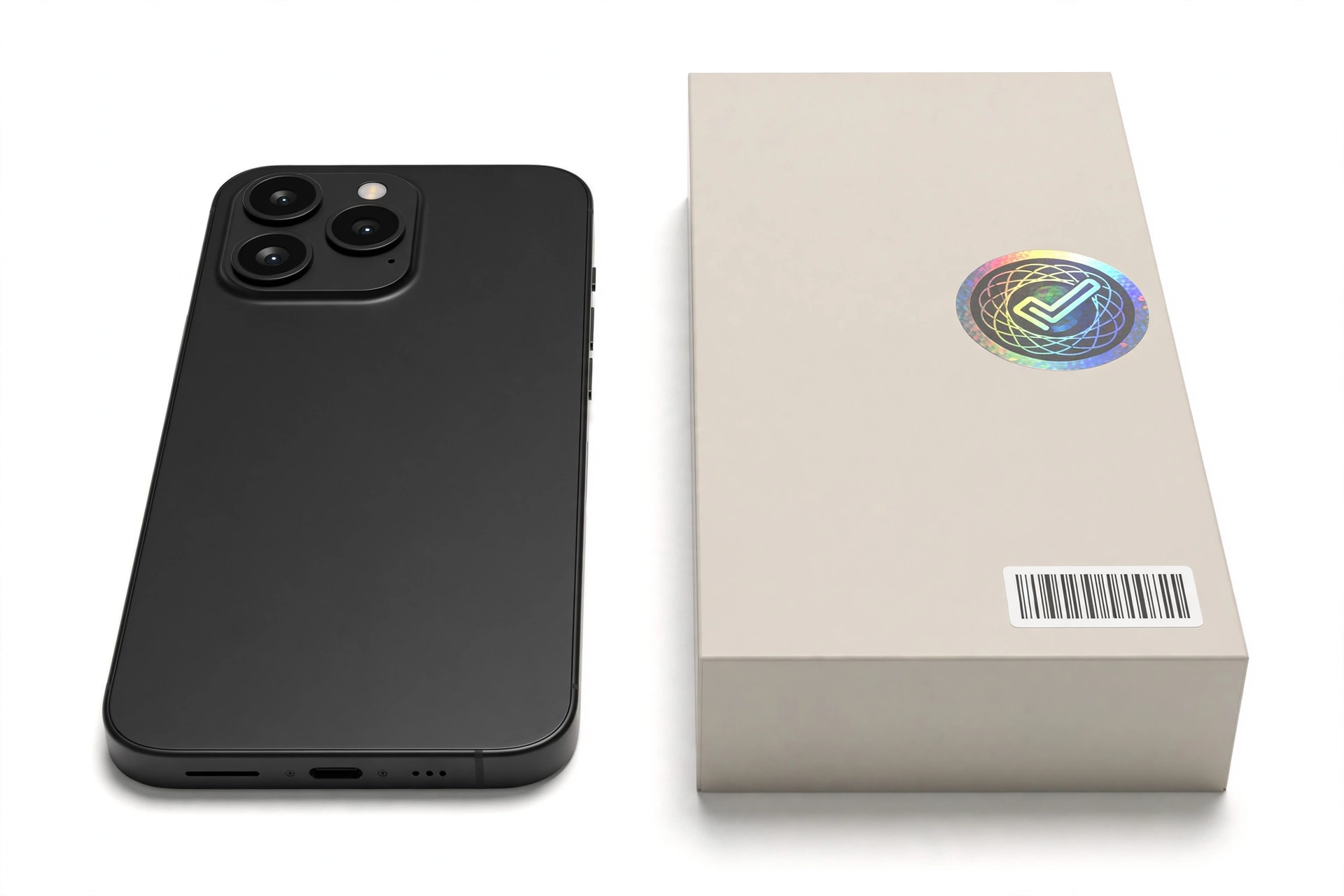
- Box label: the retail box should print the IMEI and serial number on a barcode sticker. Compare these with the on-screen values.
- SIM tray: on many models the IMEI is laser-etched on the SIM tray.
- Battery compartment: on older Lenovo phones with removable backs, a white sticker inside the battery compartment lists the IMEI and the serial number (marked S/N or Serial Number).
The three-way match — dialer, Settings, box — is the foundation. Counterfeiters frequently copy a genuine IMEI onto the box but fail to make the phone’s software report the same value, or vice versa.
6. The IMEI-copying defense: cross-check the model
A copied IMEI passes a simple validity check, so do not stop there. The anti-copied-IMEI layer is the model cross-check:
- Enter the serial number in Lenovo’s warranty lookup and note the model the tool returns.
- Compare it with the model in Settings > About phone.
- Compare both with the model printed on the box.
- Compare all three with the physical design — camera layout, button placement, branding.
If the warranty tool returns a different model than the phone claims to be, the IMEI or serial has been copied from a different genuine device — one of the most common counterfeit patterns. A genuine phone is consistent everywhere.
Quick fact: The serial number and the IMEI are different identifiers. The IMEI identifies the cellular radio; the serial number identifies the manufactured unit. Lenovo’s warranty lookup works from the serial number. Knowing which is which keeps you from entering the wrong value into the wrong tool.
7. Software tells: does the phone behave like a Lenovo?
Counterfeit phones can copy a logo and a shell, but they rarely replicate Lenovo’s software stack faithfully. Work through these checks with the phone in your hands:
Compare specifications with the official sheet
Go to Settings > About phone and write down the brand name, model number, Android version, processor, RAM, and storage. Then compare every line with Lenovo’s official specification sheet for that model. Counterfeit units routinely report invented or inflated specs — a “12 GB RAM” reading on a model Lenovo only sold with 4 GB is decisive.
Play Protect certification
Open the Google Play Store, tap your profile icon, go to Settings > About, and check Play Protect certification. A genuine Lenovo phone shipping with Google services should show as certified. An uncertified result on a phone that claims to be a recent Lenovo model is a strong fake signal — though note that some legitimate regional variants have quirks, so treat this as one signal among several.
System update check
Go to Settings > System > System update and check for updates. A genuine Lenovo phone contacts Lenovo’s update servers; many counterfeits either show a fake “up to date” screen or fail with an error. This is a useful secondary signal, not a primary one.
Recovery mode sanity check
Power off the phone, then hold Power + Volume Up. A genuine Android phone boots into a recovery menu. Some counterfeits show a garish fake menu or nothing at all. Do not select any option that wipes data — you are only checking that the menu looks like a standard Android recovery.
Tip: Test the hardware while you are at it: toggle Wi-Fi, Bluetooth, and GPS; test both cameras; check that the fingerprint sensor option actually exists in Security settings. Counterfeit phones often omit NFC or fingerprint hardware while the software pretends it is there. Android Authority’s counterfeit guide recommends exactly this kind of hands-on hardware audit.
8. Build quality and physical tells
You do not need to be an engineer to spot a fake — counterfeits cut corners you can feel:
- Weight and materials: genuine phones feel solid; fakes often feel light, hollow, or plasticky where the original uses glass or metal.
- Buttons and ports: check alignment, travel, and finish. Wobbly or misaligned buttons and rough-edged ports are classic fake tells.
- Screen: run a finger across it — a genuine display feels like glass; a plastic-feeling surface suggests a cheap panel. Check brightness, viewing angles, and touch responsiveness.
- Branding and printing: look for spelling errors, blurry logos, uneven fonts, or a logo that feels like a sticker rather than etched or inlaid.
- Camera test: take a photo with the rear camera and check the resolution in the gallery app’s details. An inferior sensor is easy to spot — blurry, washed-out photos from a phone claiming flagship specs are damning.
9. Packaging and what’s in the box
Genuine Lenovo retail packaging is consistent and professional. Check:
- Box printing: sharp text, correct spelling, consistent branding. Blurry printing or odd fonts are red flags.
- IMEI/serial on the box: the barcode sticker should list identifiers that match the phone itself.
- Contents: official manual, warranty card, and expected accessories. Missing documentation or a generic charger with a stickered logo suggests a repackaged or fake unit.
- Seals: tamper-evident seals should be intact on a “new” unit.
10. Model-family sanity check
Know what Lenovo actually sells. Lenovo’s phone lineup has historically centered on the K series (K6, K10, and similar) in many markets, alongside various regional models — while Motorola handles the Moto G, Moto Edge, and Razr families under the same corporate umbrella. If a seller offers you a “Lenovo S25 Ultra” or a “Lenovo iPhone 16 Pro Max,” the invented model name is the entire story: no such phone exists, and no further checks are needed. When in doubt, search Lenovo’s official site for the exact model name before you buy.
11. Where to buy (and where fakes concentrate)
- Safest: Lenovo’s official store, authorized retailers, and major carriers.
- Higher risk: marketplace listings, small independent shops, and deals priced far below every other seller. Counterfeits concentrate where prices are the attraction.
- Price logic: if a phone sells for significantly less than it does everywhere else, the discount is the product — you are not getting a bargain, you are getting a different phone.
- Warranty certificate: insist on proper documentation. Fake phones typically come with vague, short, or missing warranty terms.
12. Counterfeit vs. refurbished vs. gray market
Not every suspicious phone is a counterfeit. These three situations look similar but need different responses:
| Situation | What it means | What to do |
|---|---|---|
| Counterfeit | Not made by Lenovo at all; branding copied | Do not buy. If already bought, seek a refund and report the seller. |
| Refurbished / used sold as new | Genuine Lenovo hardware, previously owned or repaired | Renegotiate the price or walk away; a refurbished phone is not worth new-phone money. |
| Gray market / unofficial import | Genuine hardware meant for another region | May work fine but warranty and bands can differ; verify the warranty record and check band compatibility. |
The warranty lookup is what separates these: a counterfeit has no valid record, a refurbished unit shows an early warranty start date, and a gray-market unit may show a record tied to another country.
13. What to do if the phone is fake
- Do not pay / stop using it for sensitive accounts. A counterfeit phone’s software cannot be trusted — move banking, email, and authenticator apps to a device you trust, and change important passwords from a different device.
- Seek a refund. Contact the seller and arrange a return. If you bought online, use the marketplace’s written dispute process rather than moving to a private chat.
- Report the seller to the marketplace or local consumer protection authorities.
- Do not resell a known fake as genuine — that passes the problem to someone else and can create legal liability.
Stop for safety: Never sign in to your Google account, banking apps, or email on a phone you suspect is counterfeit. Treat a suspect device as compromised until proven otherwise — sign-in credentials entered on it may be harvested.
14. The 10-check authenticity worksheet
| # | Check | What it proves | Limitations |
|---|---|---|---|
| 1 | Lenovo warranty lookup (serial number) | Unit is registered in Lenovo’s system with a matching model | Gray-market units may show foreign records; very new units can lag |
| 2 | #06# vs. box vs. Settings IMEI match | Identifiers are internally consistent | Copied genuine IMEIs pass — always cross-check the model too |
| 3 | Model cross-check (lookup vs. Settings vs. box) | Defeats copied-IMEI counterfeits | Requires all three sources available |
| 4 | Spec comparison vs. official sheet | Hardware matches what Lenovo sold | Needs internet access to the official specs |
| 5 | Play Protect certification | Google-certified build | Some regional variants have quirks; one signal among many |
| 6 | System update check | Phone reaches Lenovo’s servers | Secondary signal only |
| 7 | Build quality inspection | Manufacturing standards | Subjective; best combined with other checks |
| 8 | Camera and hardware feature tests | Advertised hardware actually exists | Takes a few minutes hands-on |
| 9 | Packaging and box-label audit | Retail presentation is genuine | Sophisticated fakes can copy boxes |
| 10 | Motorola vs. Lenovo brand routing | Checking the right company’s portal | Only relevant to Motorola-branded units |
15. What these checks can and cannot establish
| Observation | What it suggests | What it cannot prove |
|---|---|---|
| Warranty lookup returns correct model | Unit is very likely genuine Lenovo hardware | Cannot prove the unit is new rather than refurbished |
| No warranty record found | Serial is unrecognized — treat as suspect | Cannot distinguish counterfeit from unofficial import on its own |
| IMEI mismatch between phone and box | Strong counterfeit or tampering signal | Cannot tell you who altered it |
| Specs differ from official sheet | Very likely counterfeit software/hardware | Cannot rule out a rare regional variant without checking |
| Phone feels cheap or misaligned | Manufacturing below Lenovo’s standards | Cannot prove counterfeiting alone — combine with record checks |
16. Hypothetical examples
(The following are hypothetical illustrations, not customer stories.)
Amara’s marketplace “Lenovo K14”
Amara finds a Lenovo K-series phone on a marketplace at half the retail price. Before meeting the seller, she asks for the serial number and runs it through Lenovo’s warranty lookup under the Mobile category. The tool returns a record — but for a different, older model. The IMEI on the box matches the phone, but the model cross-check fails: the serial belongs to a different genuine device. Amara walks away. The phone was a counterfeit wearing a copied identity.
Devon’s “new” phone with an old warranty
Devon buys a sealed-box Lenovo phone from a small shop. Everything checks out — IMEI matches, specs match, build quality is right — except the warranty lookup shows coverage that started eleven months before his purchase. The phone is genuine Lenovo hardware, but it is not new: it was previously sold, returned, and repackaged. Devon goes back and negotiates a refurbished-unit price instead of paying full new-phone money.
17. Frequently asked questions
Does Lenovo have an official authenticity checker?
Lenovo’s closest official tool is its warranty lookup (support.lenovo.com, Mobile category), which verifies a serial number against Lenovo’s records. A genuine record with the correct model is the strongest official signal available. Lenovo does not operate a separate “is this genuine” portal distinct from warranty verification.
Is the serial number the same as the IMEI?
No. The IMEI identifies the cellular radio; the serial number identifies the manufactured unit. Lenovo’s warranty lookup works from the serial number. On Lenovo smartphones you can find both in Settings > About phone, under Status or Device information.
My phone says Motorola, not Lenovo. Which site do I use?
Motorola is owned by Lenovo, but Motorola devices are handled on Motorola’s own support channels. Lenovo’s Mobile warranty lookup covers Lenovo and Motorola devices per independent guides, but older Motorola units sold under the Lenovo brand route to Motorola’s page. When in doubt, try Lenovo’s lookup first, then Motorola’s.
Can a counterfeit phone pass the IMEI check?
Yes — counterfeiters copy genuine IMEIs. That is why the model cross-check matters: compare the model Lenovo’s lookup returns with what the phone and box claim. A copied IMEI from a different model fails that comparison.
The warranty lookup shows a different country. Is my phone fake?
Not necessarily. It may be a gray-market unit — genuine hardware intended for another region. That can affect warranty service and cellular band compatibility, so verify both before buying, but it is a different situation from counterfeiting.
Should I use third-party IMEI checker sites?
Use them only as supplementary signals, and never enter payment details or unnecessary personal information. Independent guides warn that fake “Lenovo warranty checker” sites exist. For anything decisive, use Lenovo’s own domains.
What if the seller won’t give me the serial number?
Treat refusal as a red flag. A legitimate seller has no reason to withhold the serial number of a genuine product. Walk away and buy from someone transparent.
I already bought a fake. What now?
Stop using it for sensitive accounts, change important passwords from a trusted device, seek a refund through the seller or marketplace dispute process, and report the seller. Do not resell it as genuine.
18. How this differs from our other authenticity guides
This guide is the Lenovo-specific entry in our authenticity series. If you are checking a different brand, see our dedicated guides: how to check if a Nokia phone is original (HMD’s IMEI/PSN checker), how to check if a Sony phone is original (warranty inquiry plus the Xperia service menu), and how to check if an Asus phone is original (serial-based warranty inquiry). The Lenovo guide’s distinctive element is the Lenovo–Motorola brand routing — no other brand in the series has that particular wrinkle.
Video: How to tell if your smartphone is fake or real
Sources and editorial notes
- Lenovo Support — How to check warranty Service Level Agreement: documents the warranty lookup procedure (enter serial number, Check Warranty, entitlement display).
- Lenovo Support US — How to find serial numbers (HT510152): serial-number locations by device type, including phone/tablet paths.
- Lenovo Mobile Support — How to check the IMEI and model number (Lenovo Smartphone): official IMEI/model-number guidance for Lenovo phones.
- Lenovo Support US — How to find a device’s serial number (SN) for Android tablets: Settings-based serial lookup path.
- TechLasi — How to check your Lenovo warranty status: warranty-lookup categories (PC, Data Center, Mobile, Smart); Mobile covers Lenovo and Motorola; older Motorola units use Motorola’s own page.
- TechAiTech — Lenovo warranty check 2026: fake warranty-checker site warnings; use only lenovo.com and support.lenovo.com.
- Android Authority — How to identify a fake or counterfeit smartphone: hands-on hardware audit method (spec comparison, feature toggles, camera test).
- Cyber Security in Plain English — A cheap Android phone needs one check: Play Protect certification and evidence-preservation approach for suspect devices.
Last source check: October 14, 2026. AI-assisted editorial guide, checked against the linked manufacturer information. Lenovo’s warranty lookup categories and procedures are described from Lenovo’s official support documentation and independent guides summarizing it; third-party guides are labeled as such and used only for supplementary context. If you need hands-on help assessing a phone in the Las Vegas area, Las Vegas Phone Repair & Accessories, 7400 Las Vegas Blvd S, Unit TT42, Las Vegas, NV 89123, (424) 406-6202, is open 10AM–8PM — call ahead to confirm today’s hours.
Let’s get you connected again.
Tell us what’s happening with your device and we’ll help you decide the safest next step — no jargon, no pressure.
Las Vegas Phone Repair & Accessories · 7400 Las Vegas Blvd S, Unit TT42, Las Vegas, NV 89123
10:00 AM–8:00 PM — call ahead to confirm today’s hours