
How to Check If Xiaomi Redmi Note 14 Is Original: Authenticity Guide
The fastest way to check if a Redmi Note 14 is original is to dial *#06# for the IMEI, then enter it at Xiaomi’s official product verification page (mi.com/global/verify) and confirm the model it returns matches the phone in your hand. If the site does not recognize the IMEI, or the model name, RAM, storage, or camera specs differ from what’s advertised, the phone is either fake or its identity has been tampered with.
On this page
The fastest way to check if a Redmi Note 14 is original is to dial *#06# for the IMEI, then enter it at Xiaomi’s official product verification page (mi.com/global/verify) and confirm the model it returns matches the phone in your hand.
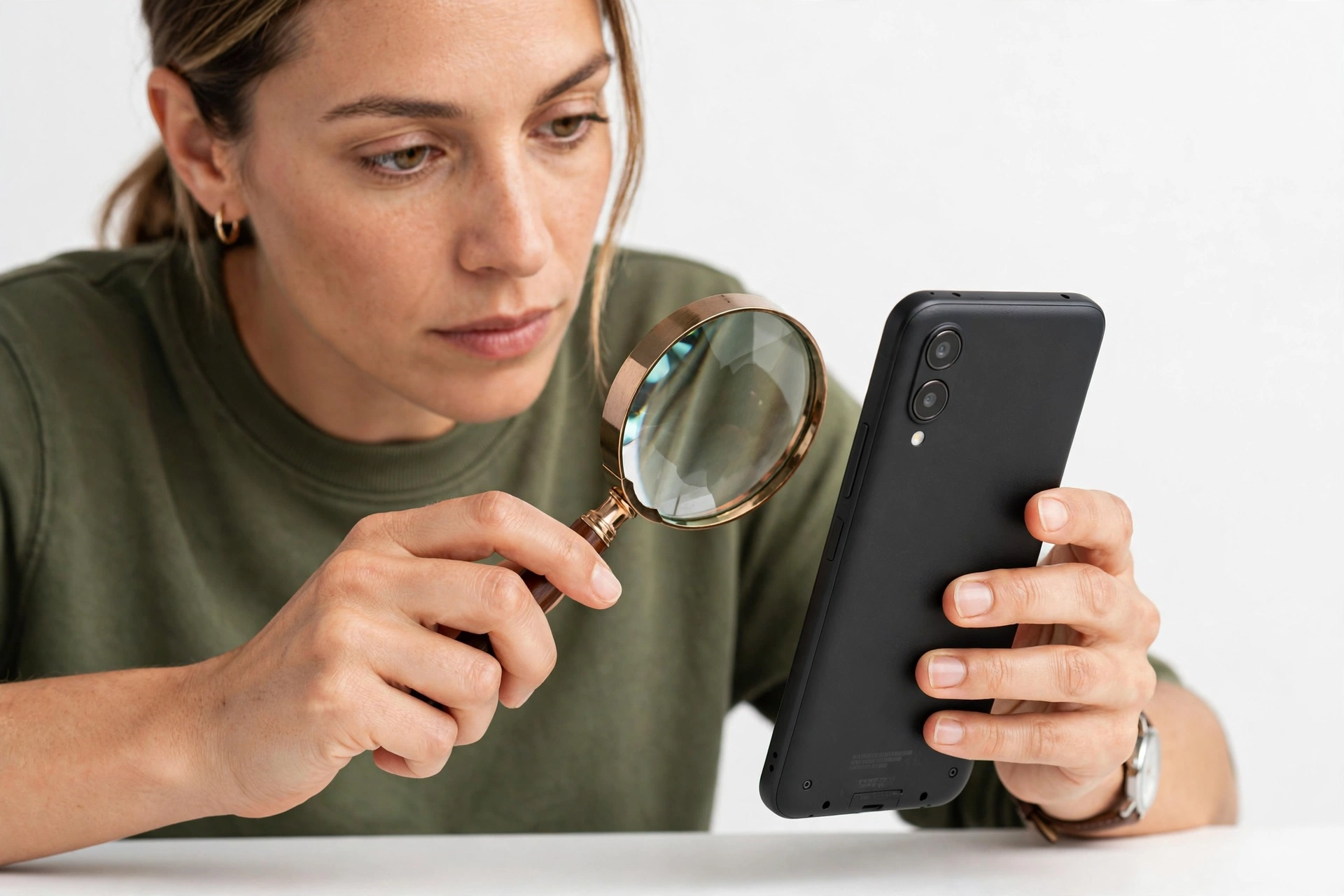
The Redmi Note 14 is one of the best-selling budget phones in the world — which also makes it one of the most counterfeited. Fake and refurbished-as-new Redmi phones flood marketplaces, resale apps, and informal shops, especially in the weeks after launch when demand is high and stock is uneven. Some fakes are crude knockoffs with Android skins mimicking HyperOS; others are more deceptive — real Xiaomi hardware that was flashed with a modified ROM, had its IMEI rewritten, or was assembled from mixed parts.
This guide is for anyone buying a Redmi Note 14 new, used, or refurbished, or anyone who already owns one and wants to confirm it is genuine. It focuses on the Redmi Note 14 specifically — its official variants, its real specifications, and the exact checks that work for this model — rather than generic advice that applies to any phone.
1. Know the real Redmi Note 14 before you check one
Counterfeiters count on buyers who don’t know what the real phone is supposed to be. Before running any verification check, learn the official Redmi Note 14 family so you can spot listings and devices that don’t match reality. (Source: mi.com)
Xiaomi launched the Redmi Note 14 series in China on September 26, 2024, and rolled it out globally (including India) in early 2025. The family has several distinct members, and — critically — they are not the same phone with different names. Each has different hardware:
| Variant | Network | Chipset | Rear camera | Battery / charging |
|---|---|---|---|---|
| Redmi Note 14 4G (Global) | LTE only | MediaTek Helio G99 Ultra | 108 MP main + 2 MP macro + depth | 5,500 mAh / 33 W |
| Redmi Note 14 5G (Global) | 5G | MediaTek Dimensity 7025 Ultra | 108 MP main (OIS) + 8 MP ultrawide + 2 MP macro | 5,110 mAh / 45 W |
| Redmi Note 14 5G (China) | 5G | MediaTek Dimensity 7025 Ultra | 50 MP main (OIS) + 2 MP macro | 5,110 mAh / 45 W |
Key facts that expose fakes immediately:
- All Redmi Note 14 models use MediaTek chipsets. Any “Redmi Note 14” that reports a Qualcomm Snapdragon chip in its settings is either fake or a different model entirely. (Xiaomi has never shipped a Snapdragon-powered Redmi Note 14.)
- There is no “Redmi Note 14 Pro” with a 200 MP camera at budget prices — that specification belongs to other phones. The base Redmi Note 14 tops out at 108 MP on the main camera (4G and global 5G) or 50 MP (China 5G).
- The global Redmi Note 14 4G has an aluminum frame (the 5G global version uses a plastic frame), Gorilla Glass 5 on the front, a 6.67-inch 120 Hz AMOLED display, stereo speakers, a 3.5 mm headphone jack, an infrared port, and an under-display fingerprint reader on the 4G model.
- NFC is market/region dependent. Some Redmi Note 14 units have NFC and some do not — so “no NFC” alone doesn’t prove a fake, but “has NFC” on a variant that officially lacks it (or vice versa) is worth investigating alongside other checks.
Quick fact: Counterfeit listings often invent model names — “Redmi Note 14 Pro Max,” “Redmi Note 14 Ultra,” or “Redmi Note 14 5G Pro” — that Xiaomi never made. If the model name on the listing doesn’t appear in Xiaomi’s official lineup, treat it as a red flag, not a bargain.
2. Check 1: Verify the IMEI on Xiaomi’s official site
This is the single most authoritative check. Xiaomi maintains an official product authentication page at mi.com/global/verify where you can enter a phone’s IMEI or serial number. If the phone is genuine, the site returns the model name, production information, and activation details with a confirmation message.
How to find the IMEI
You have three independent places to read the IMEI — use all three and compare them:
- Dialer: Open the Phone app and dial *#06#. The IMEI appears immediately (dual-SIM phones show two IMEIs — check both).
- Settings: Go to Settings → About phone → Status → IMEI information. (On HyperOS: Settings → About phone → All specs → Status.)
- The box: The IMEI is printed on the barcode sticker on the original packaging.
How to run the verification
- Visit mi.com/global/verify (select the “Verify your phone purchase” / IMEI tab).
- Enter the IMEI or serial number and the on-screen verification code.
- Click Verify. A genuine phone returns a success screen (reported in independent guides as showing a green confirmation) with basic device information including specifications, production date, and activation date.
What the results mean:
- Recognized + model matches: Strong evidence the phone is genuine Xiaomi hardware.
- Recognized but model differs: The phone may be a different Redmi/Xiaomi model flashed to look like a Note 14, or the IMEI may have been rewritten. Do not buy it.
- Not recognized: The IMEI is not in Xiaomi’s records. This can mean a fake — or, in rare cases, a region/data issue. Treat it as a hard stop and investigate before paying.
Stop for safety: A valid IMEI lookup alone does not prove the physical phone in your hand is genuine. Counterfeiters can copy a real IMEI from a genuine phone onto a fake one. Always combine this check with the physical and software checks below — the IMEI check is necessary but not sufficient on its own.
3. Check 2: IMEI + serial cross-match (the anti-copied-IMEI test)
Because fake phones sometimes carry copied IMEIs, the cross-match test is what separates a genuine phone from a clever fake. The idea is simple: the same identifier must appear in every independent location, and it must belong to this phone.
- Compare the dialer IMEI (*#06#) with the Settings IMEI — they must be identical.
- Compare both with the IMEI on the box sticker — identical.
- Check the serial number the same way (box sticker vs. Settings → About phone → All specs).
- On mi.com/global/verify, confirm the model the site reports matches the phone’s actual reported model in Settings → About phone.
| What mismatches | What it likely means |
|---|---|
| Dialer IMEI ≠ box IMEI | Phone and box are from different units — possibly refurbished, assembled from parts, or the box is a prop |
| Dialer IMEI ≠ Settings IMEI | Software has been tampered with — IMEI spoofing or modified ROM |
| Verify site says a different model | Phone is a different Xiaomi model re-flashed to impersonate the Note 14, or the IMEI was copied from another phone |
| IMEI not recognized at all | Fake, or tampered identifier — do not proceed with the purchase |
4. Check 3: Confirm the software is genuine HyperOS
The Redmi Note 14 ships with Xiaomi HyperOS (based on Android 14 at launch). Fake phones run skinned Android that imitates the look of HyperOS but fails under inspection.
What to look for in Settings → About phone
- The OS should read HyperOS (not MIUI — the Note 14 never shipped with MIUI), with a version string in Xiaomi’s official format (e.g., HyperOS 1.x or 2.x).
- Unusual version strings, extra build tags, misspellings (“HyperOs,” “Hyper OS 2”), or a “MIUI” label are signs of a modified or fake ROM.
- Tap the OS version or kernel version several times — on genuine Xiaomi software this opens additional version details; fakes often show nothing or crash.
The Mi Account and Xiaomi services test
- Try signing into a Mi Account in Settings → Mi Account. Genuine Xiaomi software connects to Xiaomi’s servers; fakes may fail or show odd behavior.
- Open the Xiaomi Community app or Mi Store app — these should work normally on genuine devices. In some regions, the Xiaomi Community app includes a device-verification feature.
- Check that preinstalled apps are Xiaomi’s genuine set (Security, Themes, Mi Browser, GetApps). Fakes often substitute generic or misspelled apps.
Quick fact: A genuine phone that was flashed with a China ROM but sold as a “Global” version is a gray-market device, not necessarily a fake — but it may lack local warranty, have carrier-compatibility issues, and receive updates on a different schedule. The mi.com verification page can help identify which regional version the phone actually is.
5. Check 4: Physical and packaging inspection
Hold the phone and look for the tells that cheap counterfeits can’t replicate economically:
- Build materials: The Redmi Note 14 4G global version has a glass front (Gorilla Glass 5), plastic back, and an aluminum frame. A phone that feels entirely like cheap thin plastic, has sharp unfinished edges, or flexes when pressed gently is suspect.
- Display: 6.67-inch AMOLED, 120 Hz, 1080 × 2400. The screen should be vivid with deep blacks (AMOLED) — a washed-out LCD-look display on a “Note 14” is a major red flag.
- Camera module: Compare the camera layout to official product photos on mi.com. Fakes often get the lens arrangement, flash placement, or module shape slightly wrong.
- Details: The infrared blaster (top edge), 3.5 mm headphone jack, and stereo speaker grilles should all be present and cleanly machined. Missing “minor” features are common on fakes.
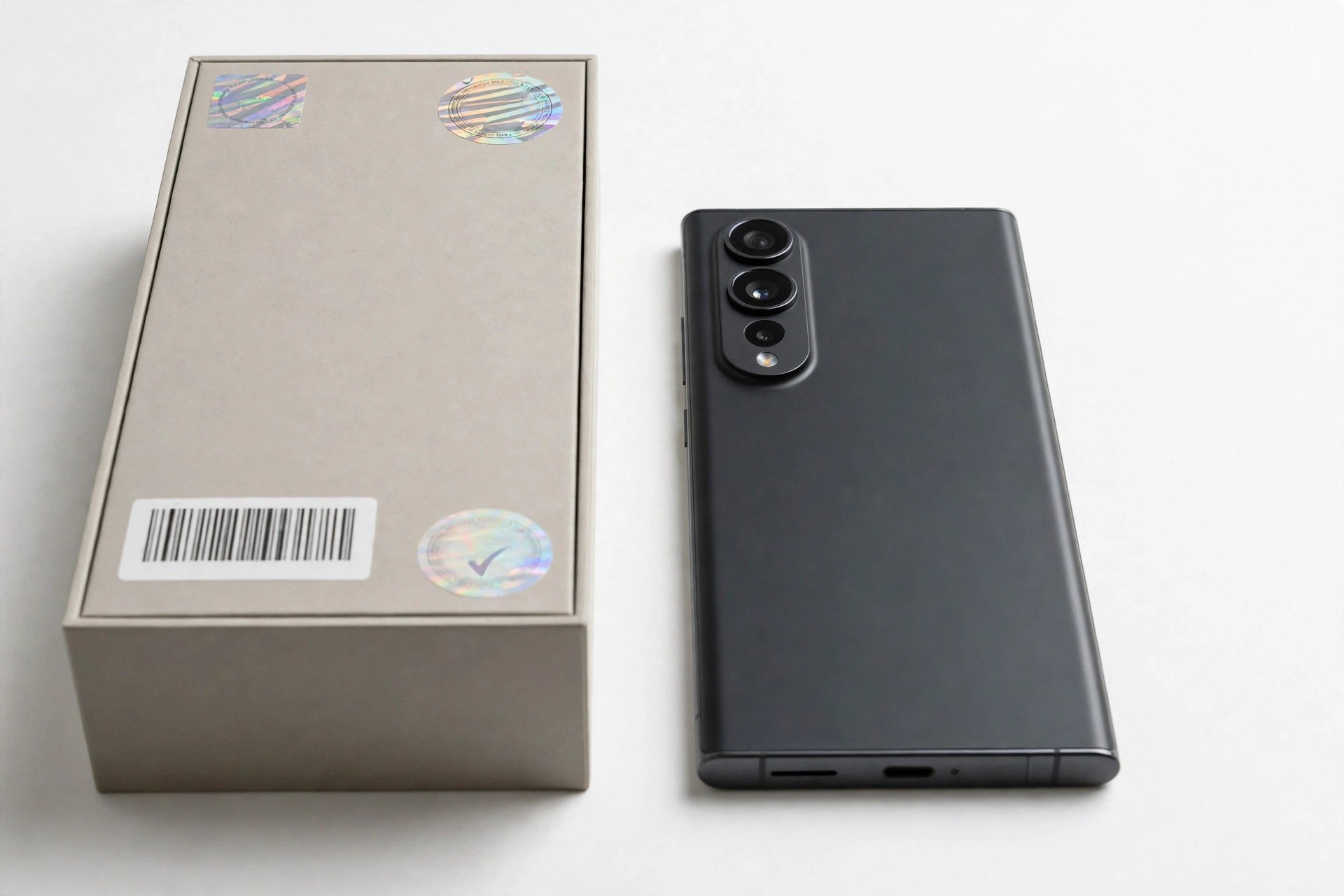
- Box and accessories: The retail box should have clean printing, a barcode sticker with matching IMEI/serial, and (in most Asian markets) a 33 W Xiaomi charger with USB-A port; the EU version ships without a charger. A dark gray protective case and USB cable are included. Sloppy printing, spelling errors on the box, or a generic no-name charger are warning signs.
- Weight and dimensions: The 4G model is about 196.5 g and 8.2 mm thick; the 5G model about 190 g and 8.0 mm. A phone that feels dramatically lighter or thicker than spec deserves a second look — though weight alone never proves anything.
6. Check 5: The scratch-label / security-code check
Some Xiaomi products ship with an anti-counterfeiting scratch label (most common on units sold in China). If your Redmi Note 14 box has one:
- Scratch off the coating to reveal the security code.
- Visit the URL printed on the label (or mi.com/global/verify → the security-code tab).
- Enter the code — Xiaomi confirms whether it is authentic.
Note that global retail units often don’t carry this label, so its absence on an international version is normal — but its presence with a failed verification is a definitive red flag.
7. The complete 10-check authenticity worksheet
| # | Check | What it proves | Limitations |
|---|---|---|---|
| 1 | mi.com/global/verify IMEI lookup | IMEI exists in Xiaomi’s records with matching model | Copied IMEIs pass this alone — must combine with other checks |
| 2 | IMEI cross-match (dialer = Settings = box) | Identifiers belong to this physical phone and weren’t tampered with | A careful counterfeiter can print matching stickers |
| 3 | Chipset check (must be MediaTek Helio G99 Ultra or Dimensity 7025 Ultra) | Hardware matches the official model — fakes almost never replicate the right chip | Requires checking Settings → About phone → All specs |
| 4 | HyperOS version string inspection | Software is genuine Xiaomi firmware, not a skinned fake | Modified ROMs can mimic version strings superficially |
| 5 | Mi Account / Xiaomi services sign-in | Device communicates with Xiaomi’s genuine backend | Needs network access; some regions restrict services |
| 6 | Physical build inspection (materials, camera module, IR blaster, headphone jack) | Hardware matches official design and feature set | Subjective — compare against official mi.com photos |
| 7 | Display test (AMOLED blacks, 120 Hz smoothness) | Panel matches the official AMOLED 120 Hz spec | Needs a dark room and a keen eye; not definitive alone |
| 8 | Scratch-label security code (if present) | Xiaomi directly confirms this unit’s code | Not present on all regional versions |
| 9 | Camera test (108 MP mode available; photo quality sane) | Camera hardware is approximately as specified | Software can fake resolution numbers |
| 10 | Seller and price sanity check | Purchase channel is trustworthy; price is within the real market range | Even good sellers can be fooled by suppliers |
8. Counterfeit vs. refurbished vs. gray market: know what you’re actually looking at
Not every suspicious Redmi Note 14 is a fake. These three categories get confused constantly, and the right response differs for each:
| Category | What it is | mi.com verify result | What to do |
|---|---|---|---|
| Counterfeit | Not made by Xiaomi; imitation hardware and software | Usually not recognized, or model mismatches | Do not buy; report the seller; if already bought, pursue a refund |
| Refurbished (sold as new) | Genuine Xiaomi hardware, repaired or reconditioned, possibly with replaced parts | Often recognized — but activation date may be old, revealing prior use | Decide if the (lower) price is fair for a used phone; demand honest labeling |
| Gray market | Genuine Xiaomi hardware intended for another region (e.g., China ROM sold as Global) | Recognized, but region/model variant differs from what was advertised | Works, but expect warranty, carrier-band, and update-schedule complications |
The activation date shown on mi.com/global/verify is your best tool for catching “new” phones that aren’t: if the site shows an activation date months before your purchase, the phone was used before — regardless of how pristine the box looks.
9. Where to buy safely (and where fakes cluster)
| Channel | Risk | Notes |
|---|---|---|
| mi.com / official Xiaomi stores | Minimal | The reference-safe option |
| Authorized retailers and carrier stores | Low | Keep the receipt; verify anyway |
| Official brand storefronts on major marketplaces | Low | Confirm the seller is Xiaomi’s official store, not a similarly named third party |
| Third-party marketplace sellers | Moderate | Check seller ratings and history; run all 10 checks on arrival |
| Social media / classified ads / street vendors | High | No buyer protection; this is where most fakes change hands |
Price is a signal, not proof — but an extreme signal matters. The Redmi Note 14 is a budget phone, so discounts are normal; still, a listing at a small fraction of the going rate for a “brand new” unit is a classic counterfeit pattern. As independent guides note, if a deal seems too good to be true, it almost certainly is.
10. What to do if your Redmi Note 14 fails the checks
- Don’t sign into personal accounts on it. A fake phone’s software can’t be trusted with your Google account, banking apps, or passwords.
- Document everything: screenshots of the verification results, photos of the phone and box, the listing, and all messages with the seller.
- Contact the seller and request a refund, citing the specific failed checks.
- Escalate through the platform (marketplace dispute process, payment-provider chargeback) if the seller refuses.
- Report counterfeit sellers to the marketplace and, where available, to Xiaomi.
- Do not resell a known fake to someone else — passing a counterfeit along makes you part of the problem and can create liability.
Stop for safety: Never try to “fix” a suspected fake by flashing firmware, rewriting the IMEI, or installing unofficial ROMs. IMEI tampering is illegal in many jurisdictions, and unofficial firmware on unknown hardware can brick the phone or introduce malware. If the phone is fake, the remedy is a refund — not a repair.
11. Hypothetical examples
(The following are hypothetical illustrations, not customer stories.)
Amara’s marketplace “steal”
Amara finds a “brand new Redmi Note 14 5G” on a classifieds app for 40% below retail. The seller meets her in a parking lot and won’t let her insert a SIM “because it’s sealed.” She buys it anyway. At home, *#06# shows an IMEI that mi.com/global/verify doesn’t recognize, and Settings → About phone reports a Snapdragon chip — which no genuine Redmi Note 14 has ever used. The phone is a counterfeit. Because she paid cash with no receipt, recovery is difficult — a scenario the “meet in person, check before paying” rule exists to prevent.
Devon’s too-perfect box
Devon buys a Redmi Note 14 from a third-party marketplace seller with good ratings. The box is pristine and the IMEI on the box verifies on mi.com as a genuine Redmi Note 14. But the dialer IMEI doesn’t match the box, and the verification site shows an activation date eight months earlier. The phone is genuine Xiaomi hardware — but it’s a refurbished unit (possibly assembled from parts) being sold as new. Devon keeps the phone after negotiating a partial refund that reflects its true used value, which is a reasonable outcome once the facts are known.
12. Frequently asked questions
How can I check if my Redmi Note 14 is original?
Dial *#06# to get the IMEI, then enter it at Xiaomi’s official verification page (mi.com/global/verify). Confirm the model the site returns matches your phone, then cross-match the IMEI across the dialer, Settings, and box, and verify the chipset is MediaTek (Helio G99 Ultra for the 4G model, Dimensity 7025 Ultra for the 5G model).
Does mi.com verify work for the Redmi Note 14?
Yes. Xiaomi’s official product authentication page covers Redmi phones including the Note 14 series. Enter the IMEI or serial number plus the on-screen code, and the site returns the model information, production date, and activation date for genuine devices.
What chipset does the real Redmi Note 14 use?
The Redmi Note 14 4G (global) uses the MediaTek Helio G99 Ultra, and the Redmi Note 14 5G (global and China) uses the MediaTek Dimensity 7025 Ultra. Any “Redmi Note 14” reporting a Snapdragon or other chip is not a genuine Redmi Note 14.
Can a fake Redmi Note 14 pass the IMEI check?
Possibly, if the counterfeiter copied a real IMEI from a genuine phone. That’s why the IMEI check must be combined with the cross-match test (dialer = Settings = box), the chipset check, and the software inspection. No single check is sufficient on its own.
My Redmi Note 14 has no NFC — is it fake?
Not necessarily. NFC on the Redmi Note 14 is market/region dependent — some official variants have it and some don’t. Check whether your specific regional variant is supposed to have NFC rather than treating its absence as proof of a fake.
What does it mean if mi.com shows an old activation date?
The phone was activated (first booted and set up) before you bought it. If you bought it as new, it’s likely a refurbished or previously used unit being misrepresented — genuine hardware, but not new. Use this information to negotiate or return it.
Is a China-ROM Redmi Note 14 sold as “Global” a fake?
No — it’s gray market, not counterfeit. It’s genuine Xiaomi hardware intended for another region. It will generally work, but you may face warranty limitations, carrier-band differences, and a different update schedule than a true global unit.
Where is the safest place to buy a Redmi Note 14?
Xiaomi’s official website and stores, authorized retailers, and carrier stores carry the lowest risk. On marketplaces, buy only from Xiaomi’s official storefront (not similarly named third-party sellers) and run the full verification checklist when the phone arrives.
13. Related guides
If you’re verifying other phones too, these guides use the same methodical approach:
- How to Check If a Xiaomi Phone Is Original — the general Xiaomi/Redmi/Poco authenticity guide this model-specific check complements.
- How to Check If an iPhone 17 Is Original — Apple’s IMEI, model-number, and packaging checks for the current iPhone lineup.
- How to Check If a Ulefone Is Original — authenticity checks for rugged phones, where gray-market imports are especially common.
If your Redmi Note 14 is genuine but having problems, Las Vegas Phone Repair & Accessories (7400 Las Vegas Blvd S, Unit TT42, Las Vegas, NV 89123; (424) 406-6202; open 10 AM–8 PM — call ahead to confirm today’s hours) can assess hardware issues. Bring the phone and its box so the identifiers can be confirmed during intake.
Video: How to tell if your smartphone is fake or real
Sources and editorial notes
- Xiaomi official product authentication (mi.com/global/verify) — Xiaomi’s official IMEI/serial-number and security-code verification portal; the authoritative check referenced throughout this guide.
- XiaomiWiki: Verify the authenticity of Xiaomi products — community-maintained documentation of Xiaomi’s verification methods, including the note that serial numbers are found on the box sticker.
- GSMArena: Xiaomi Redmi Note 14 4G specifications — full hardware specifications for the global 4G variant (Helio G99 Ultra, 108 MP camera, 5,500 mAh battery).
- GSMArena: Xiaomi Redmi Note 14 5G specifications — full hardware specifications for the global 5G variant (Dimensity 7025 Ultra, 108 MP OIS camera).
- Dr.Fone: How to Identify Fake Xiaomi or Redmi Phones Before Buying — independent guide covering IMEI checks, ROM verification, and the scratch-label method.
- GizmoChina: Xiaomi Redmi Note 14 product page — launch details and variant overview for the Redmi Note 14 (released September 26, 2024 in China).
Last source check: October 14, 2026. AI-assisted editorial guide, checked against the linked manufacturer information and independent specification sources. Verification procedures describe Xiaomi’s official tools as documented; this guide does not bypass, defeat, or modify any authentication system. Specifications are summarized from the cited sources — confirm critical details against mi.com before making a purchase decision.
Let’s get you connected again.
Tell us what’s happening with your device and we’ll help you decide the safest next step — no jargon, no pressure.
Las Vegas Phone Repair & Accessories · 7400 Las Vegas Blvd S, Unit TT42, Las Vegas, NV 89123
10:00 AM–8:00 PM — call ahead to confirm today’s hours