
How to Check If Motorola Edge 70 Is Original: Authenticity Guide
Cross-match the IMEI shown on screen (*#06#) with the IMEI on the box and the one in Settings, then verify the unit through Motorola’s warranty lookup — no single test proves authenticity on its own. A genuine Motorola Edge 70 also matches reported launch specifications (Snapdragon 7 Gen 4, 6.7-inch 1.5K AMOLED, 159 g, Hello UI on Android 16) and runs Motorola’s Hello UI software with working system updates.
On this page
Cross-match the IMEI shown on screen (*#06#) with the IMEI on the box and the one in Settings, then verify the unit through Motorola’s warranty lookup — no single test proves authenticity on its own.
1. Who this guide is for
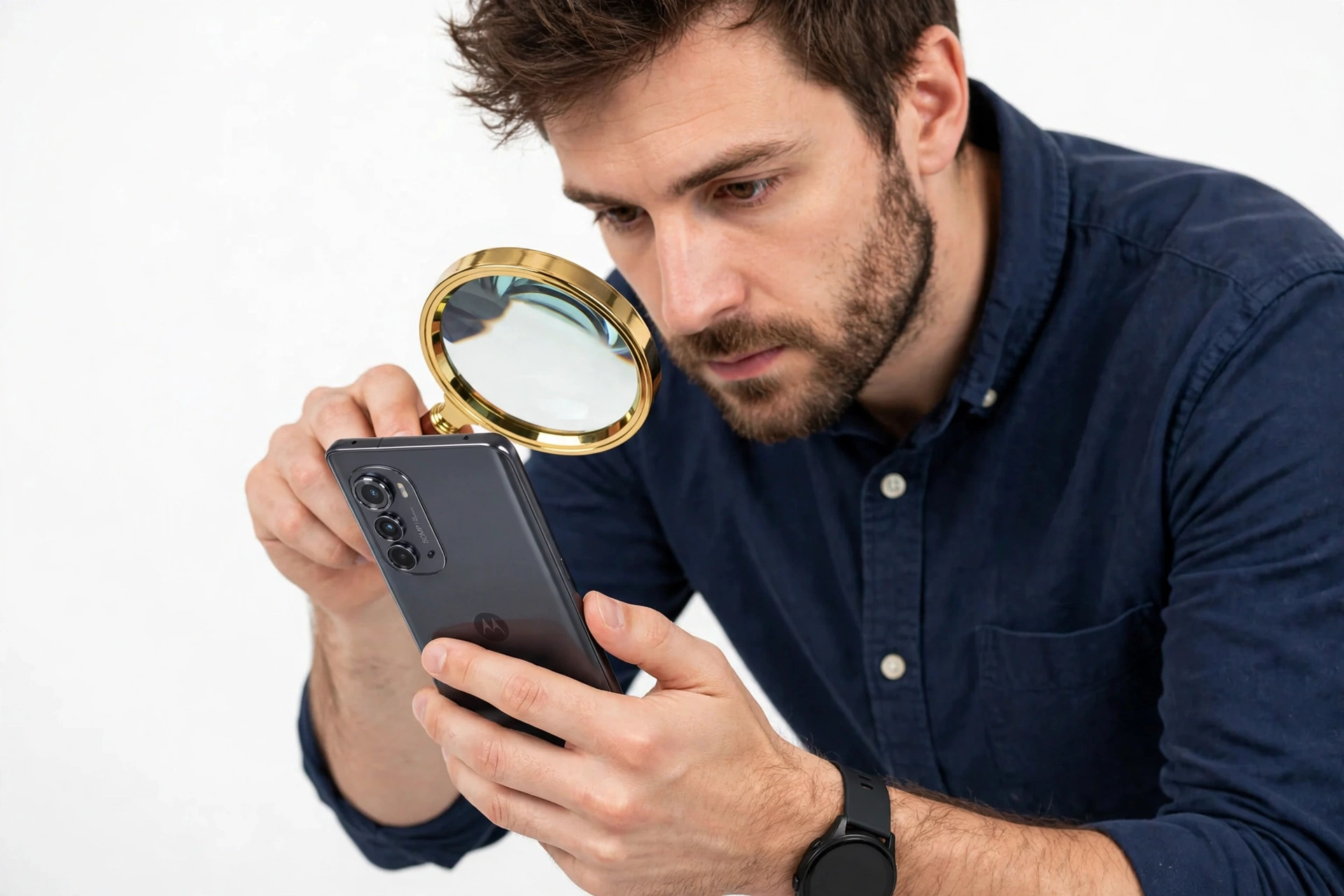
This guide is for anyone who owns, is about to buy, or has already bought a Motorola Edge 70 and wants to confirm it is a genuine Motorola product. It applies whether you are: (Source: gadgets360.com)
- Buying a second-hand or open-box Edge 70 from a private seller or marketplace listing.
- Buying a new-in-box unit from a retailer you are not completely sure about.
- Checking a unit you already own because something about it feels wrong — the box, the software, or the price you paid.
Quick fact: The Motorola Edge 70 was announced in October 2025 and released the same month, per multiple press reports and spec databases. The guide below uses reported launch specifications as the authenticity baseline, honestly attributed to launch reporting. If you are checking a unit before purchase, confirm regional model numbers with Motorola support.
Nothing here requires technical skill. The checks start with fast visual filters that catch most fakes in under a minute, then move to verification tests that counterfeit units rarely survive.
2. The fastest first filter: reported specs and impossible configurations
Before checking IMEI numbers, compare the unit against what a genuine Edge 70 is supposed to be. Reported launch specifications (from press coverage and spec databases) give you a fast disqualifier list: if the phone claims a configuration that was never sold, you are done — no further testing needed.
| Area | Reported spec | Why it matters |
|---|---|---|
| Chipset | Snapdragon 7 Gen 4 (4 nm) | Any MediaTek, Exynos, or older Snapdragon chip is an instant reject |
| Display | 6.7-inch P-OLED, 1220 × 2712, 120 Hz, 4500 nits peak, Gorilla Glass 7i | LCD panels or 60 Hz-only displays fail the test |
| Size and weight | 159.9 × 74 × 6 mm; 159 g; 5.99 mm ultra-thin body | Chunky or heavy units are suspicious |
| Rear camera | 50 MP main + 50 MP ultrawide (Macro Vision); 50 MP front camera | Triple main cameras, periscope zoom, or 2 MP filler lenses are wrong |
| RAM and storage | 12 GB RAM, 512 GB storage (UFS 3.1); no microSD slot | 6 GB RAM, 128 GB storage, or a microSD slot are disqualifying |
| Battery and charging | 5000 mAh silicon-carbon (India); 4800 mAh (global); 68 W wired, 15 W wireless | Claims of 90 W+ wired or missing wireless charging are wrong |
| Software | Android 16 with Hello UI out of the box | Android 14/15 or a non-Motorola skin fails |
| Durability | IP68/IP69; MIL-STD-810H compliant; aluminum frame | Plastic frames or missing IP ratings are red flags |
| Colors | Pantone Lily Pad, Gadget Grey, Bronze Green | Color names outside this set deserve a second look |
| SIM | Dual SIM (nano-SIM + eSIM) | A single physical-SIM-only unit is suspicious |
| No headphone jack | 3.5 mm jack absent | A headphone jack means it is not an Edge 70 |
Impossible configurations — instant rejects: a “MediaTek” Edge 70, 8 GB RAM, 256 GB or 1 TB storage, a microSD card slot, a headphone jack, three rear cameras, 90 W or 125 W charging, or an “Edge 70 Pro” — there is no Edge 70 Pro; per launch reporting the Edge 70 sits in the lineup with separate Pro-class models under different names. A “Motorola Edge 70 Ultra” is also not a reported launch model (note: a separate Edge 70 Ultra was mentioned only as leaked renders in some press coverage, not as a launched product — treat any unit sold as one with caution).
The same spec-first approach works for other brands’ latest models — see our iPhone 18 authenticity guide for the Apple-side equivalent of this filter.
3. Check 1: the IMEI triple-match
The IMEI (International Mobile Equipment Identity) is the single most useful identifier on the phone. On a genuine unit, the same IMEI number appears in three independent places:
- On screen: open the dialer and enter *#06# — the IMEI appears instantly without pressing call.
- In Settings: Settings → About phone → IMEI (scroll to find both SIM slots on dual-SIM units).
- On the box: the retail box carries a label with the IMEI printed on it. If the phone has a SIM tray, the tray can also carry the IMEI.
All three must match. A mismatch between the on-screen IMEI and the box IMEI means the phone and the box do not belong together — common with re-boxed, refurbished, or assembled units.
Stop for safety: A matching IMEI proves the number is consistent, not that the phone is genuine. Counterfeiters copy real IMEI numbers from genuine units onto fakes. The triple-match rules out sloppy fakes, but it is not the final word — continue with the checks below.
4. Check 2: Motorola’s warranty and serial lookup
Motorola phones are supported through Lenovo’s warranty system (Motorola is a Lenovo company). A genuine unit’s serial number should be recognized in Motorola’s official warranty-status lookup:
- Find the serial number: Settings → About phone → Model (or via *#06# on many Motorola builds), and cross-check it against the box label.
- Enter the serial number in Motorola’s warranty status inquiry tool.
- Confirm the tool returns a recognized device with a matching model.
If the lookup does not recognize the serial number, or returns a different model (for example, a Moto G series instead of an Edge 70), that is a strong negative signal.
Stop for safety: Never enter your personal Google account credentials or payment details into a third-party “IMEI check” website. Many of these are data-harvesting fronts. Use Motorola’s official lookup or your carrier’s tools only.
5. Check 3: model number and regional variants
The Motorola Edge 70 launched first in some markets and rolled out regionally (India launch followed the October 2025 announcement). Genuine units therefore exist in different regional variants with different model numbers and modem configurations:
- Regional variants are normal. A unit configured for India, Europe, or another region can be genuine while carrying a different model suffix.
- What to verify: the model number in Settings → About phone → Model should correspond to an Edge 70 variant, and the software region should match where the unit claims to come from.
- What is not normal: a model number belonging to a Moto G or Edge 60 series, or a model number that no spec database recognizes at all.
Gray-market imports — genuine phones sold outside their intended region — are real Motorola hardware without local warranty coverage. They are not counterfeits, but you should know what you are buying. The Motorola Edge 60 Pro authenticity guide covers the same gray-market pattern on the previous generation.
6. Check 4: Hello UI software authenticity tests
Software is the layer counterfeit phones fail most visibly. A genuine Edge 70 runs Motorola’s Hello UI on Android 16. Work through these tests:
6.1 The look and feel
Hello UI on the Edge 70 is close to stock Android with Motorola’s additions: Moto gestures (chop for flashlight, twist for camera), Moto Secure, Moto Unplugged, and the Motorola notification shade styling. A fake typically shows a generic Android skin with wrong icons, broken translations, or a settings layout that does not match Motorola’s.
6.2 System update check
Go to Settings → System → System update and check for updates. A genuine Motorola phone reaches Motorola’s update servers and reports a build number consistent with Edge 70 firmware. Units that claim “your system is up to date” on an ancient build, or that fail to connect to update servers at all, are suspicious.
6.3 Google Play Protect certification
Open the Play Store → profile → Play Protect → Settings. A genuine device shows Play Protect certification. Uncertified devices cannot be genuine retail Motorola units.
6.4 Pre-installed apps
Genuine Edge 70 units ship with Motorola’s app set (Moto, Moto Secure) and standard Google apps. Missing core Google apps, or a flood of unfamiliar pre-installed apps with ads, points to a tampered or fake unit.
Quick fact: The Edge 70 is reported to ship with Android 16 and a promise of three OS upgrades and four years of security updates. If a seller’s unit runs Android 14 or 15 with no update path, it is not running genuine Edge 70 firmware.
7. Check 5: physical build and packaging
Counterfeits cut corners on materials. Compare against the reported build:
- Thinness and weight: 5.99 mm thin and 159 g light — one of the thinnest phones in its class per launch reporting. A thick, heavy unit is wrong.
- Frame: aircraft-grade aluminum frame. Plastic-feeling edges are a red flag.
- Display: a 6.7-inch AMOLED with deep blacks. Open a pure-black image in a dark room — grayish blacks indicate an LCD panel, which the Edge 70 does not use.
- Camera module: the Edge series’ “squiricle” camera housing with the reported dual 50 MP layout. A triple-lens array or a periscope hump is wrong.
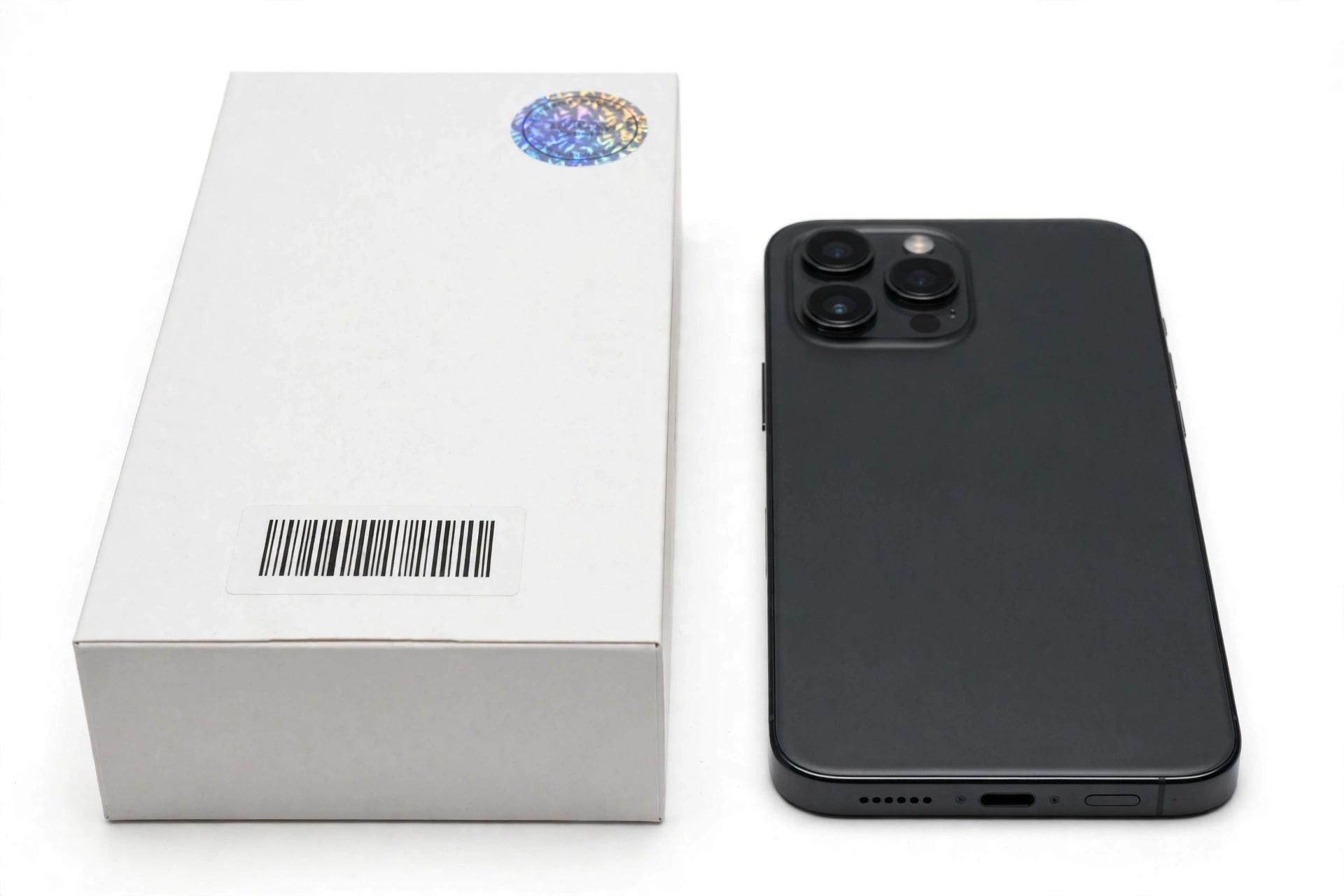
- Box contents: per reporting, the Edge 70 box contains the phone and a USB-C cable; check that packaging quality, printing, and included documentation match Motorola’s standards. Sloppy printing, misspelled words, or missing regulatory labels are classic fake tells.
8. Check 6: the camera as a lie-detector
Cameras are expensive to fake well, so a simple functional test is surprisingly effective:
- Open the camera app and cover each rear lens one at a time with your finger. Each lens cover should darken or change the viewfinder — if covering a “lens” does nothing, it is decorative.
- Test the ultrawide and the main camera separately; both should produce sharp, correctly colored images.
- Test the 50 MP front camera — per reporting, all lenses support 4K 60 fps video. A front camera that maxes out at 1080p on a claimed Edge 70 is suspicious.
9. Check 7: hardware consistency — chipset, display, charging
Two more functional checks that fakes rarely pass:
- Chipset: Settings → About phone should report a Snapdragon 7 Gen 4. A unit reporting a MediaTek chip, a Snapdragon 6-series, or an unknown processor fails immediately. (Some counterfeits spoof the displayed text — combine this with the performance and feature tests above.)
- Charging: the Edge 70 supports 68 W TurboPower wired charging and 15 W wireless charging per reporting. A unit that charges slowly on a known-good 68 W Motorola charger, or that lacks wireless charging entirely, deserves scrutiny.
- 5G and NFC: the Edge 70 is a 5G phone with NFC. Missing 5G bands or no NFC on a claimed Edge 70 is a fail.
10. The 10-check master worksheet
| # | Check | What it proves | Limitations |
|---|---|---|---|
| 1 | Impossible-configuration filter (Section 2) | Catches most fakes in under a minute | Passing it proves nothing by itself |
| 2 | IMEI triple-match (*#06# = Settings = box) | Rules out re-boxed and sloppy units | IMEIs can be copied onto fakes |
| 3 | Motorola warranty/serial lookup | Strongest single official signal | Gray-market units may show limited warranty |
| 4 | Model number and region consistency | Catches mislabeled models | Regional variants differ legitimately |
| 5 | Hello UI + Android 16 software checks | Catches software-faked units | Requires knowing what Hello UI looks like |
| 6 | System update reaches Motorola servers | Hard for fakes to replicate | Needs a network connection |
| 7 | Play Protect certification | Uncertified = not genuine retail | Rare false negatives on fresh resets |
| 8 | Physical build (thinness, weight, materials) | Catches cheap clones | Subjective without a reference unit |
| 9 | Camera lens-cover test | Catches decorative lenses | Needs the camera app working |
| 10 | Purchase channel and price sanity | Catches scam listings | Good deals do exist — not proof alone |
11. What your result means: fake, refurbished, gray market, or mislabeled
Not every suspicious unit is a counterfeit. Each category has a different remedy:
| Category | Signs | What to do |
|---|---|---|
| Counterfeit | Fails multiple checks; wrong chipset; non-Motorola software | Do not pay; report the seller; do not resell it as genuine |
| Refurbished sold as new | Passes hardware checks; mismatched box IMEI; wear on frame or ports | Negotiate a refurbished price or return it |
| Gray-market import | Passes all checks; foreign model suffix; limited local warranty | Keep it if the price reflects no local warranty |
| Mislabeled model | Genuine Motorola, but a different model (e.g., Edge 60) | Return or re-price as the actual model |
| Demo/store unit | Genuine hardware; retail-mode software; engraved markings | Fine as a secondary device; worth less than retail |
12. Hypothetical examples
(The following are hypothetical illustrations, not customer stories.)
Amara’s marketplace “bargain”
Amara found a sealed “Motorola Edge 70” online for roughly half the going rate. On arrival, the box printing was blurry, the phone weighed noticeably more than 159 g, and the camera app showed only two working lenses — the third was decorative. The IMEI triple-match failed: the box IMEI differed from the on-screen one. Every fast filter failed within ten minutes. She returned it and reported the listing.
Devon’s gray-market import
Devon bought an Edge 70 from an international seller at a discount. The phone passed every hardware and software check — Snapdragon 7 Gen 4, Hello UI, working updates, Play Protect certified — but the warranty lookup showed coverage only in the original sales region, not his country. His unit was genuine hardware without local warranty: a gray-market import, not a fake. He kept it, knowing warranty service would be his own responsibility.
13. What to do if the phone is fake
- Do not complete the purchase — or if you already paid, start the return or chargeback process immediately.
- Do not sign into your Google account on a suspected fake; counterfeit firmware can harvest credentials.
- Do not resell it as genuine, even to recover your money — that passes the harm to someone else.
- Report the seller to the marketplace and, for serial fraud, to local consumer protection.
Stop for safety: If the battery is swollen, the phone gets dangerously hot, or the screen is separating from the frame, stop handling it, do not charge it, and keep it away from flammable materials. A fake phone’s battery has no verified safety testing behind it.
14. What to do if the phone is genuine
- Register the device with your Motorola account and check for system updates.
- Keep the box and receipt — the matching IMEI on the box is your proof of legitimate purchase.
- Note the warranty terms: per reporting, the Edge 70 carries three OS upgrades and four years of security updates.
- Buy a case: at 5.99 mm thin with an aluminum frame, the Edge 70 is slim enough that a drop can do real damage. If the worst happens, Las Vegas Phone Repair & Accessories at 7400 Las Vegas Blvd S, Unit TT42, Las Vegas, NV 89123, (424) 406-6202, can assess the damage — open 10 AM–8 PM, call ahead to confirm today’s hours.
15. Frequently asked questions
Can I check if my Edge 70 is original with just the IMEI?
The IMEI triple-match is a strong first step, but a copied IMEI can appear on a fake. Combine it with the warranty lookup and the software checks for a reliable verdict.
Does Motorola have an official authenticity checker?
Motorola’s official route is the warranty-status lookup using the serial number. Unlike some brands, Motorola does not publish a widely documented buyer-facing IMEI authenticity portal, so the warranty lookup plus software tests carry the weight.
My Edge 70 says Snapdragon 7 Gen 4 but feels slow. Is it fake?
Not necessarily — thermal throttling, background updates, or a nearly full storage can slow any phone. Run the full worksheet before concluding anything; a single symptom is not a verdict.
The box says 256 GB but the phone says 512 GB. Which is right?
Per launch reporting, the Edge 70 was sold with 512 GB storage and no microSD slot. A 256 GB claim anywhere — box or Settings — does not match the reported configuration and needs investigation.
Is a phone without wireless charging still an Edge 70?
No. Per reporting, 15 W wireless charging is part of the Edge 70’s spec sheet. A unit without it fails the spec-consistency check.
Can a fake Edge 70 run Hello UI?
Counterfeits can skin Android to look like Hello UI, but they rarely replicate working Motorola update servers, Play Protect certification, and the full Moto app set together. That combination is the software test that matters.
What is the difference between the Edge 70 and the Edge 60 Pro?
They are different generations: the Edge 70 uses the Snapdragon 7 Gen 4 with a 5.99 mm ultra-thin body, while the Edge 60 Pro is the previous generation’s model. See the Edge 60 Pro authenticity guide for that model’s specific tells.
I bought a “new” Edge 70 and the box IMEI doesn’t match the phone. What now?
A box/phone IMEI mismatch means the unit was re-boxed — typical of refurbished units sold as new. If you paid a new-unit price, return it or negotiate a refurbished price.
Video: How to tell if your smartphone is fake or real
Sources and editorial notes
- Gadgets360 — Edge 70 India launch date announcement; Snapdragon 7 Gen 4, triple 50 MP cameras, 5000 mAh battery, 68 W/15 W charging, Android 16 with 3 OS upgrades and 4 years security updates.
- FoneArena — Edge 70 India launch details; 6.7-inch 1.5K 120 Hz AMOLED, 4500 nits, 5.99 mm design, 159 g, IP68/IP69, MIL-STD-810H.
- The Tech Outlook — full Flipkart microsite spec reveal; Pantone colors, Gorilla Glass 7i, vapor chamber, AI features, 31-hour video playback claim.
- Mint — Edge 70 launch coverage; dual 50 MP rear cameras, 50 MP front camera, 4K 60 fps from all lenses.
- UnlockHere — IMEI check methodology for Motorola (what an IMEI check reveals); independent third-party reference, methods framed as reported.
- Motorola Support — official support and warranty resources; serial-number warranty lookup referenced as the official verification route.
Last source check: October 14, 2026. AI-assisted editorial guide, checked against the linked manufacturer information and launch reporting. Launch specifications are attributed to press reporting as noted; confirm regional model numbers with Motorola support before purchase. This guide does not claim manufacturer authorization, and Las Vegas Phone Repair & Accessories is not affiliated with Motorola or Lenovo.
Let’s get you connected again.
Tell us what’s happening with your device and we’ll help you decide the safest next step — no jargon, no pressure.
Las Vegas Phone Repair & Accessories · 7400 Las Vegas Blvd S, Unit TT42, Las Vegas, NV 89123
10:00 AM–8:00 PM — call ahead to confirm today’s hours